Incident Response Plan
Docs + Word8 pages
Free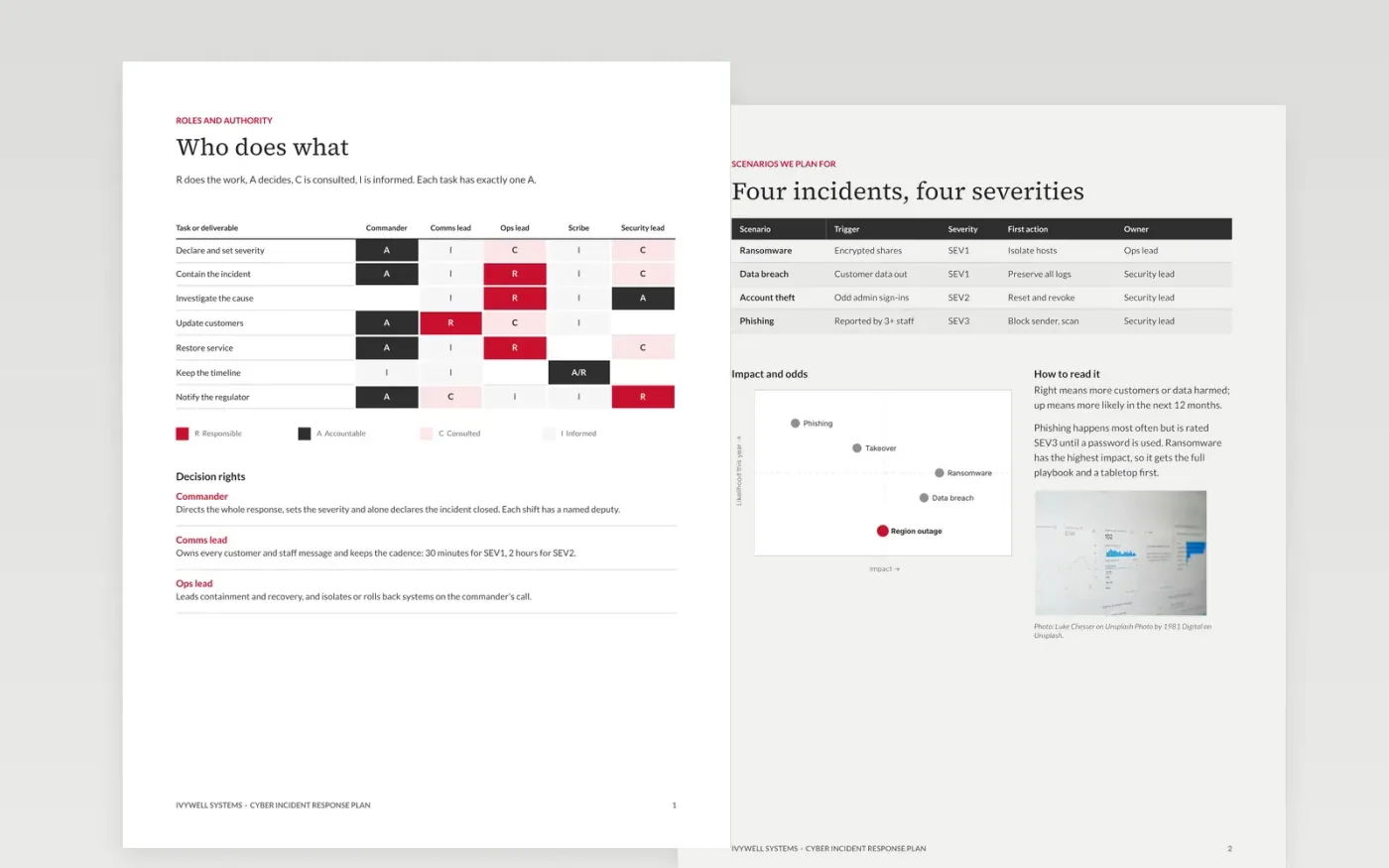
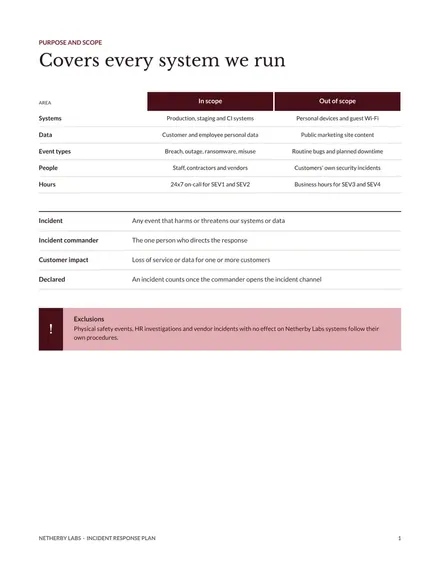
When ransomware hits at 2 a.m., nobody should be deciding who is in charge. This incident response plan template names the roles, the order of response steps, the update cadence and the legal deadlines in eight pages, so responders act in minutes rather than debate.
The sample follows Ivywell Systems, a fictional software company: a RACI matrix, four scenarios, a ransomware playbook, a 72-hour breach notification page, a communication schedule and a tabletop plan. Replace the roles, contacts, deadlines and dates with your own.
Click Make a copy in Google Docs, then confirm on the Google page. The copy is saved to your own Google Drive.
Replace the severity levels, roles and deputies with your own, tying each level to customer impact and data loss.
Add every regulator, customer contract and insurer you must notify, with its deadline and the role that sends the notice.
Rewrite the scenarios and playbook for the incidents you fear, then put the date of your first tabletop on the testing page.
Delete the Make it yours page, then share the plan with your responders and on-call rota.
Yes. Make a copy in Google Docs and edit it as you like. There is no sign-up on this site and no cost.
No. Ivywell Systems, its people, email addresses and every figure are fictional and exist only to show what a finished plan looks like.
No. The 72-hour rule and contract deadlines are examples. Check your own regulators and contracts with counsel before you rely on them.
More Google Docs templatesMore developer workflows templates
Docs + Word8 pages
Free
Docs + Word3 pages
Free
Slides + PowerPoint11 slides
Free









