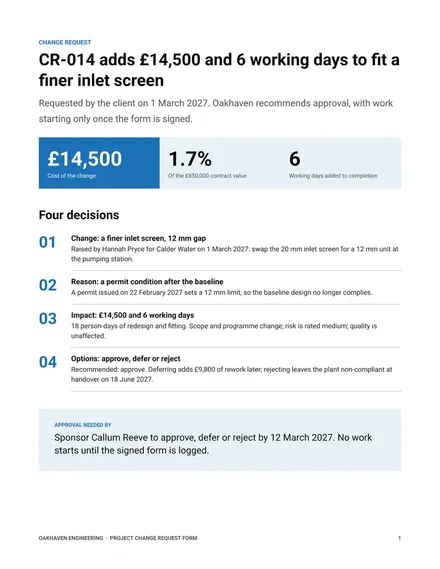
Project Change Request Form
Docs + Word2 pages
Free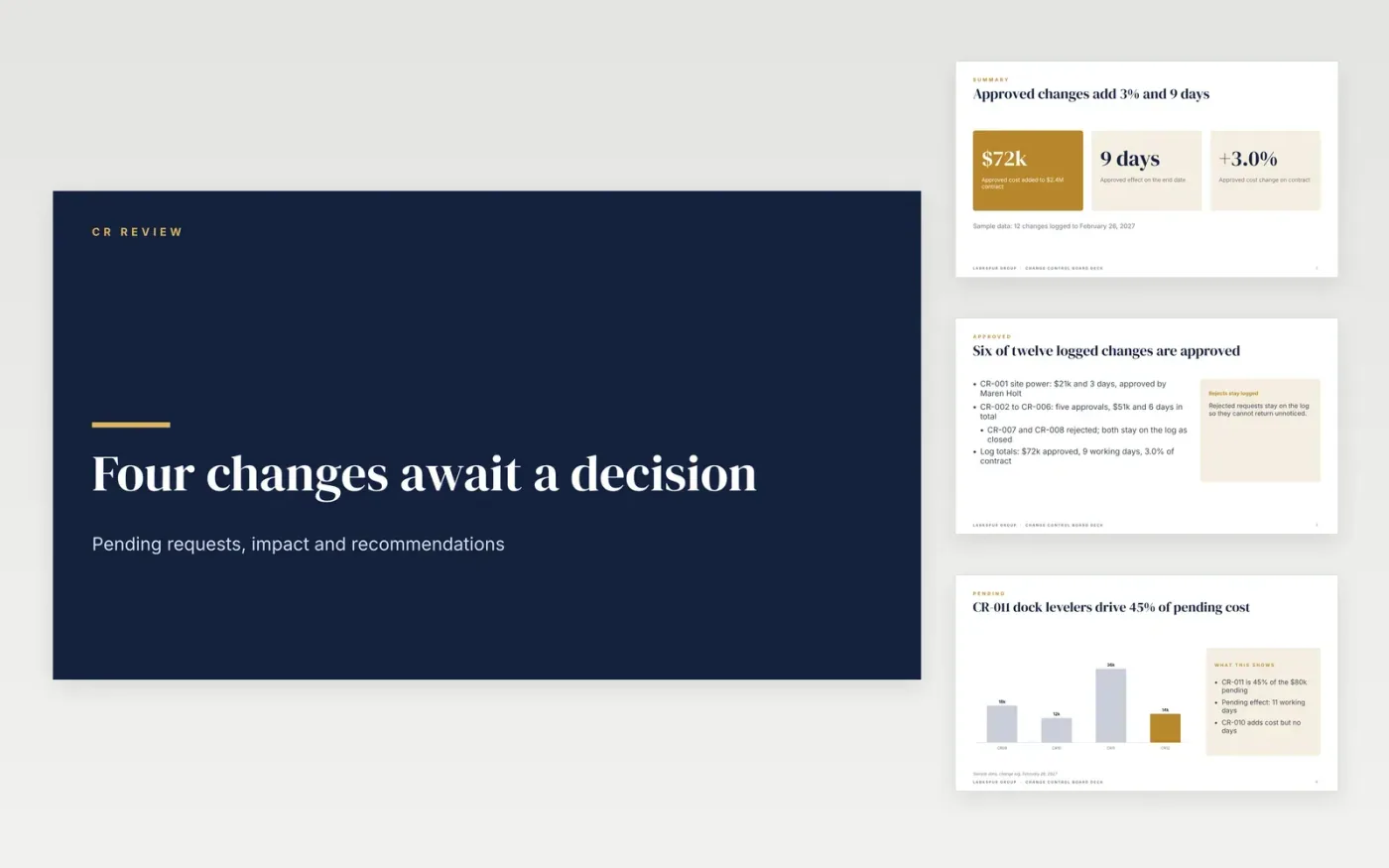
Changes agreed by phone or left off the log cause most of the cost disputes on a project. This Google Slides deck gives a change board one slide for each step of a decision: a summary of the log, the cost and schedule impact of each pending request, the recommendation and the decision. It also works as a change order form or variation order template when a client contract is involved, because every request shows its price and its effect on the end date before anyone approves it.
The sample shows a warehouse fit-out for Larkspur Group: 12 changes logged, six approved for $72k and 9 working days, and four requests still pending at $80k. Replace the figures and request descriptions with your own, keep the reference numbers in order so the log works as a change control log template, and record the approver and decision date for each request.
Click Make a copy in Google Slides, then confirm on the Google page. The copy is saved to your own Google Drive.
Replace the project name, contract value and the four pending requests on slides 2 and 4.
Enter each request in the change log with its reference, cost, days and requester.
Fill the scorecard targets with the limits your contract sets, then mark each status.
Delete the guide slide, then share the deck or present it from Google Slides.
Yes. Copy the deck, replace the sample change requests with your own, and send the log with the decision slide so the client sees the price and the end date impact.
Yes. Use any reference format you like, such as CR-001 or your own contract prefix, and change the units in the impact table to days, dollars or hours.
No. Larkspur Group, its people, the warehouse project, the change requests and every figure are fictional, so replace them with your own before you share the deck.
More Google Slides templatesMore project management templates
Docs + Word2 pages
Free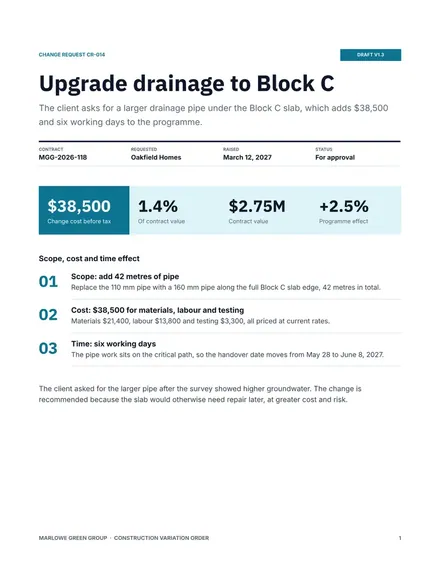
Docs + Word3 pages
Free
Docs + Word5 pages
Free










