
Agency Resource Planning Slides
Slides + PowerPoint11 slides
Free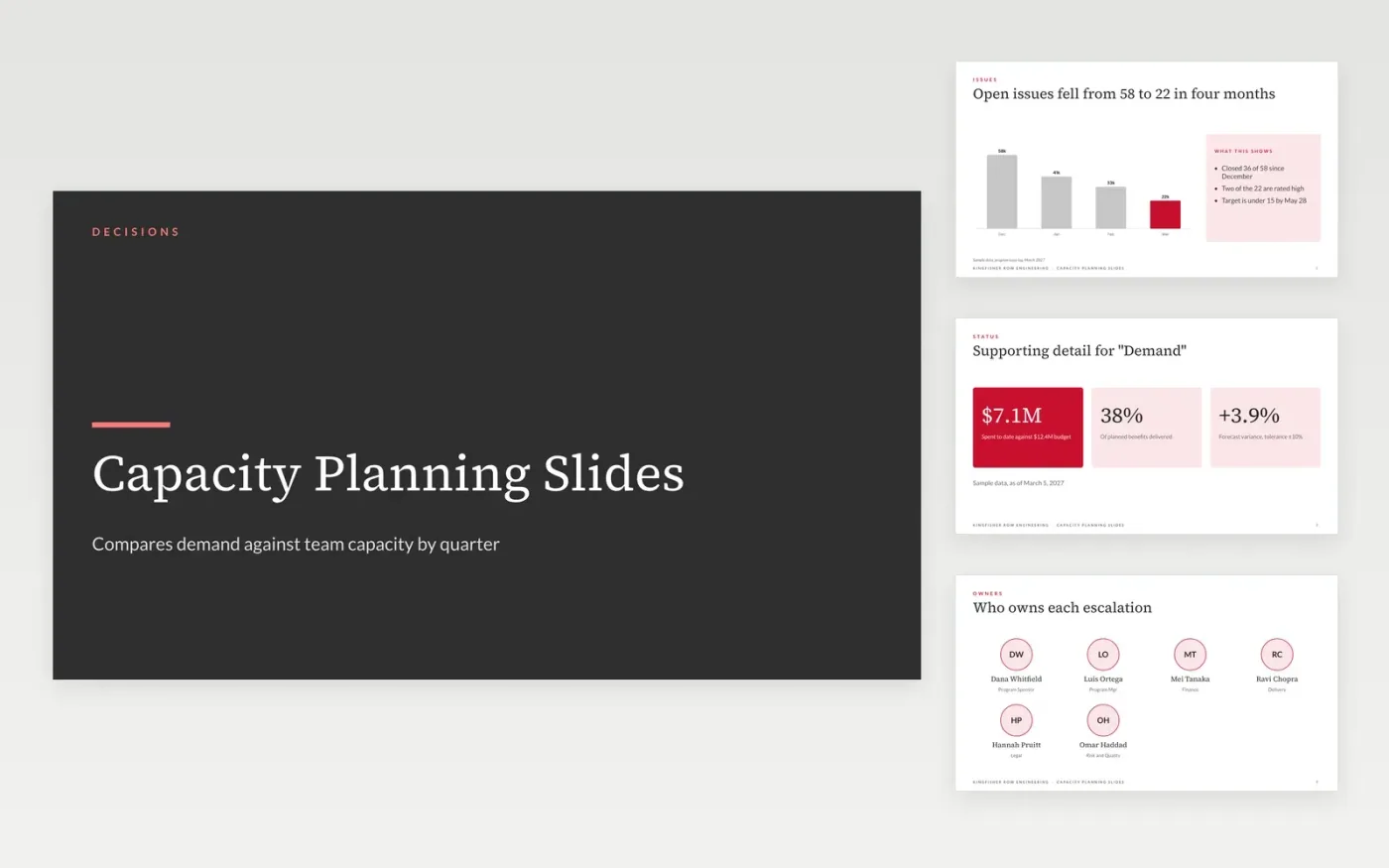
The Capacity Planning Slides template is a ready-made Google Slides presentation for department heads. Compares demand against team capacity by quarter with hiring options. It has 10 designed slides, covering demand, supporting detail for "demand", capacity, supporting detail for "capacity", so you start from a finished layout.
Every slide is filled with sample content for a fictional company, Kingfisher Row Engineering, so you can see how the finished presentation should look. Make your own copy, then replace the sample text, figures and photos with yours. The styles, fonts and layouts stay in place.
Click Make a copy in Google Slides, then confirm on the Google page. The copy is saved to your own Google Drive.
Replace the company name and the cover details with your own.
Work through each slide, replacing the sample text and figures.
Swap the photos and delete any sections you do not need.
Yes. Make a copy in Google Slides and it is yours to edit, with no sign-up here and no cost.
Yes. Everything is built with standard Google Slides styles, so you can change the fonts and layouts as you would in any presentation.
No. Kingfisher Row Engineering and every name and figure are made up for the example. Replace them with your own before you share it.
More Google Slides templatesMore project management templates
Slides + PowerPoint11 slides
Free
Docs + Word7 pages
Free
Docs + Word5 pages
Free










