Access Card Request Letter
Docs + Word2 pages
Free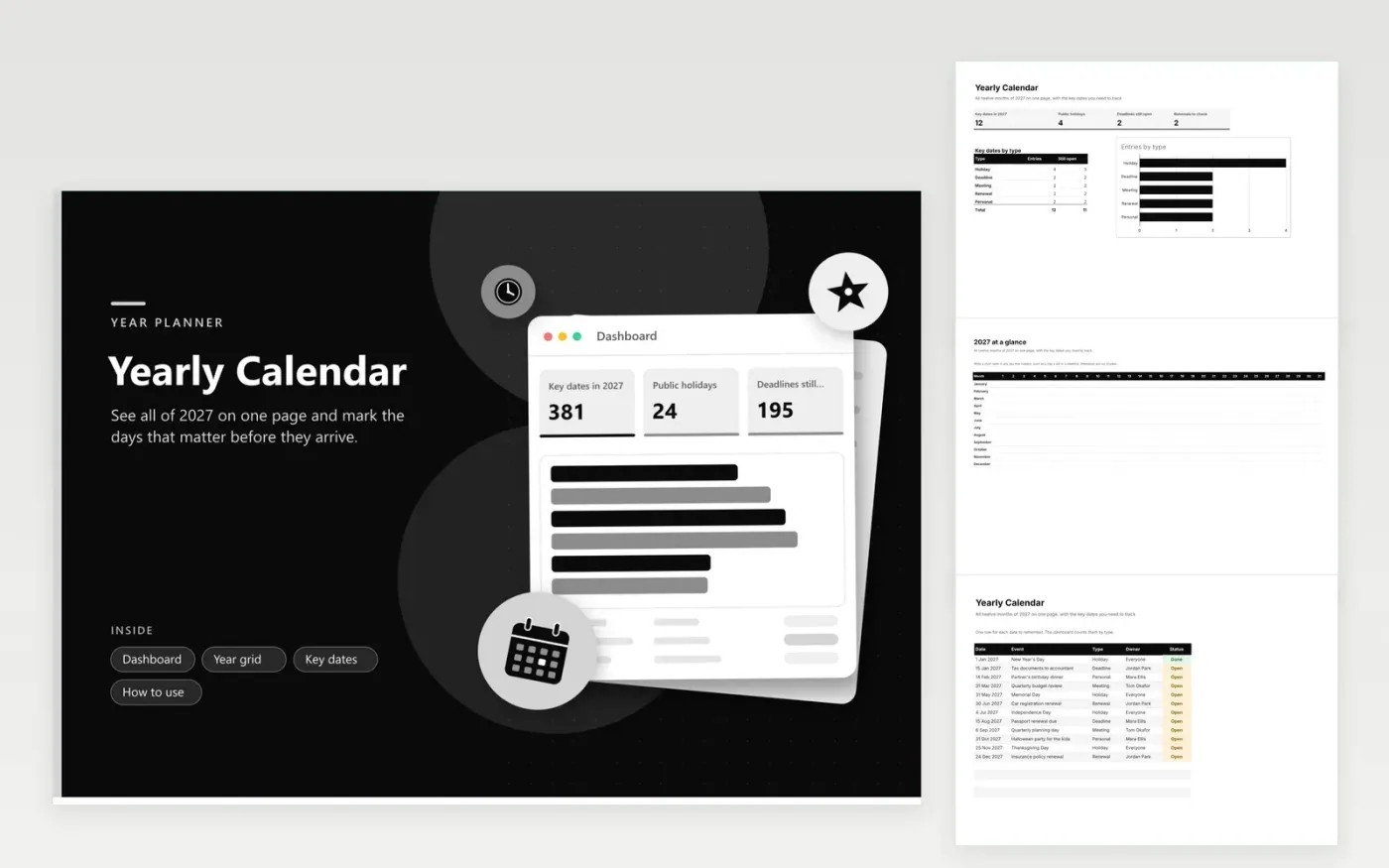
The Yearly Calendar is a one-page workbook for 2027 that shows all twelve months as rows and each day number as a column. Households, small teams and anyone planning their own year can tell at a glance which days are already taken. The Key dates tab holds holidays, deadlines, meetings, renewals and personal dates, each assigned to a person and given a status. The dashboard counts them by type and shows how many deadlines are still open.
Type a short label into any day of the Year grid, such as a trip or a bill due. Keep the Key dates list for anything that needs a named owner or a reminder. Print the grid on one landscape page and pin it up, then switch statuses to Done as dates pass. To roll the file forward to 2028, change the dates on the Key dates tab and leave the month labels as they are.
Click Make a copy in Google Sheets, then confirm on the Google page. The copy is saved to your own Google Drive.
Start on the Year grid tab: replace the sample rows with your own.
Keep the formula columns as they are; they fill in as you type.
Read the How to use tab for tips. For Excel, download the .xlsx file instead.
Type a short label into that day's box on the Year grid tab, such as Dentist or Flight out. If the date needs an owner or a status, add it to the Key dates tab too, because the dashboard only counts rows there.
The grid uses one column for each day number from 1 to 31, so short months leave the last columns empty. Leave those cells blank in February, April, June, September and November. The layout stays the same for every row, which keeps printing simple.
Open the Year grid tab and choose File, then Print. Set the orientation to landscape and fit the sheet to one page wide. Check the preview first, since print settings look slightly different in Google Sheets and Excel.
More Google Sheets templatesMore business operations templates
Docs + Word2 pages
Free
Docs + Word2 pages
Free
Docs + Word2 pages
Free
Docs + Word1 page
Free
Docs + Word11 pages
Free
Docs + Word11 pages
Free
Docs + Word11 pages
Free
Docs + Word11 pages
Free
Docs + Word11 pages
Free
Docs + Word1 page
Free
Docs + Word11 pages
Free
Docs + Word11 pages
Free
Docs + Word1 page
Free
Docs + Word1 page
Free
Docs + Word11 pages
Free