
Structured Interview Guide
Docs + Word6 pages
Free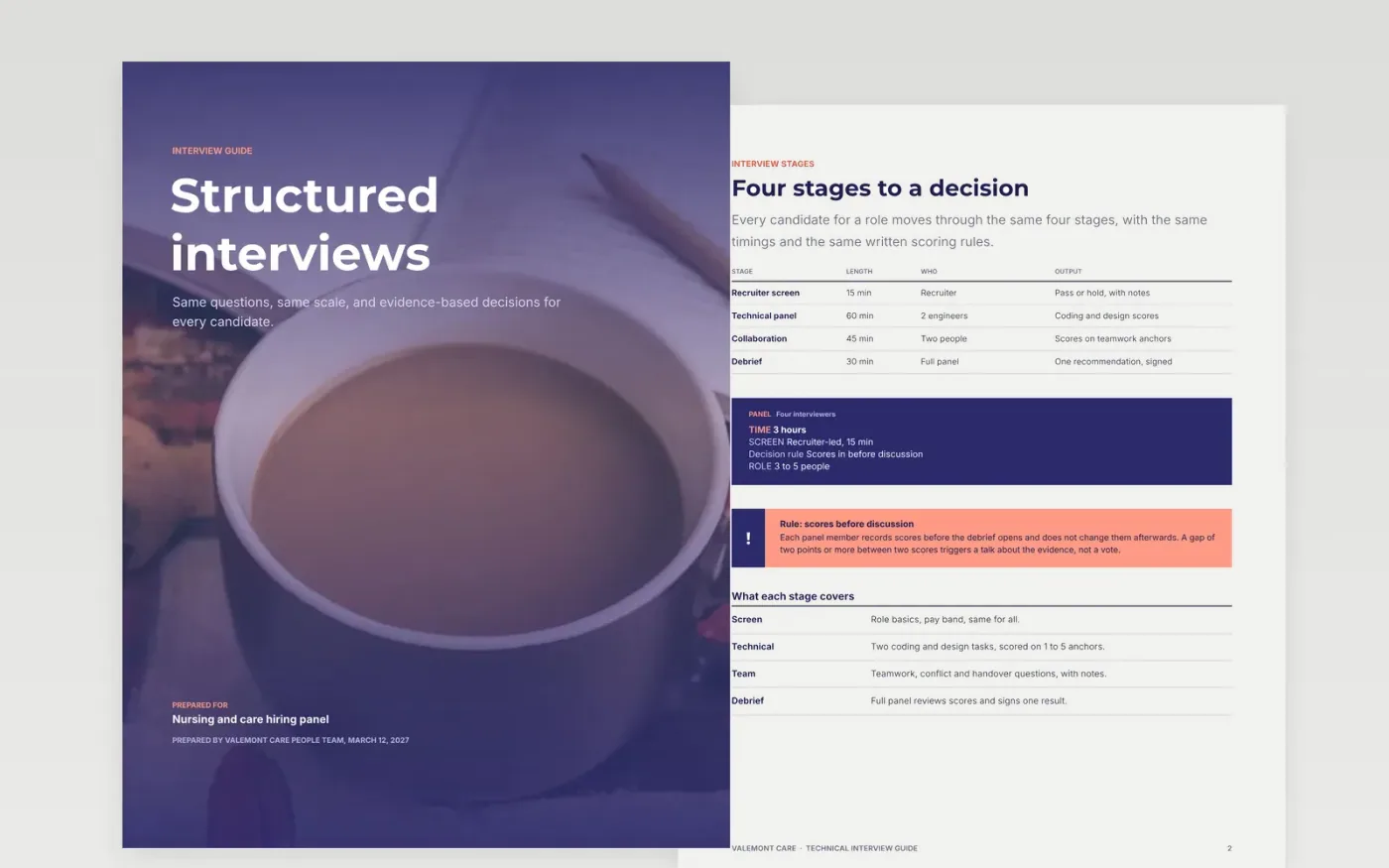
Panels that ask different questions and score on instinct are hard to defend, and they tend to favor whoever interviews best. This guide sets out the four stages of a hiring round, a weighted coding rubric, a system design invitation, a collaboration question set and a debrief review. Every score sits against a written anchor, which makes the decision easier to explain to a candidate or an auditor.
The sample is for a fictional care organization, Valemont Care, hiring a care coordinator. Its panel, weights, dates and team members are invented, and the people are fictional. To use it, replace the criteria with the ones in your job description, rewrite each question so it fits those criteria, and rewrite the anchors with observable examples. Then set the panel rules and delete any section that does not apply to the role.
Click Make a copy in Google Docs, then confirm on the Google page. The copy is saved to your own Google Drive.
Write the role's four to six criteria from the job description, one per row.
Replace the sample questions with behavioral ones that fit those criteria.
Rewrite the one-to-five anchors for each competency with observable examples.
Delete the guide page, then share the guide with your panel or present it in training.
Yes. Click Make a copy and the guide saves to your own Google Drive, where you can change every page. Valemont Care, its people, its roles and its candidates are fictional and are included to show what a finished guide looks like.
Scores given after a group discussion tend to follow the loudest view in the room. Recording each score against the anchors first keeps the independent view on file, so the debrief compares evidence rather than reactions.
Avoid questions about age, family plans, health, religion or other protected characteristics, and check your local equal opportunity rules before using any question. Ask only about the job and the evidence the candidate offers, the same way for everyone.
Docs + Word6 pages
Free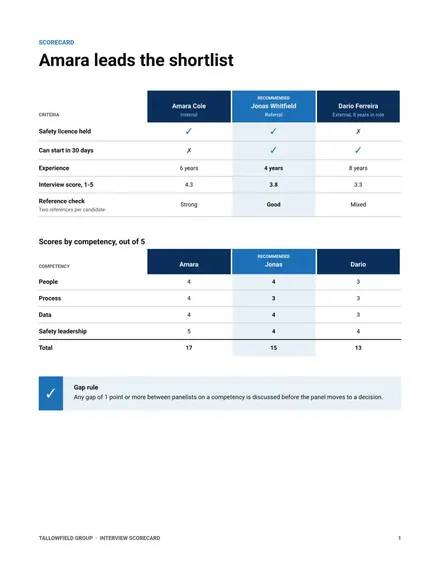
Docs + Word4 pages
Free
Docs + Word6 pages
Free
Slides + PowerPoint12 slides
Free
Docs + Word7 pages
Free
Slides + PowerPoint12 slides
Free
Slides + PowerPoint12 slides
Free










