
Interviewer Training Deck
Slides + PowerPoint12 slides
Free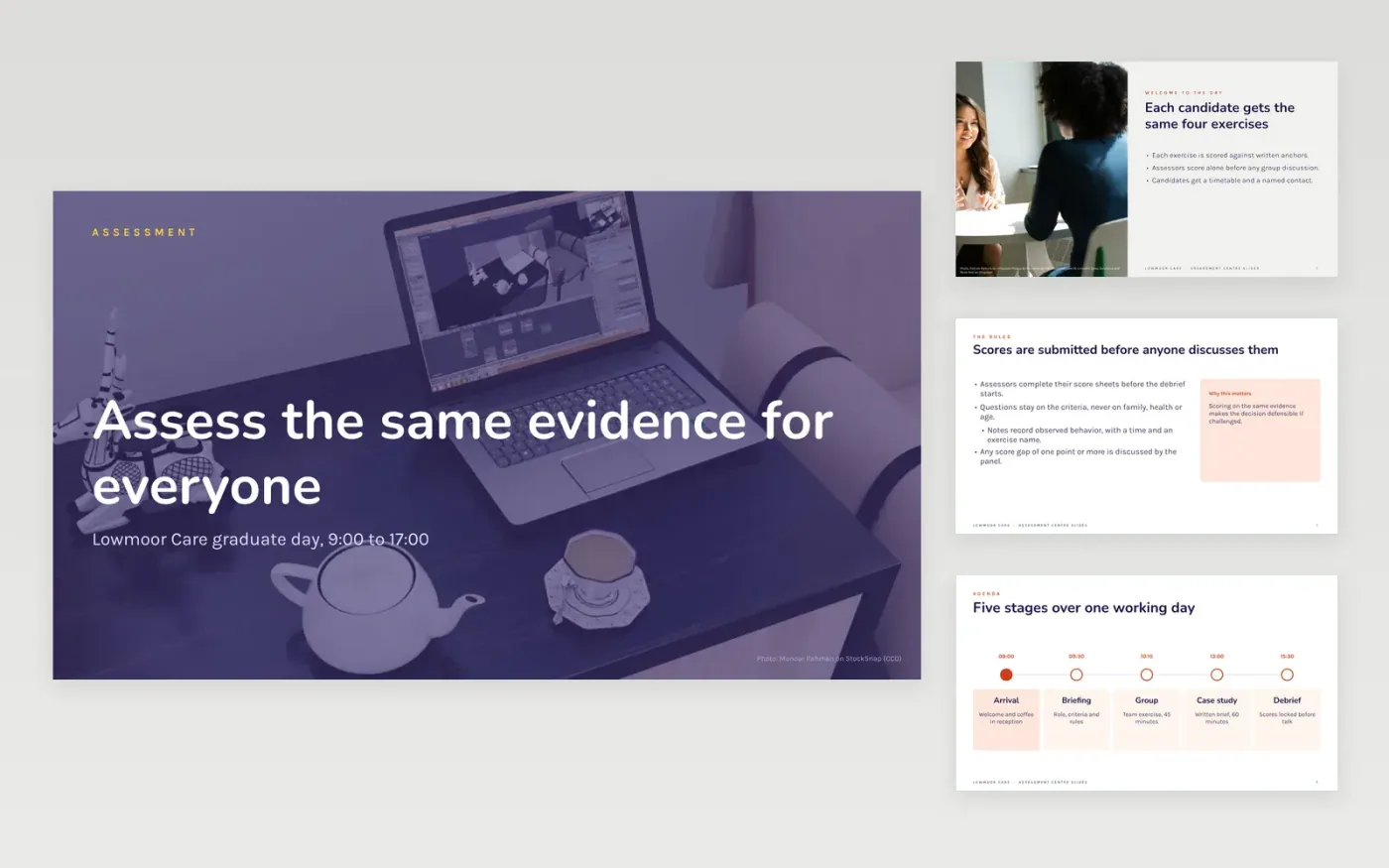
Assessment center days put many candidates through several exercises in one day, and timings slip easily while briefs drift between rooms. This twelve-slide deck gives the lead assessor one shared run sheet: a welcome, the day plan, a group exercise brief, a case study brief and the next steps. Each slide is built to be shown on screen, so every candidate and assessor sees the same timings and instructions.
The sample follows a fictional graduate day at Lowmoor Care, with invented roles, rooms and times. Replace the cover, the schedule and the two exercise briefs with your own, then set the timings and rooms your site uses. Keep the quiz slide to check that candidates understood the brief, and remove any slide your program does not use.
Click Make a copy in Google Slides, then confirm on the Google page. The copy is saved to your own Google Drive.
Set the day's timings, rooms and panel roles on the timeline and roadmap slides.
Rewrite both exercise briefs with the exact task, the time limit and what is scored.
Check each quiz answer against the brief it tests before the first session.
Delete the guide slide, then share or present the deck to your assessors.
No. Lowmoor Care, its recruiters, assessors, candidates, email addresses and times are fictional sample content. Replace them with your own details before you use the deck with real candidates.
Yes, though the structure is built for a day of group and case exercises. Use the scoring rules and question wording for interviews too, and keep questions to job criteria only, never age, family or health.
Have every assessor score alone against the written anchors before any group discussion. Discuss any gap of one point or more as a panel, and record the reason for the final score.
Slides + PowerPoint12 slides
Free
Slides + PowerPoint12 slides
Free
Docs + Word6 pages
Free
Docs + Word7 pages
Free
Docs + Word6 pages
Free
Docs + Word7 pages
Free
Docs + Word4 pages
Free










