
Steering Committee Deck
Slides + PowerPoint11 slides
Free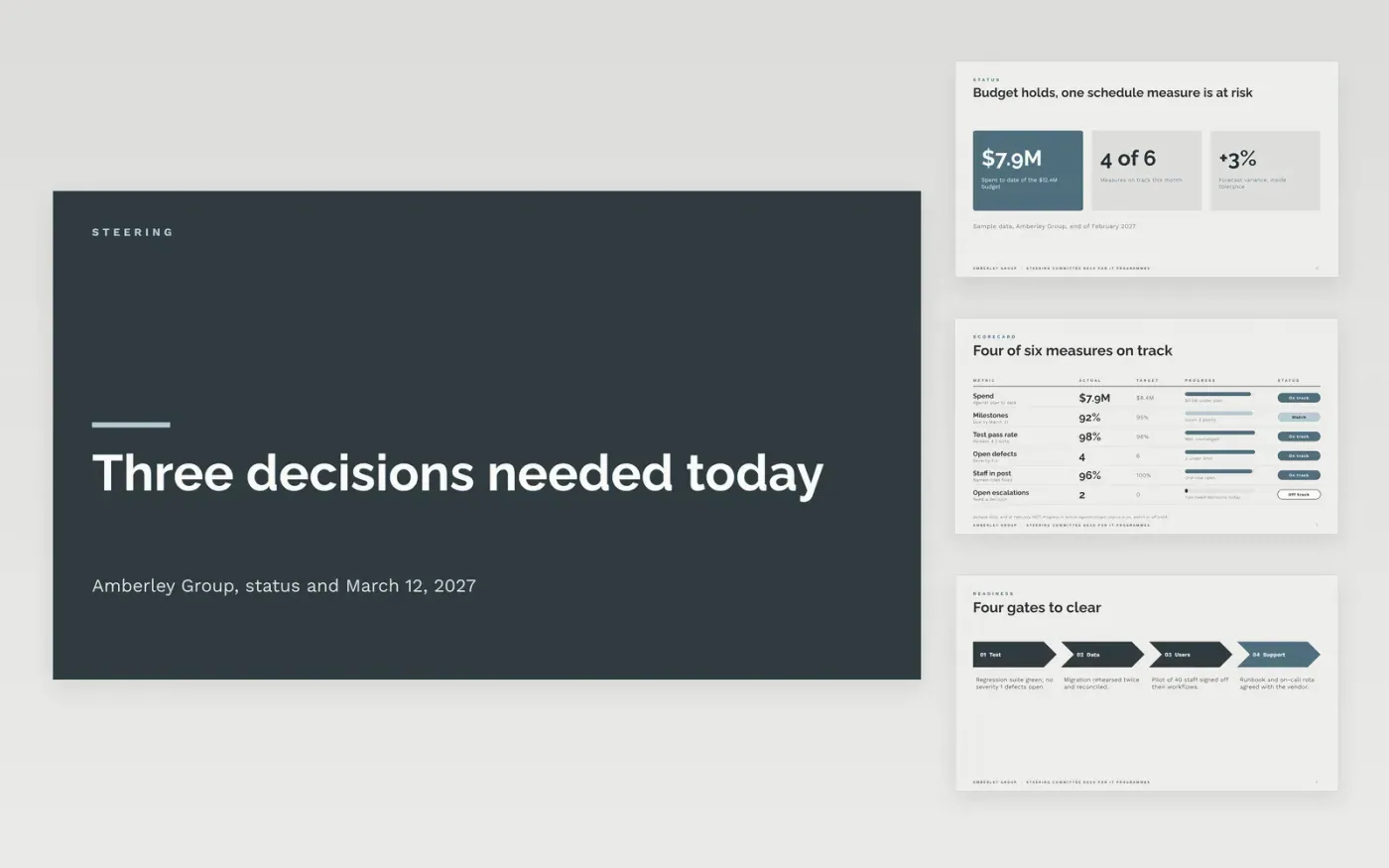
Steering committees often spend their hour on status that members could have read beforehand, then leave without a decision. This deck reverses that order. The decisions page sets out each request with options and a recommendation, and the rest of the pack gives only the evidence the committee needs: status, release readiness, vendors and risks. Status is kept as context, so the time goes to choices only the committee can make.
The sample is for Amberley Group, running a three-project IT program with a $12.4M budget, $7.9M spent to date and a release planned for April. Every name, figure and date is fictional. Replace the decisions, RAG ratings and budget with your own approved figures, and keep the sample data line on any chart until you do.
Click Make a copy in Google Slides, then confirm on the Google page. The copy is saved to your own Google Drive.
Put this meeting's decisions on the decisions page, each with options and your recommendation.
Replace the status page with the RAG for your own workstreams and a short reason for any red or amber.
Enter the approved budget, spend and forecast, and state the variance as a percentage.
Delete the guide slide, then share the deck or present it to members two working days before the meeting.
Yes. Amberley Group, the people named in this deck, the vendors, the budget and every date are fictional. Replace them with your own approved figures before the pack goes to a committee.
Members read the decisions before anything else, and most will not reach the appendix. A pack that opens with status often ends without a decision, so the asks and recommendations come first.
An issue that exceeds agreed tolerance, such as cost more than 10% over plan or a delay of more than four weeks, and needs the committee to act. List each one with an owner and a needed-by date.
More Google Slides templatesMore project management templates
Slides + PowerPoint11 slides
Free
Slides + PowerPoint12 slides
Free
Docs + Word5 pages
Free










