
Integration Guide
Docs + Word7 pages
Free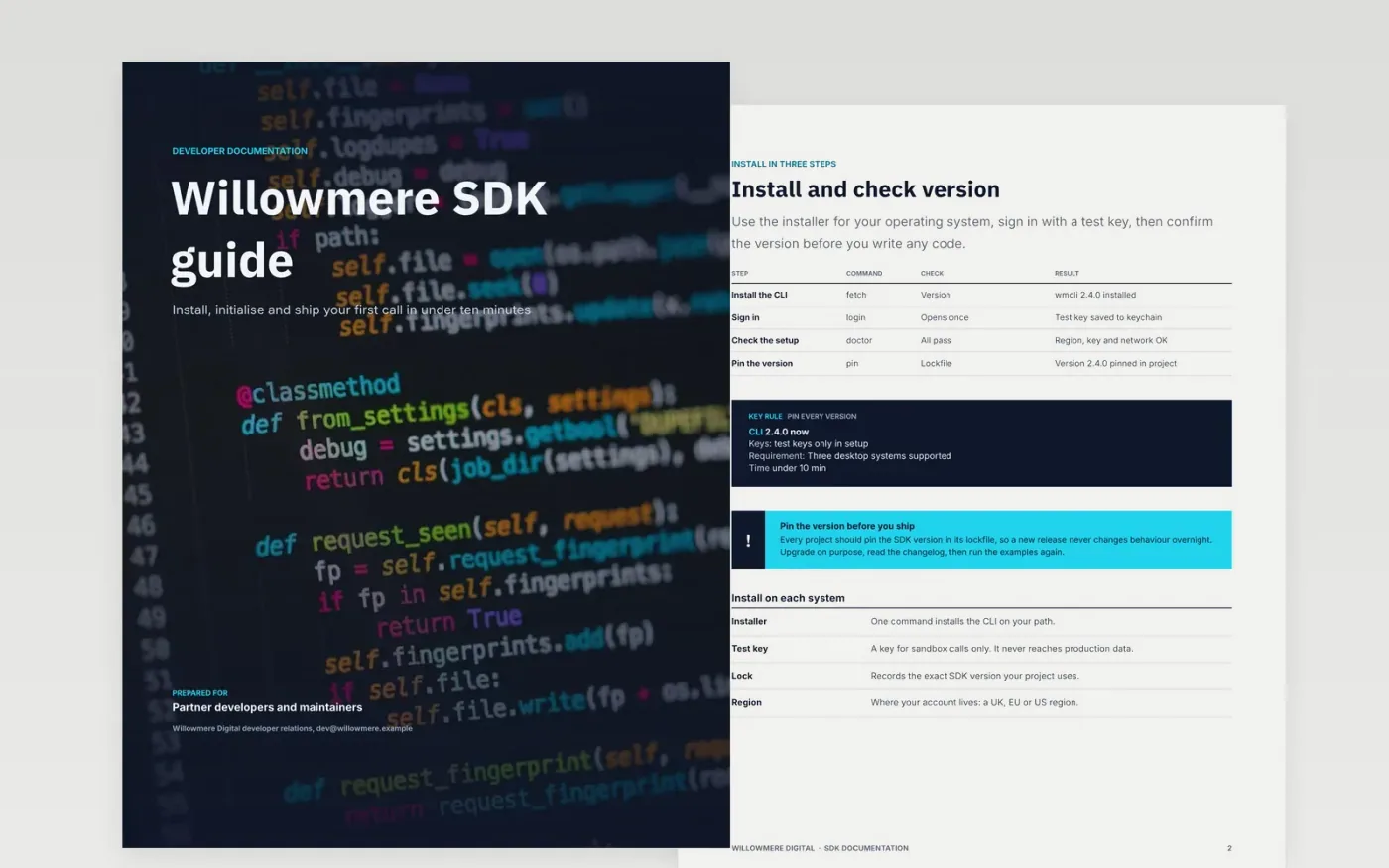
Developers judge an SDK in the first ten minutes. If the install steps assume one operating system, or the examples fail on the current version, they copy from forums instead. This eight-page Google Docs template puts the shortest working path first: install, initialise, a reference page, the call lifecycle, examples, errors and the changelog. Each page has one job, so a reader can find the answer without scanning the whole guide.
The sample is a fictional Willowmere Digital SDK with a command-line installer, a test key, a client reference and a 2.4.0 release. It shows install commands, a parameters table, a call lifecycle and an error register in finished form. Replace the commands, versions and examples with your own, and run every example against the current release before you publish.
Click Make a copy in Google Docs, then confirm on the Google page. The copy is saved to your own Google Drive.
Replace the install commands with your package manager, versions and requirements.
Run every example against the current SDK and paste the real output beside it.
Rewrite the quick start so a new developer reaches a working call with a test key.
Delete the guide page, then publish the pages and name an owner for each one.
Keep the last two major versions until their support end date, and mark the rest as removed. Readers on old versions need to know the end date, so put it on the changelog page.
No. Willowmere Digital, its SDK, the command-line tool, the version numbers, the test key and every figure in this template are fictional sample data. Replace them before you publish.
They can, and that is the best way to keep them current. Until then, run each example by hand against the current release before every publish, and record the version beside it.
More Google Docs templatesMore developer workflows templates
Docs + Word7 pages
Free
Slides + PowerPoint11 slides
Free
Docs + Word7 pages
Free









