
Access Card Request Letter
Docs + Word2 pages
Free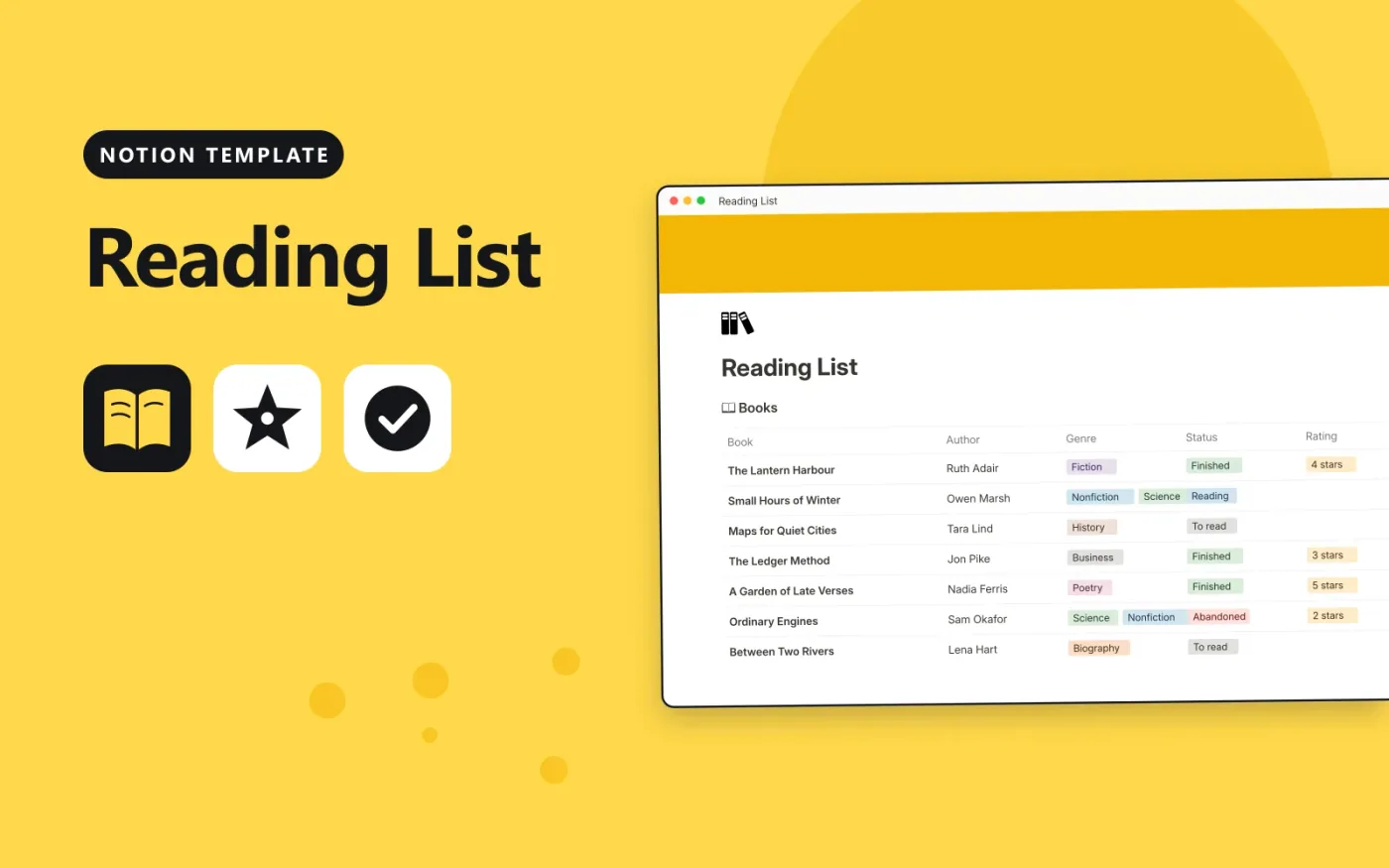
This Notion template keeps your books in one database. Each book has an author, one or more genres, a status, a star rating and a page count. When you add a start and finish date, the Days to read formula works out how many days you spent on the book.
It comes with seven sample books. Replace them with your own list and add a board view grouped by status to see what is on your to-read pile and what you have finished.
Click Duplicate in Notion. The template page opens in Notion.
Click Duplicate at the top right and choose your workspace.
Read the Start here section, then replace the sample entries with your own.
Add a board or calendar view from the + next to the table name if you want one.
Yes. Duplicate it into your own Notion workspace at no cost. The free Notion plan is enough.
It is a formula. It subtracts the Started date from the Finished date and shows the number of days. It stays blank until both dates are filled in.
Yes. Click + next to the Books table name, choose Board and group by Status. The data stays the same.
Docs + Word2 pages
Free
Docs + Word2 pages
Free
Docs + Word2 pages
Free
Notion
Free
Notion
Free
Notion
Free
Notion
Free
Notion
Free
Notion
Free
Notion
Free
Notion
Free










