
Access Card Request Letter
Docs + Word2 pages
Free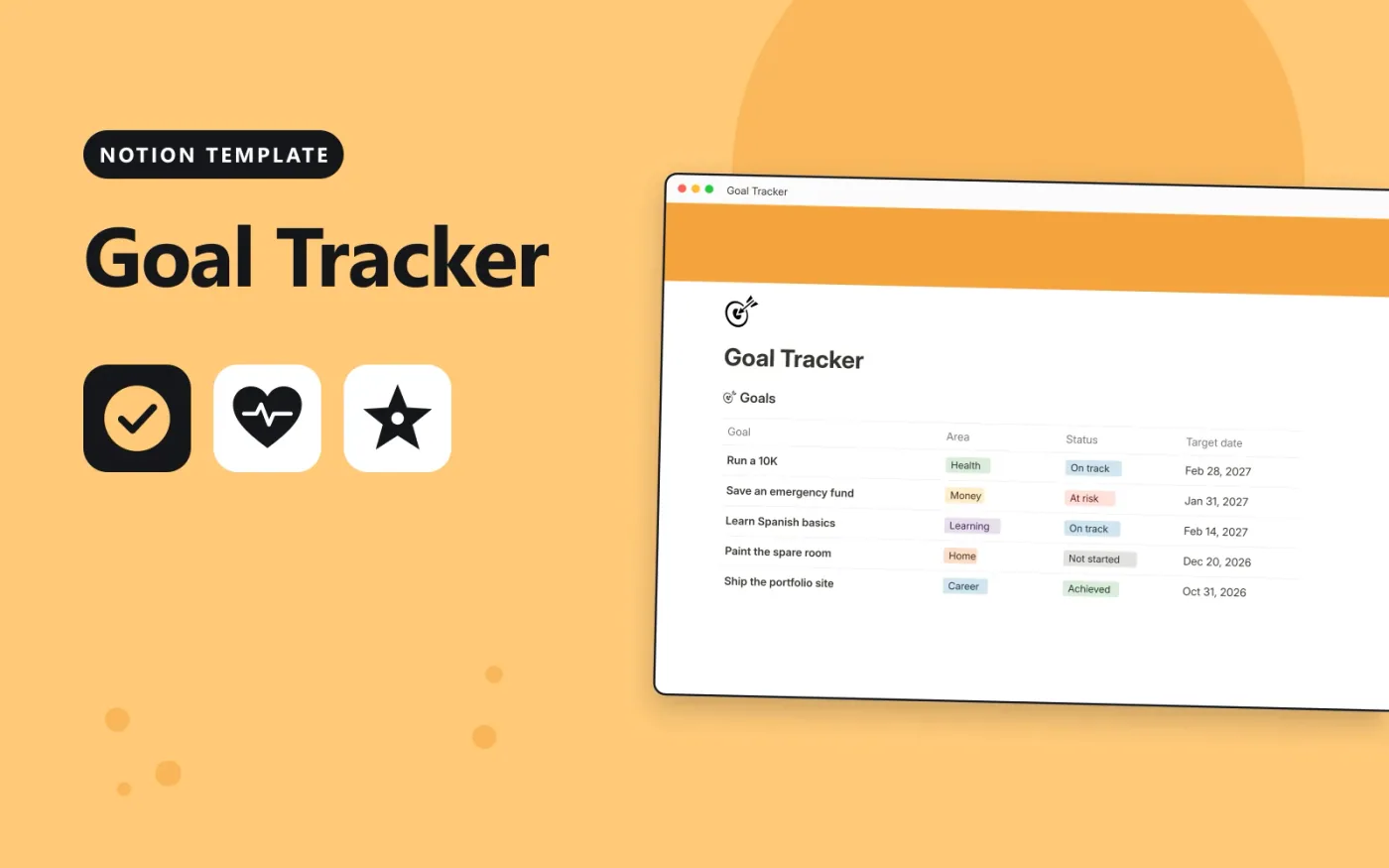
This Notion template has a Goals database and a Milestones database linked together. Each goal has an area, a status and a target date. Its Progress column shows the share of linked milestones that are done, and Days left counts down to the target date.
It comes with five sample goals and their milestones. Duplicate it, replace the samples and add a board view grouped by status to see every goal at once.
Click Duplicate in Notion. The template page opens in Notion.
Click Duplicate at the top right and choose your workspace.
Read the Start here section, then replace the sample entries with your own.
Add a board or calendar view from the + next to the table name if you want one.
Yes. Duplicate it into your own Notion workspace at no cost. The free Notion plan is enough.
Progress is a rollup. It counts the milestones linked to each goal and shows the percentage whose Done box is ticked.
Yes. Click + next to the Goals table name, choose Board and group by Status. The data stays the same.
Docs + Word2 pages
Free
Docs + Word2 pages
Free
Docs + Word2 pages
Free
Notion
Free
Notion
Free
Notion
Free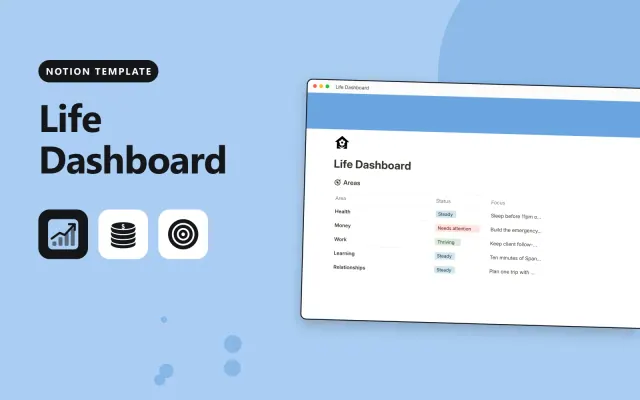
Notion
Free
Notion
Free
Notion
Free
Notion
Free
Notion
Free










