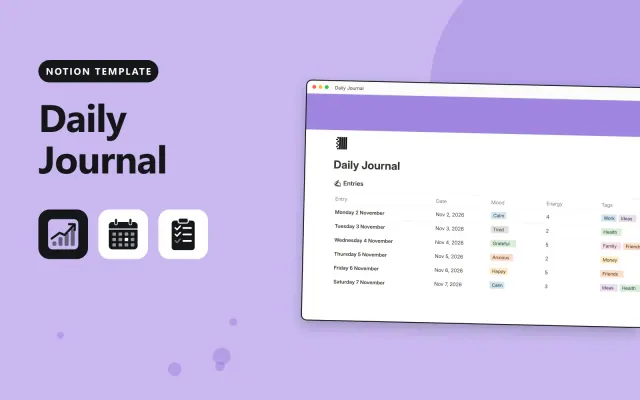
Daily Journal
Notion
Free9 templates
Notion
Free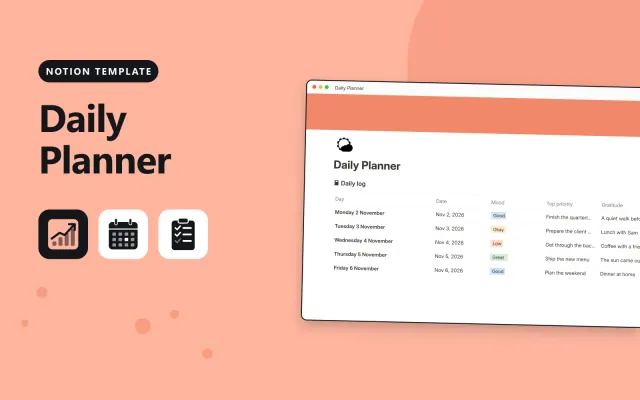
Notion
Free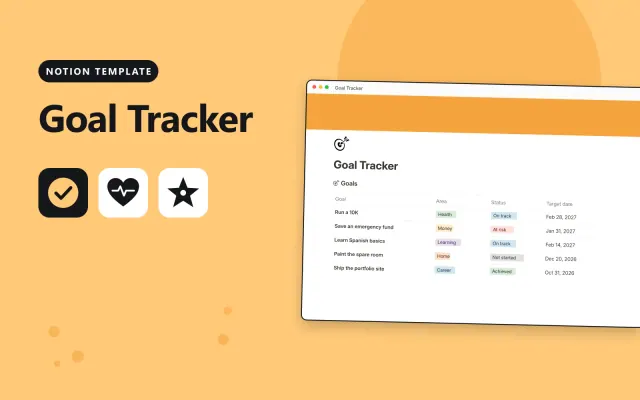
Notion
Free
Notion
Free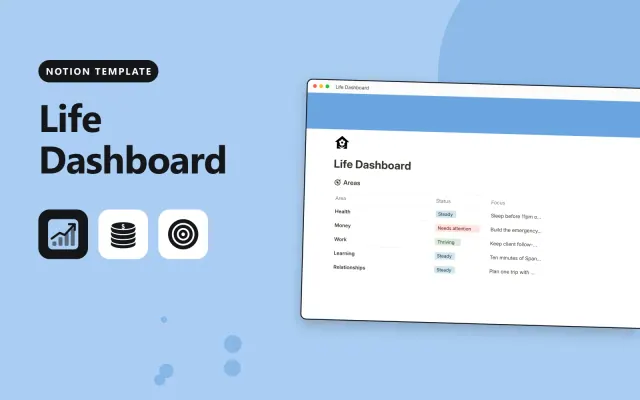
Notion
Free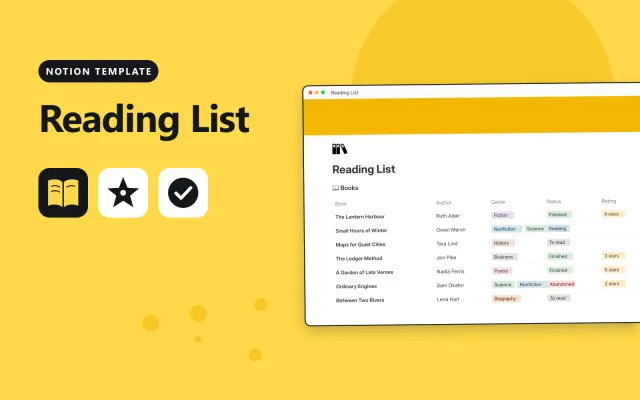
Notion
Free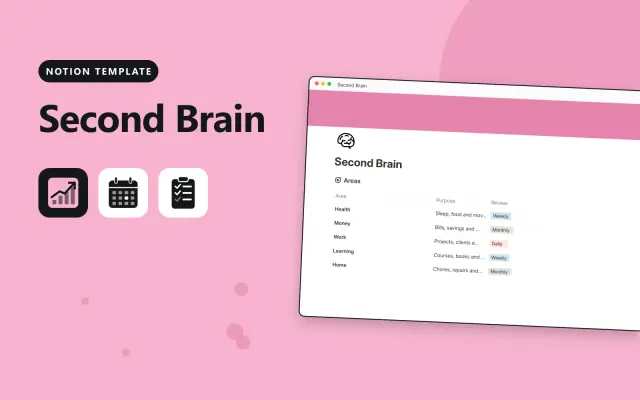
Notion
Free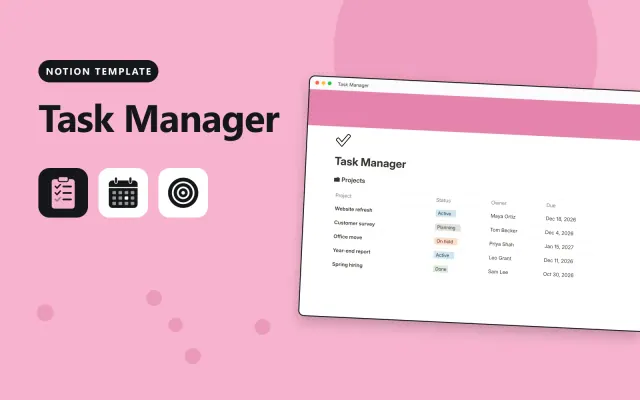
Notion
Free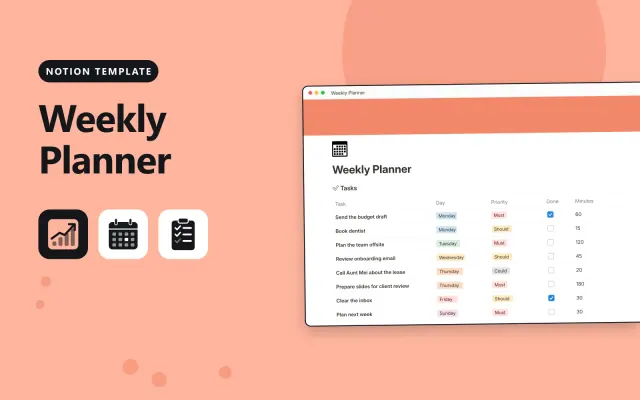
Notion
Free| Daily Journal | Daily Planner | Goal Tracker | Habit Tracker | |
|---|---|---|---|---|
| Format | Workspace | Workspace | Workspace | Workspace |
| Works in | Notion | Notion | Notion | Notion |
| Length | Not listed | Not listed | Not listed | Not listed |
| Style | Not listed | Not listed | Not listed | Not listed |
A Notion productivity template sets up tasks, plans, notes and habits in one workspace, so you can track your day, week and goals in one place. It suits anyone who wants a single system instead of separate apps for lists, calendars and journals.
Cover a start here page, a task database with status and due dates, a weekly and daily planner, habit or goal tracking, a notes or journal section, and sample entries.
Keep the number of databases small, since each one you add is another thing to fill in and maintain.
Compare Daily Journal, Daily Planner, and Goal Tracker, then pick the closest match and replace the sample text with your own.
A Notion productivity template sets up tasks, plans, notes and habits in one workspace, so you can track your day, week and goals in one place. It suits anyone who wants a single system instead of separate apps for lists, calendars and journals.
Include a start here page, a task database with status and due dates, a weekly and daily planner, habit or goal tracking, a notes or journal section, and sample entries. Keep the number of databases small, since each one you add is another thing to fill in and maintain.
Open the template page and select Duplicate. Notion copies the page and its databases into your own workspace, where you can change them without touching the original.
Most productivity templates work on Notion's free plan. Check the template's description for any feature that needs a paid plan before you duplicate it.
Open the database, select the add view button above the table, and choose Board or Calendar. For a board, group by the status property; for a calendar, use the due date property.
Start with Daily Journal: Write a daily journal in Notion with mood, energy and tags, plus prompts for longer reflection. If that is not the right fit, compare it with Daily Planner.
Yes. These notion productivity templates work in Notion. All 9 templates are free, with no account or email needed.