
Annual Report
Docs + Word6 pages
FeaturedFree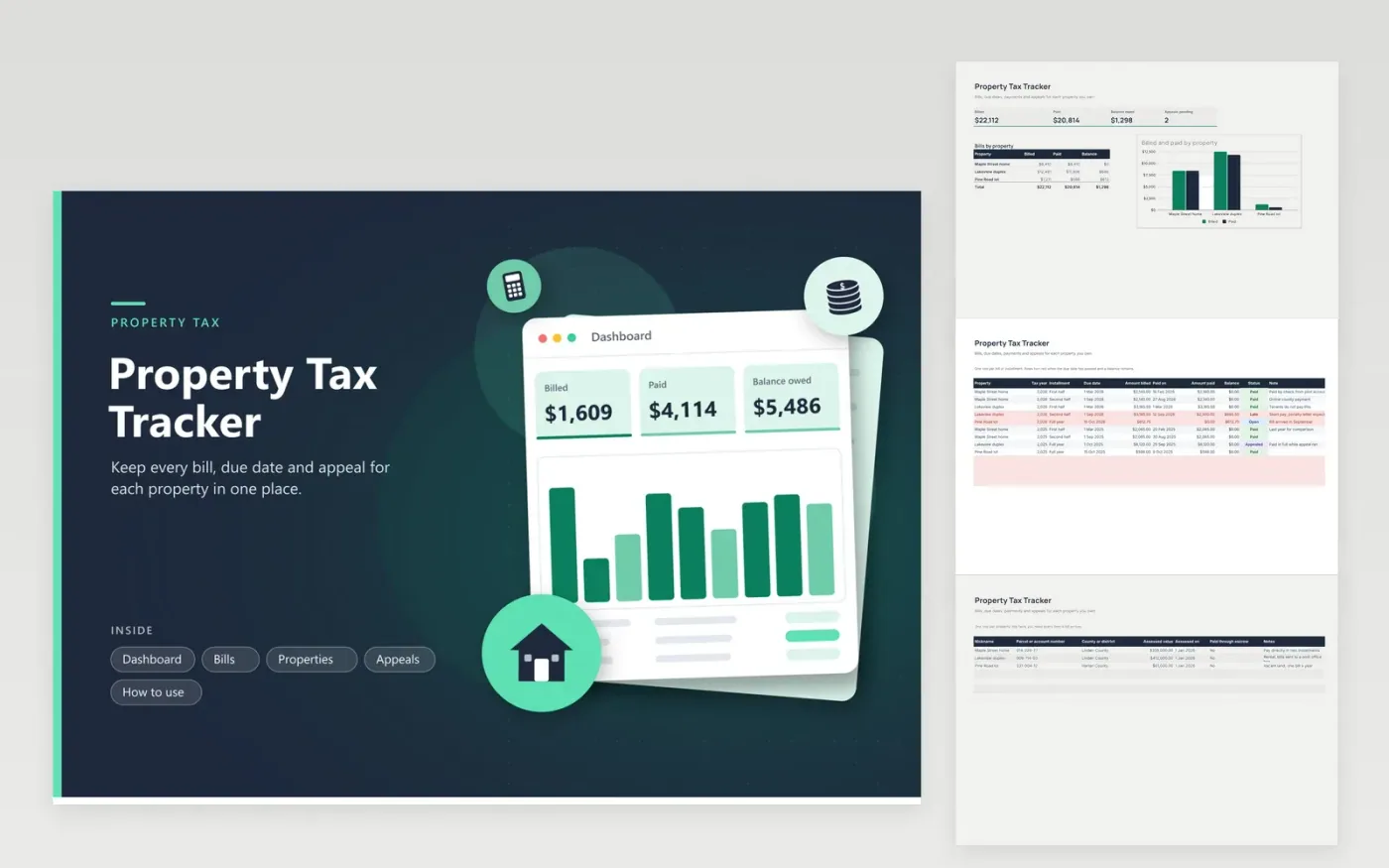
Homeowners, landlords and people who hold land use this property tax tracker to stay ahead of county bills. The Properties tab stores the parcel number, assessed value and whether an escrow account pays the bill. The Bills tab lists each installment with its due date, amount billed, payment and balance. The Appeals tab follows any challenge to an assessment, and the Dashboard compares billed and paid amounts for each property in a chart.
Add a bill the day the notice arrives and write the due date straight away. Late rows glow red, so an unpaid installment is hard to miss. When you appeal, record the value you claim and the hearing date, then set the status after the decision. Keep paid bills for several years so you can compare one year against the next.
Click Make a copy in Google Sheets, then confirm on the Google page. The copy is saved to your own Google Drive.
Start on the Bills tab: replace the sample rows with your own.
Keep the formula columns as they are; they fill in as you type.
Read the How to use tab for tips. For Excel, download the .xlsx file instead.
Add one row per installment on the Bills tab with the amount billed, then enter the date and amount when you pay. The Balance column shows what remains, and the Dashboard adds it up by property.
Mark the property as paid through escrow on the Properties tab and log the bill as you receive it. Match the amount against the lender's yearly statement, since escrow payments can differ from the bill.
Yes. The Appeals tab keeps the filing date, the assessed value, the value you claim, the hearing and the result. The Gap column shows how far apart the two values are.
Docs + Word6 pages
FeaturedFree
Excel
FeaturedFree
Sheets + Excel6 tabs
Free








