
Annual Report
Docs + Word6 pages
FeaturedFree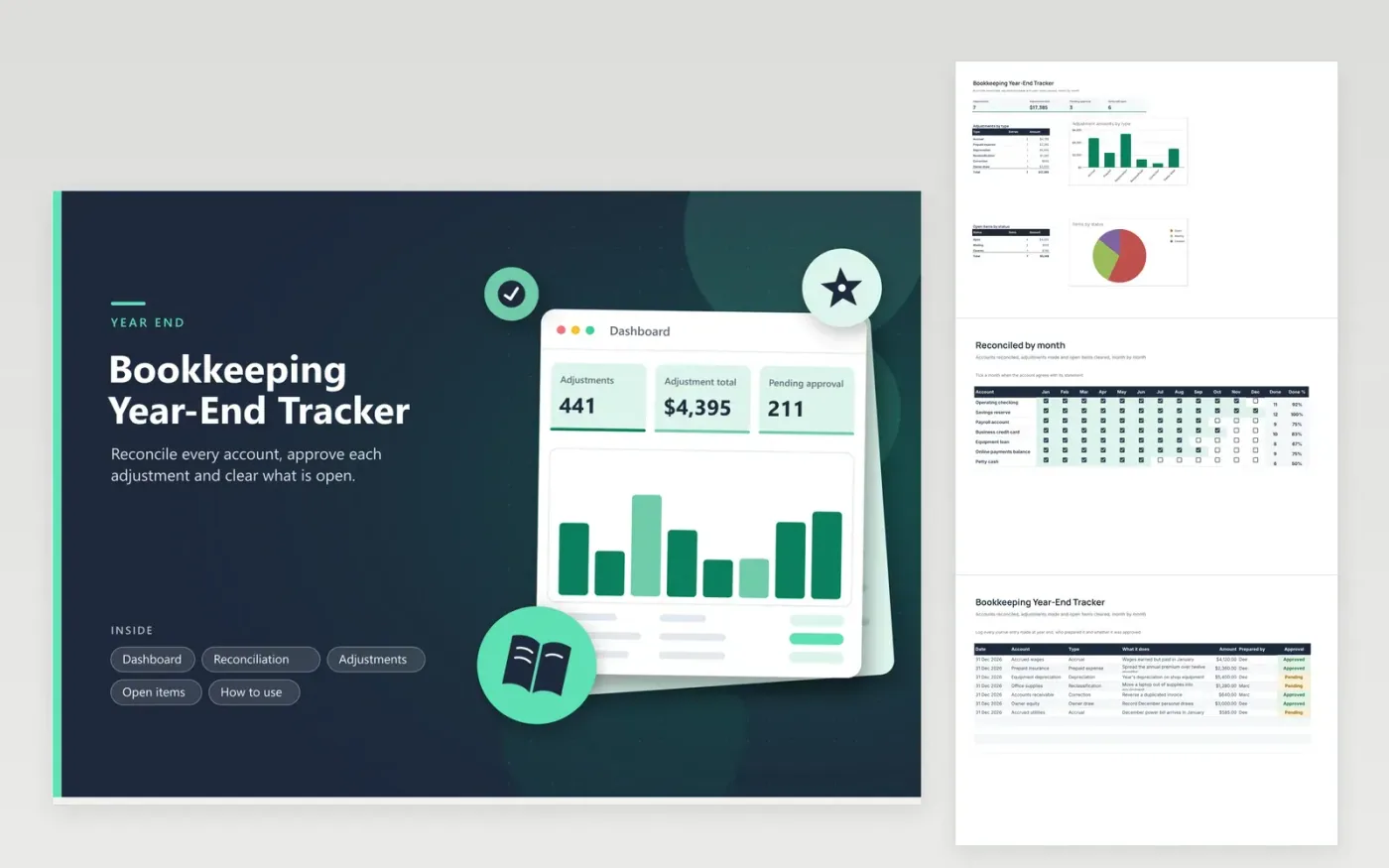
Bookkeepers, small business owners who keep their own books and accountants who close several sets of accounts use this tracker. The Reconciliation tab is a grid of accounts and months with checkboxes and a percent done per account. The Adjustments tab lists journal entries by type with an approval status. The Open items tab lists unresolved questions along with who owns them and when they are due. The Dashboard totals adjustments and counts what is still open.
Set up the accounts on the Reconciliation tab in December or earlier, then tick months as statements are matched. Work backward from the oldest unticked month, since an old gap hides problems in every later month. Record each adjusting entry as you make it and get a second person to approve it where you can. Lock the books once the Open items tab is empty.
Click Make a copy in Google Sheets, then confirm on the Google page. The copy is saved to your own Google Drive.
Start on the Reconciliation tab: replace the sample rows with your own.
Keep the formula columns as they are; they fill in as you type.
Read the How to use tab for tips. For Excel, download the .xlsx file instead.
Reconcile every bank, card and loan account, record accruals and prepaid items, review unpaid and unmatched items, and get entries approved. Use the three working tabs here to see where you stand.
It is a journal entry made at the end of a period to record costs or income in the right period, such as wages earned but not yet paid. The Adjustments tab groups them by type so you can total each kind.
Add each one to the Open items tab with the month, an owner and a deadline. Set the status to Waiting if you need something from another person and Cleared once it is resolved.
Docs + Word6 pages
FeaturedFree
Excel
FeaturedFree
Sheets + Excel5 tabs
Free








