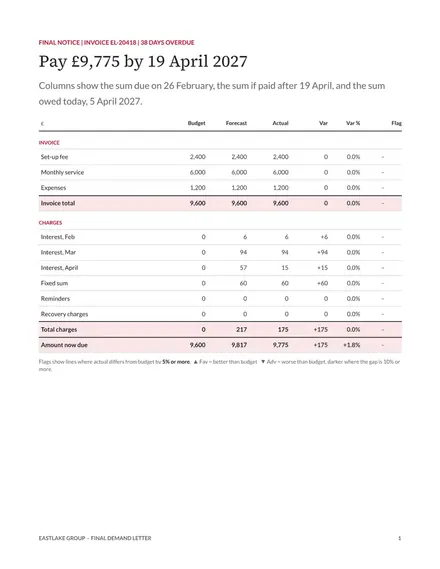
Final Demand Letter
Docs + Word4 pages
Free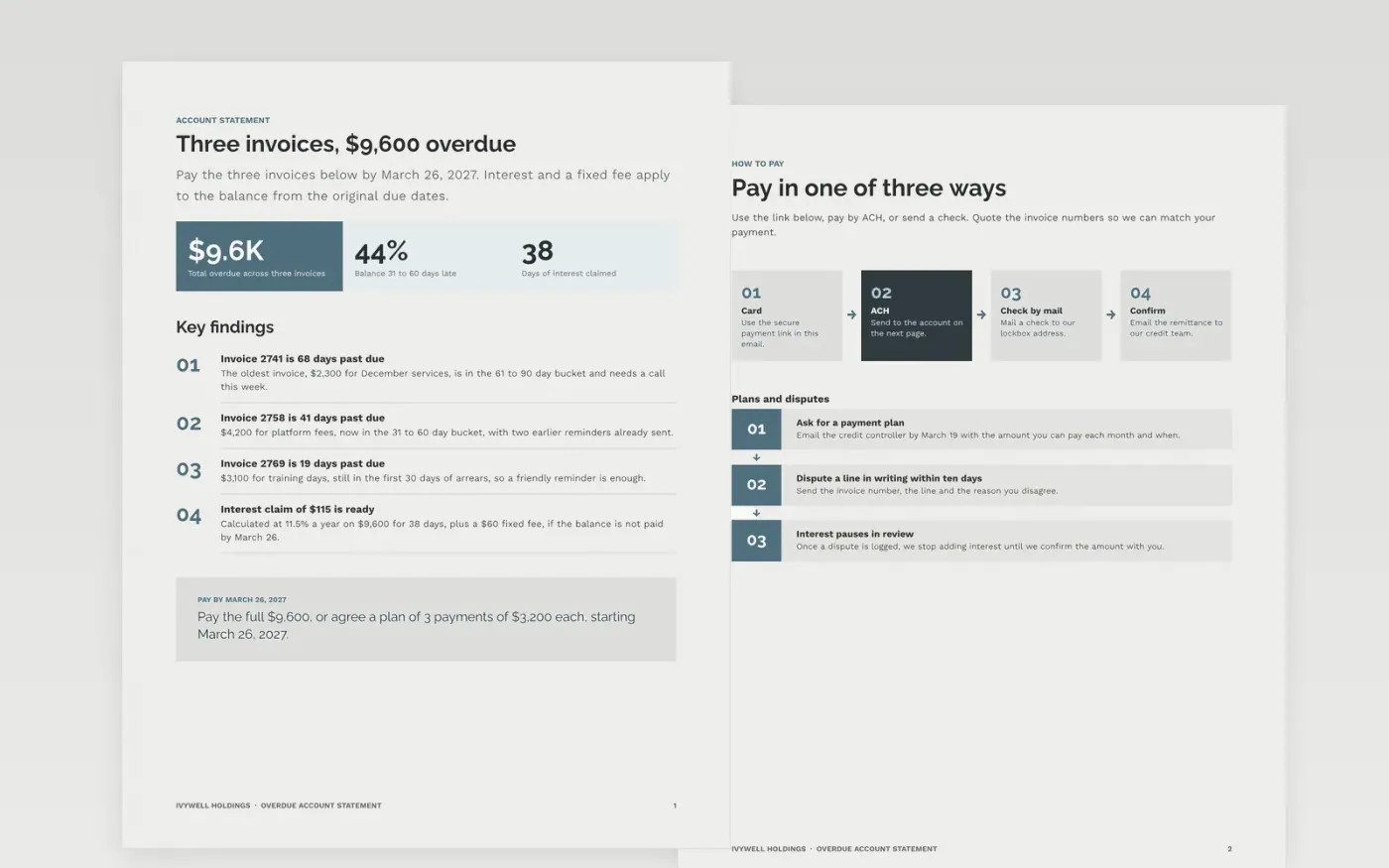
Chasing a late customer is faster when every open invoice, its age and the amount due appear on one page. This Google Docs statement goes out with a reminder and runs in three pages: the account with its open invoices and ageing buckets, a how-to-pay page with the options and a dispute route, and a guide for adapting the wording. Each figure ties to the one above it, so the customer can check the total quickly.
The sample is for Ivywell Holdings, a fictional holding company, chasing a customer for $9,600 across three overdue invoices. Its invoice numbers, ageing split, interest calculation and contact details are sample data. Replace the customer, the invoices and the dates first, then recalculate interest on the real days late before you send the statement.
Click Make a copy in Google Docs, then confirm on the Google page. The copy is saved to your own Google Drive.
Choose the reminder stage you need, then delete the other letter variants.
Enter each invoice number, date, amount and days overdue as it appears on your ledger.
Recalculate interest on the actual days late and show the rate and basis in the letter.
Delete the guide page, then send the statement with the reminder to the accounts contact.
No. Ivywell Holdings, the customer, invoice numbers, dates, amounts, ageing figures and interest are fictional sample data. Replace each one from your own ledger before you send the statement.
Only where your contract or the law allows it. Show the rate, the number of days and the basis for each figure, as in the interest claim on the first page. Check the rules for your state before you add them.
Many credit teams send a reminder at 7 days late, a firmer one at 30 days, and a final notice before any legal step. Keep a dated copy of each one, because the record is what makes interest defensible.
Docs + Word4 pages
Free
Docs + Word4 pages
Free
Docs + Word4 pages
Free
Slides + PowerPoint11 slides
Free
Docs + Word3 pages
Free
Docs + Word3 pages
Free
Docs + Word3 pages
Free










