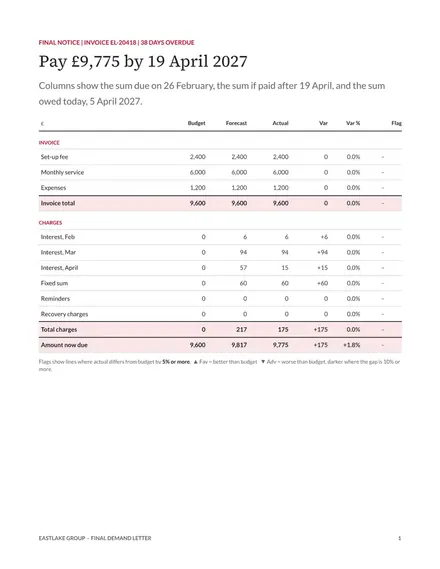
Final Demand Letter
Docs + Word4 pages
Free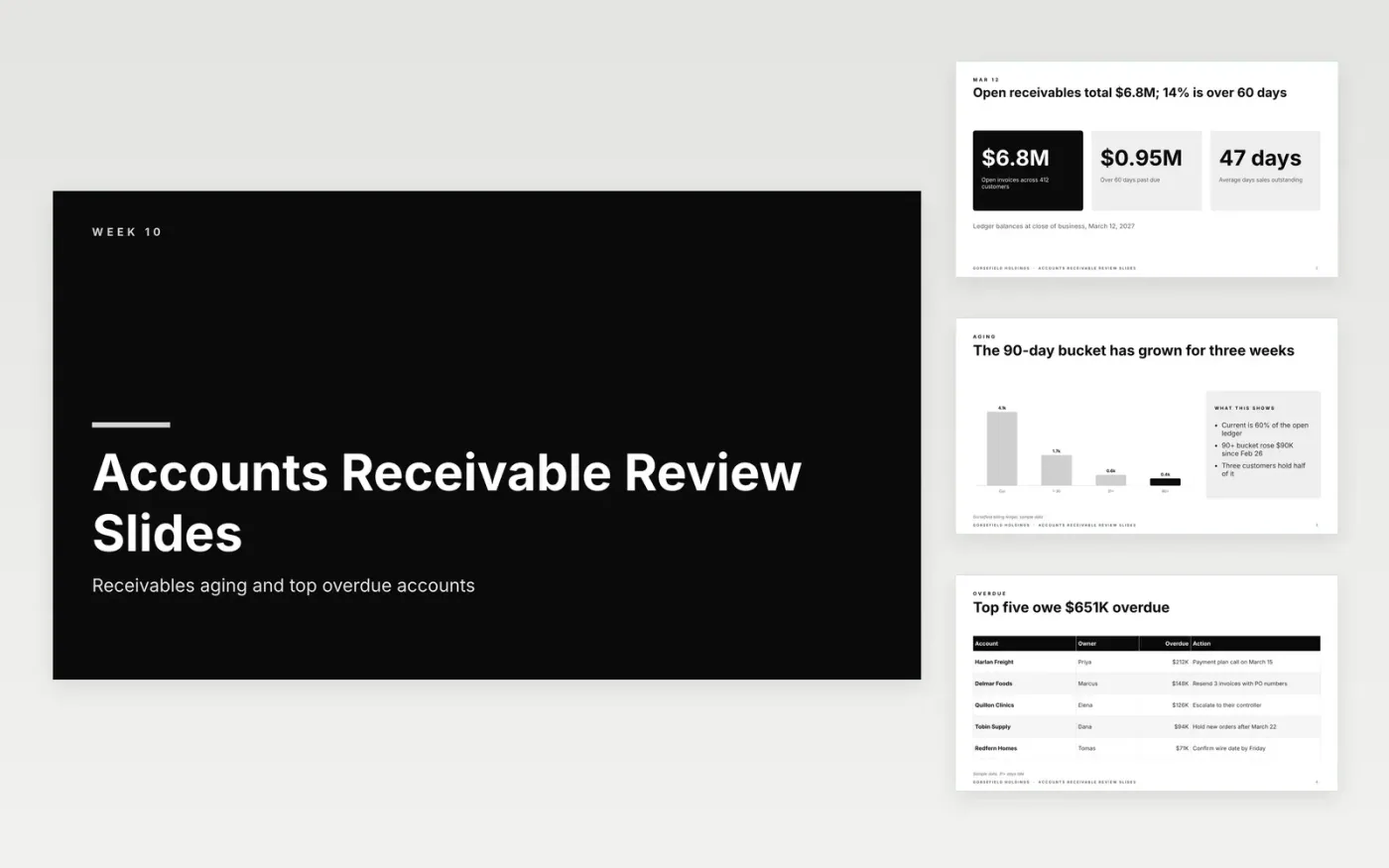
Controllers and finance managers present this deck at a weekly collections meeting. The sample is a week 10 review for a company with $6.8 million open, 14 percent of it beyond 60 days, and 47 days of average sales outstanding. It charts balances by aging bucket, names the five biggest overdue accounts with an owner and next step for each, holds $410,000 in disputes and shows how collecting the top five would shorten the collection period.
Replace the sample ledger with your own balances as of the close of business, and state that date on the opening slide. Put an owner and a date beside each big account, as the sample does. Use the aging chart to show direction, not just the latest figure, and keep the cash slide to amounts you can realistically expect.
Click Make a copy in Google Slides, then confirm on the Google page. The copy is saved to your own Google Drive.
Start by entering your company name and the reporting week on the cover.
Paste your aging report totals into the summary, then list the largest overdue balances by customer.
Delete the dispute slide if no invoices are contested this week.
Open with total receivables and the share older than 60 days. Show the aging chart, then list the largest overdue accounts with a next step and an owner. Include disputes, since disputed amounts cannot be collected yet. Close with the cash expected to come in and a target for days sales outstanding.
Days sales outstanding estimates how long, on average, customers take to pay after a sale. One common method divides accounts receivable by credit sales and multiplies by the days in the period. A falling figure means cash is arriving faster. Track it weekly next to the aging buckets.
Send a clear reminder listing each unpaid invoice and amount, then call the customer’s payables contact. Resend any invoice missing a purchase order number, since that is a common hold-up. Offer a payment plan where it makes sense, and go to the customer’s controller only after earlier steps fail.
Docs + Word4 pages
Free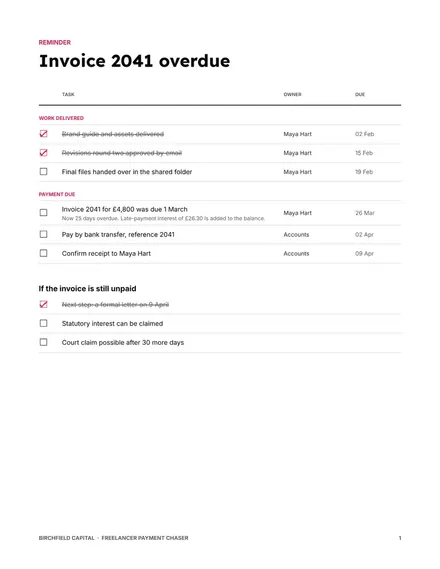
Docs + Word4 pages
Free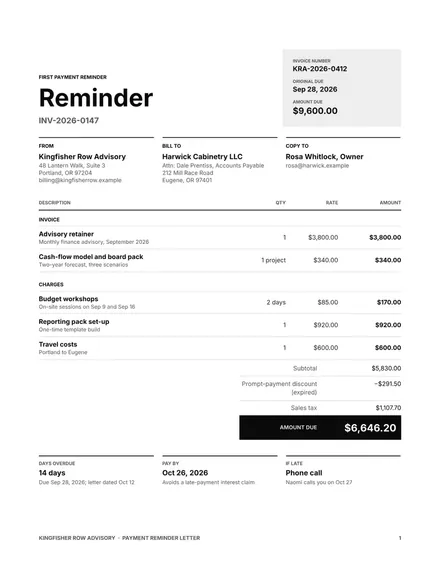
Docs + Word4 pages
Free
Docs + Word3 pages
Free
Docs + Word3 pages
Free
Docs + Word3 pages
Free
Docs + Word3 pages
Free










