Finance Policies and Procedures Manual
Docs + Word8 pages
Free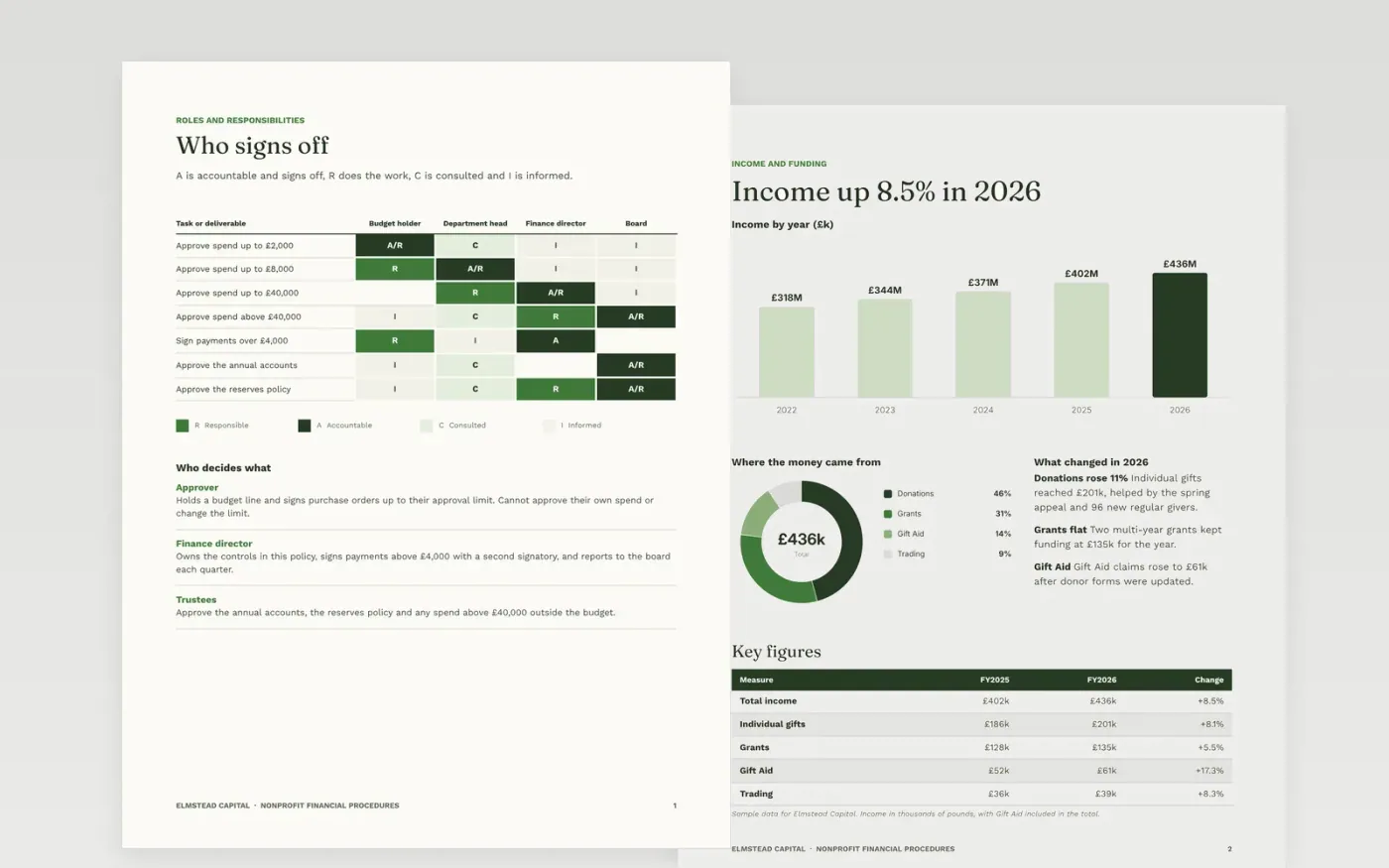
Charities need one place that explains who can approve what, how payments are made and how the books are closed. This template gives you eight pages for that job: roles with a RACI matrix, income, restricted funds, payments, reserves, reporting and a make it yours guide. Each statement carries its limit or deadline, so budget holders and auditors can test it without guessing.
The sample is written for the fictional Elmstead Capital, a charity with example figures for income, a restricted funds statement, a variance table and a service scorecard. The numbers are internally consistent, so you can see how a finished manual adds up. Replace the names, limits, dates and figures with your own, set a review date and an owner, then delete the guide page.
Click Make a copy in Google Docs, then confirm on the Google page. The copy is saved to your own Google Drive.
Replace the Elmstead Capital name, the document control details and the approval limits with your own.
Work through the roles, income, funds, payments, reserves and reporting pages, updating every figure and cause.
Delete the guide page, check that every total still adds up, then share the manual with trustees and staff.
Yes. Click Make a copy in Google Docs and the file is saved to your own Google Drive, with no sign-up and no charge.
Yes. Delete the restricted funds and reserves sections, or leave them blank, and keep the roles, payments and close pages, which apply to every charity.
No. Elmstead Capital, its people, its email addresses and every figure are fictional sample data. Replace them with your own before you adopt the policy.
Docs + Word8 pages
Free
Docs + Word6 pages
Free
Excel
Free








