Access Card Request Letter
Docs + Word2 pages
Free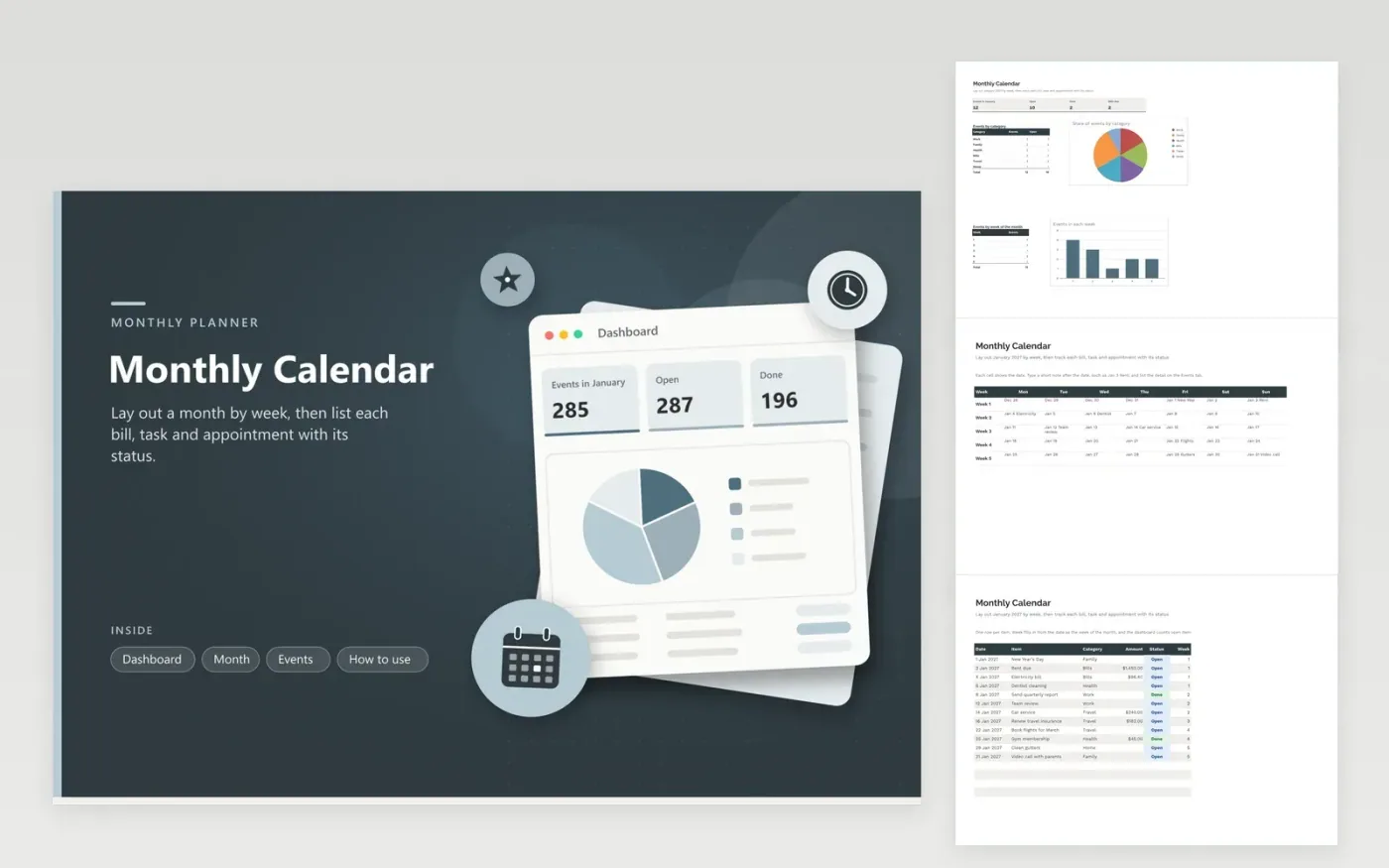
The monthly calendar is for households and freelancers who want one page for a month of bills, tasks and appointments. The Month tab is a five-week grid from Monday to Sunday with the date in each cell, so you can write a short note beside any day. The Events tab logs every item along with its date, category, amount, status and a week number worked out from the date, and the dashboard counts events by category and by week.
The sample file covers January 2027 with twelve items, from rent and an electricity bill to a gym membership and a car service. Replace these with your own, then mark each item Done as you finish it. Check the week chart at the start of each Sunday, because a busy week often needs a short plan before it begins.
Click Make a copy in Google Sheets, then confirm on the Google page. The copy is saved to your own Google Drive.
Start on the Month tab: replace the sample rows with your own.
Keep the formula columns as they are; they fill in as you type.
Read the How to use tab for tips. For Excel, download the .xlsx file instead.
Change the dates on the Events tab and retype the dates in the Month grid. The week column recalculates from each date, so only the day labels in the grid need new values.
The week column counts from the first of the month, so days 1 to 7 are week 1, days 8 to 14 are week 2 and so on. It is a month week rather than an ISO week number, so use it for planning the month rather than for payroll.
Copy the row for each month and change its date. Recurring items do not repeat automatically, so keep a list of regular bills on a separate tab if you have many.
More Google Sheets templatesMore business operations templates
Docs + Word2 pages
Free
Docs + Word2 pages
Free
Docs + Word2 pages
Free
Docs + Word1 page
Free
Docs + Word11 pages
Free
Docs + Word11 pages
Free
Docs + Word11 pages
Free
Docs + Word11 pages
Free
Docs + Word11 pages
Free
Docs + Word1 page
Free
Docs + Word11 pages
Free
Docs + Word11 pages
Free
Docs + Word1 page
Free
Docs + Word1 page
Free
Docs + Word11 pages
Free