Software Test Plan
Docs + Word9 pages
Free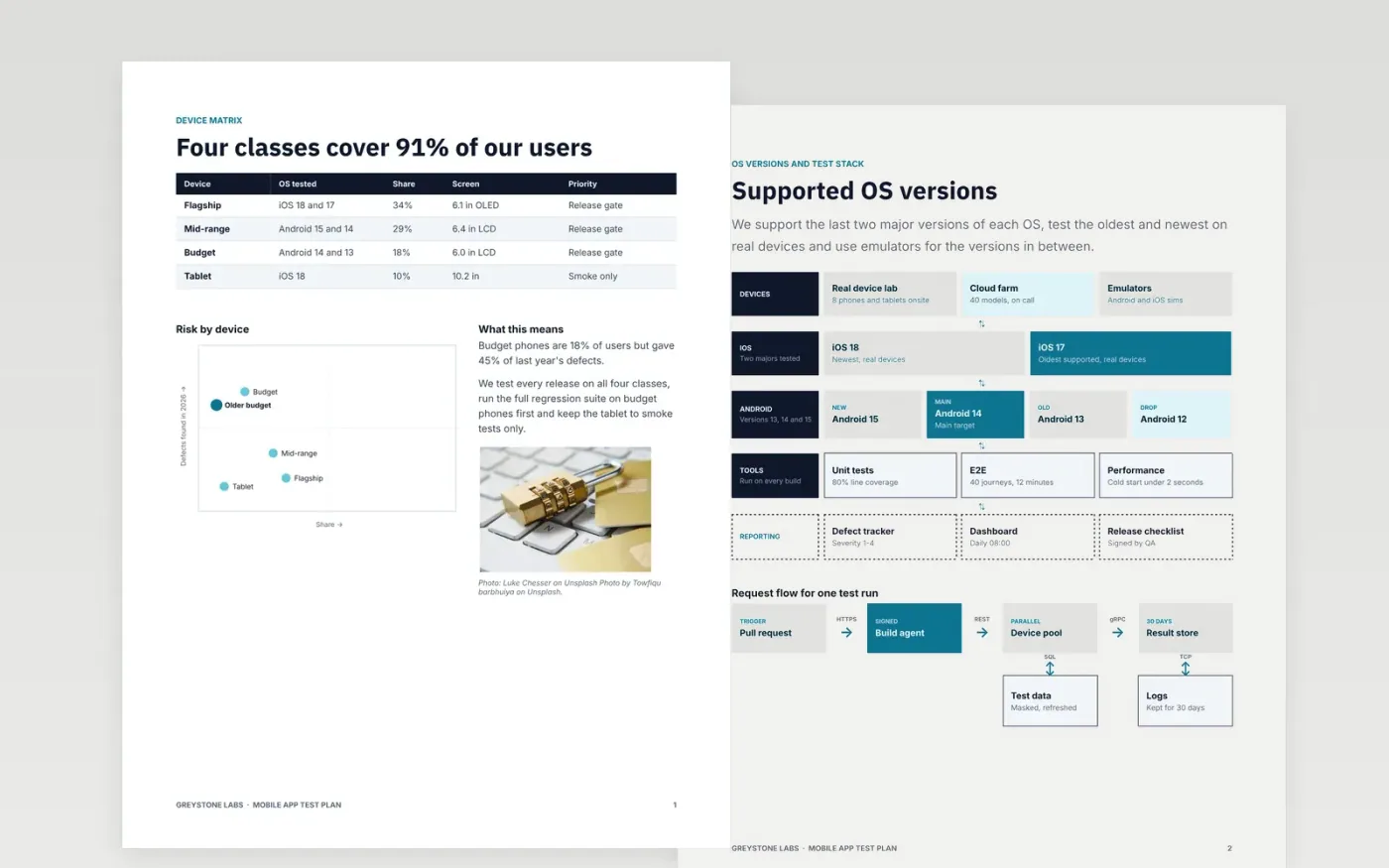
Mobile releases fail in places the test plan never mentioned: an older budget phone, a lost connection or a store rule. This plan names the device classes and shares, the supported operating systems, the network conditions, the scenarios and environments, and the store checks with an owner and a date for each.
The sample covers a fictional expenses app, Tallybook 4.2, tested by Greystone Labs on four device classes that cover 91% of users. Replace the devices, OS versions, thresholds, owners and dates with those of your release, and keep the rule that no user can lose data.
Click Make a copy in Google Docs, then confirm on the Google page. The copy is saved to your own Google Drive.
Replace the device classes, user shares and OS versions with your own analytics, and mark which ones gate the release.
Set the network conditions, thresholds and scenario scores that your release manager will actually enforce.
Update the store checks with your owners, evidence and dates, including the freeze and upload dates.
Delete the Make it yours guide page, then share the plan for sign-off.
Cover the device classes that make up about 90% of your users, then add one older and one smaller model. The sample uses four classes and eight devices.
No. Greystone Labs, the Tallybook app, the people, the email address and every figure are fictional sample content. Replace them with your own app, analytics and owners.
Yes. Two pages cover the store checks and what to do after a rejection, with owners and dates. Edit them to match the rules of the stores you publish to.
More Google Docs templatesMore developer workflows templates
Docs + Word9 pages
Free
Slides + PowerPoint11 slides
Free
Docs + Word7 pages
Free









