Volunteer Shift Sign-Up Sheet
Docs + Word3 pages
Free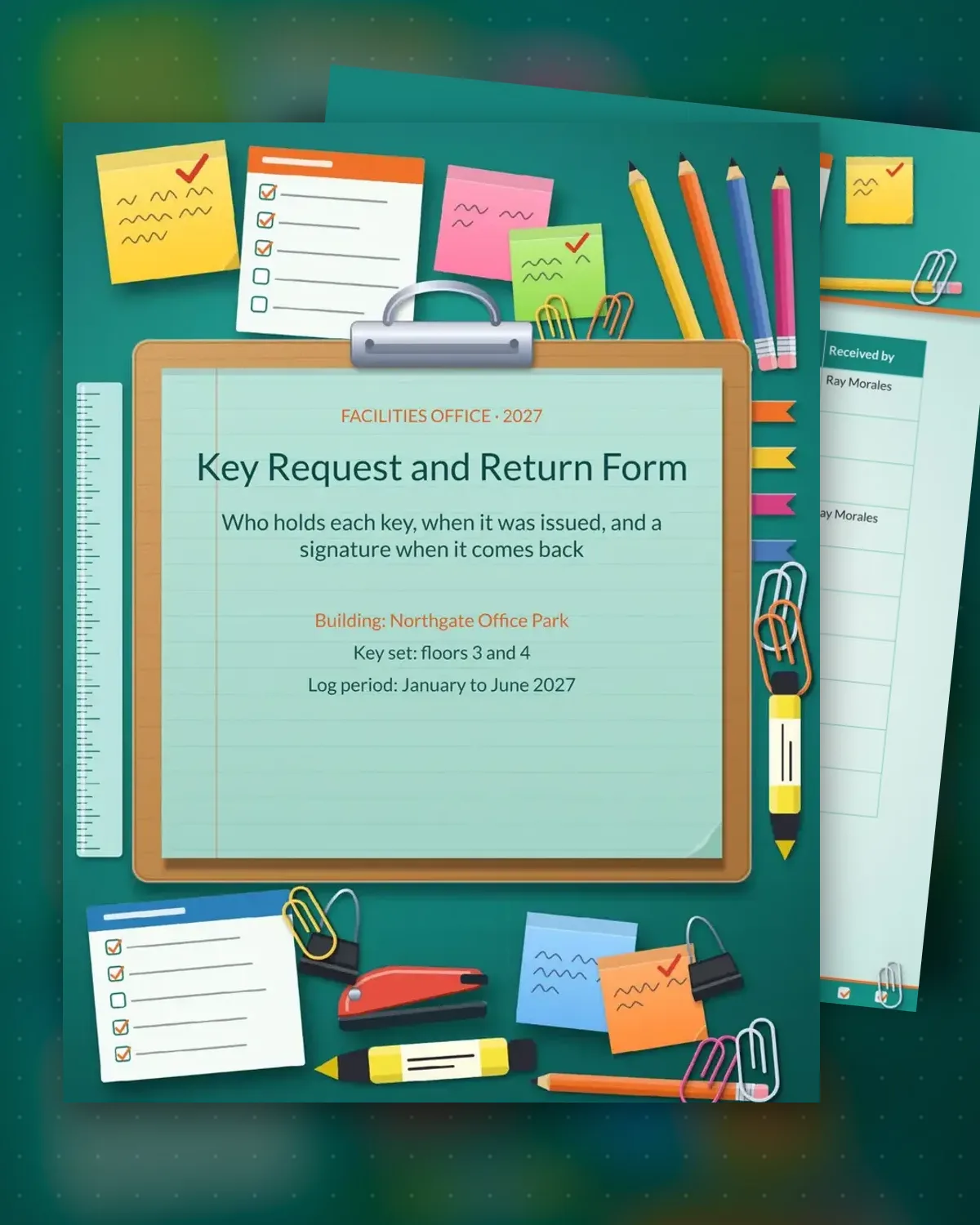
A key log tells a facilities team who has access to each room, floor or storage area and when that access ends. This sample tracks building keys for an office park: each key has an ID, an area, a holder and two dates. Page one is the running log, with blank rows for new issues, so the office can see every key in one place.
The second page holds a request for a new key, a manager approval box and a return signature table. Keys stay in the building unless a manager approves removal in writing, and a lost key is reported the same day. Adjust the rules to match your building's security plan and keep the log for as long as your audit period requires.
Make a copy in Google Docs, or download the Word file.
Type over the sample text with your own details.
Delete the guide page when you are done.
Print it, or save it as a PDF.
Usually the facilities office or the building manager. Keep one master copy and give each area lead a printed page.
Write the key ID in the log and report it to the manager at once. Many buildings rekey an area after a missing key, so check your security rules.
Yes. Write the card number in the Key ID column and record the same issue and return dates.
More Google Docs templatesMore business operations templates
Docs + Word3 pages
Free
Docs + Word3 pages
Free
Docs + Word3 pages
Free
Docs + Word3 pages
Free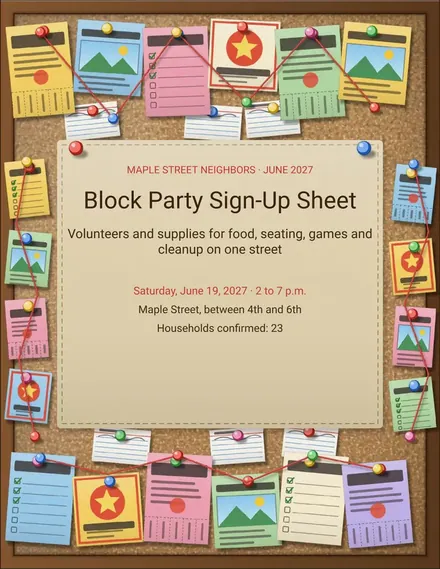
Docs + Word3 pages
Free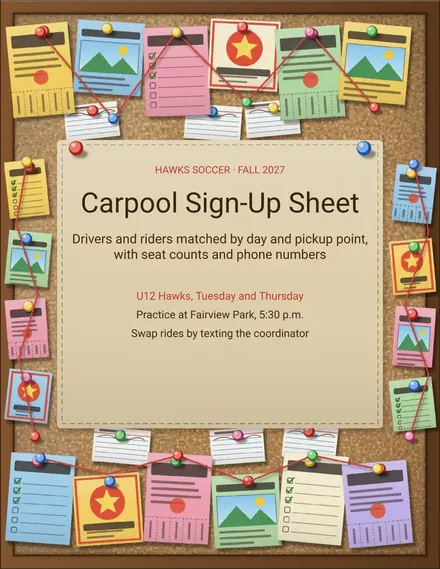
Docs + Word3 pages
Free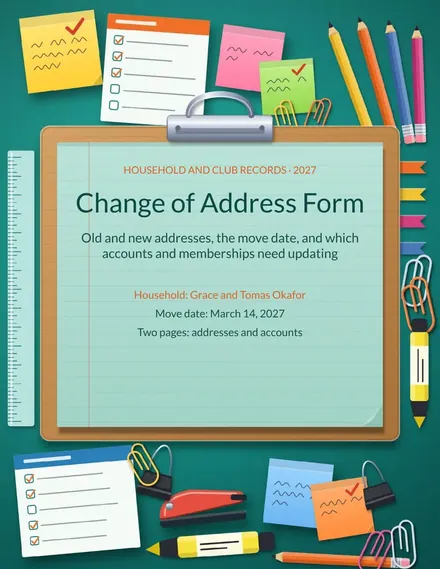
Docs + Word3 pages
Free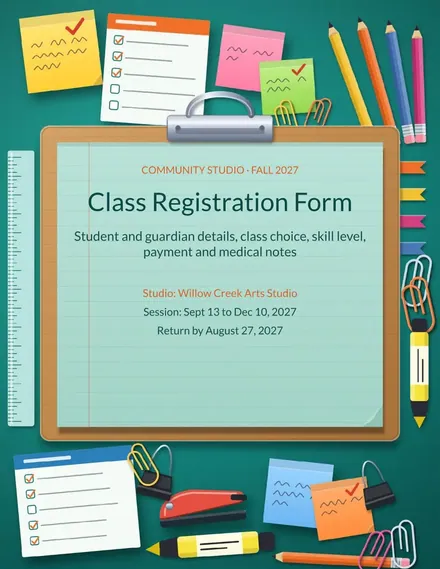
Docs + Word3 pages
Free
Docs + Word3 pages
Free
Docs + Word3 pages
Free
Docs + Word3 pages
Free
Docs + Word3 pages
Free
Docs + Word3 pages
Free
Docs + Word3 pages
Free
Docs + Word3 pages
Free










