Volunteer Shift Sign-Up Sheet
Docs + Word3 pages
Free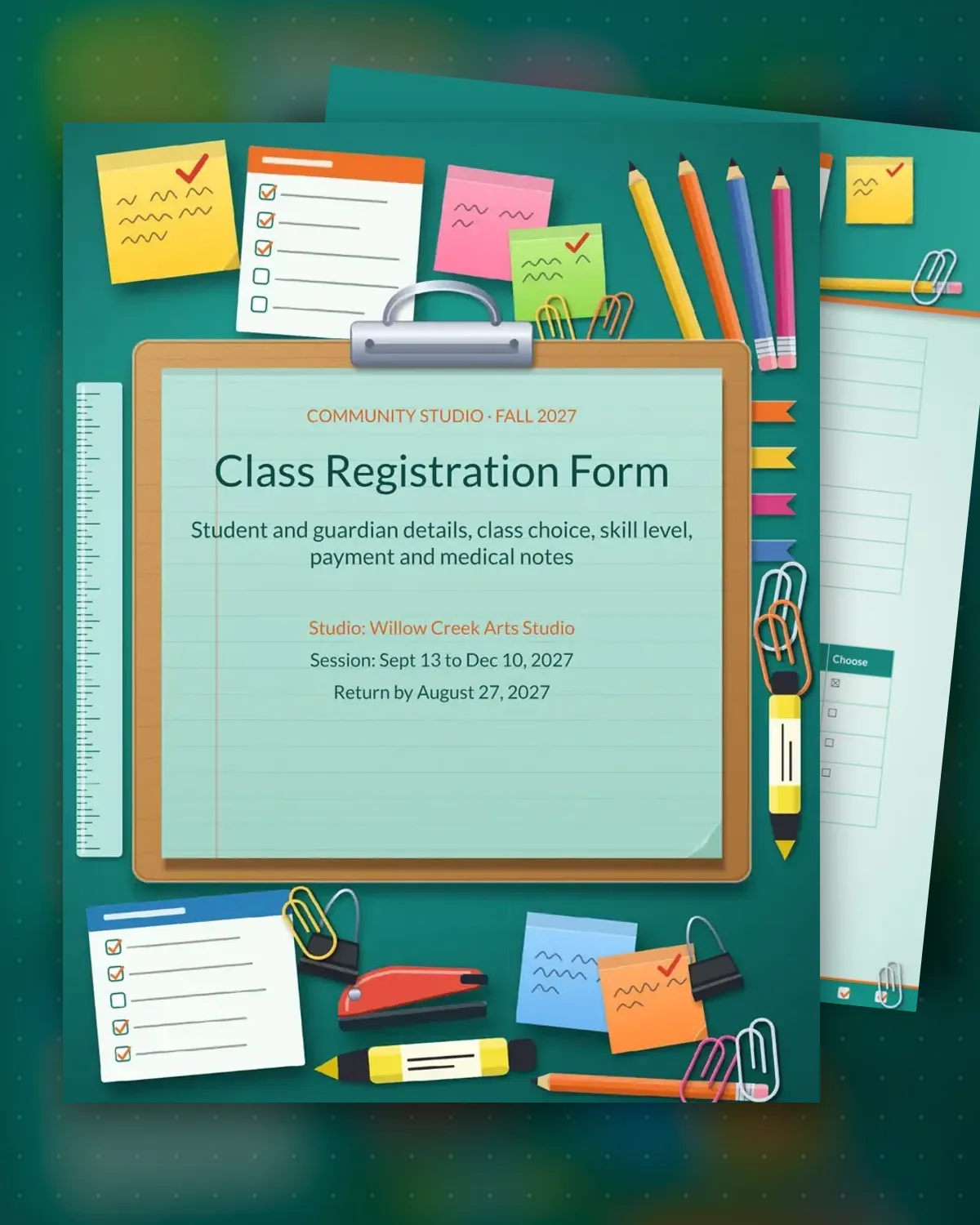
Registration forms collect the details an instructor needs before the first class: who the student is, how to reach a guardian and which session fits. This sample registers a child for a community arts studio, with a skill level, a choice of four sessions and a fee for each. Staff can see the emergency contact and pickup plan in one view.
The second page covers payment, health and consent. It has room for a card, check or cash payment, the due date and the refund rule, then a table for allergies and medicine kept on site. The guardian signs to confirm the details are accurate. Set your own fees and policies, and file the signed copy alongside the attendance list.
Make a copy in Google Docs, or download the Word file.
Type over the sample text with your own details.
Delete the guide page when you are done.
Print it, or save it as a PDF.
Yes. Remove the guardian and emergency rows for adults, or relabel them as emergency contact only.
The payment section has a row for it. Write the cutoff date and the amount returned, or say that fees are not refundable.
Yes. Add rows for each session with its day, time, age range and fee, and leave a blank row for late additions.
More Google Docs templatesMore business operations templates
Docs + Word3 pages
Free
Docs + Word3 pages
Free
Docs + Word3 pages
Free
Docs + Word3 pages
Free
Docs + Word3 pages
Free
Docs + Word3 pages
Free
Docs + Word3 pages
Free
Docs + Word3 pages
Free
Docs + Word3 pages
Free
Docs + Word3 pages
Free
Docs + Word3 pages
Free
Docs + Word3 pages
Free
Docs + Word3 pages
Free
Docs + Word3 pages
Free
Docs + Word3 pages
Free










