
Annual Report
Docs + Word6 pages
FeaturedFree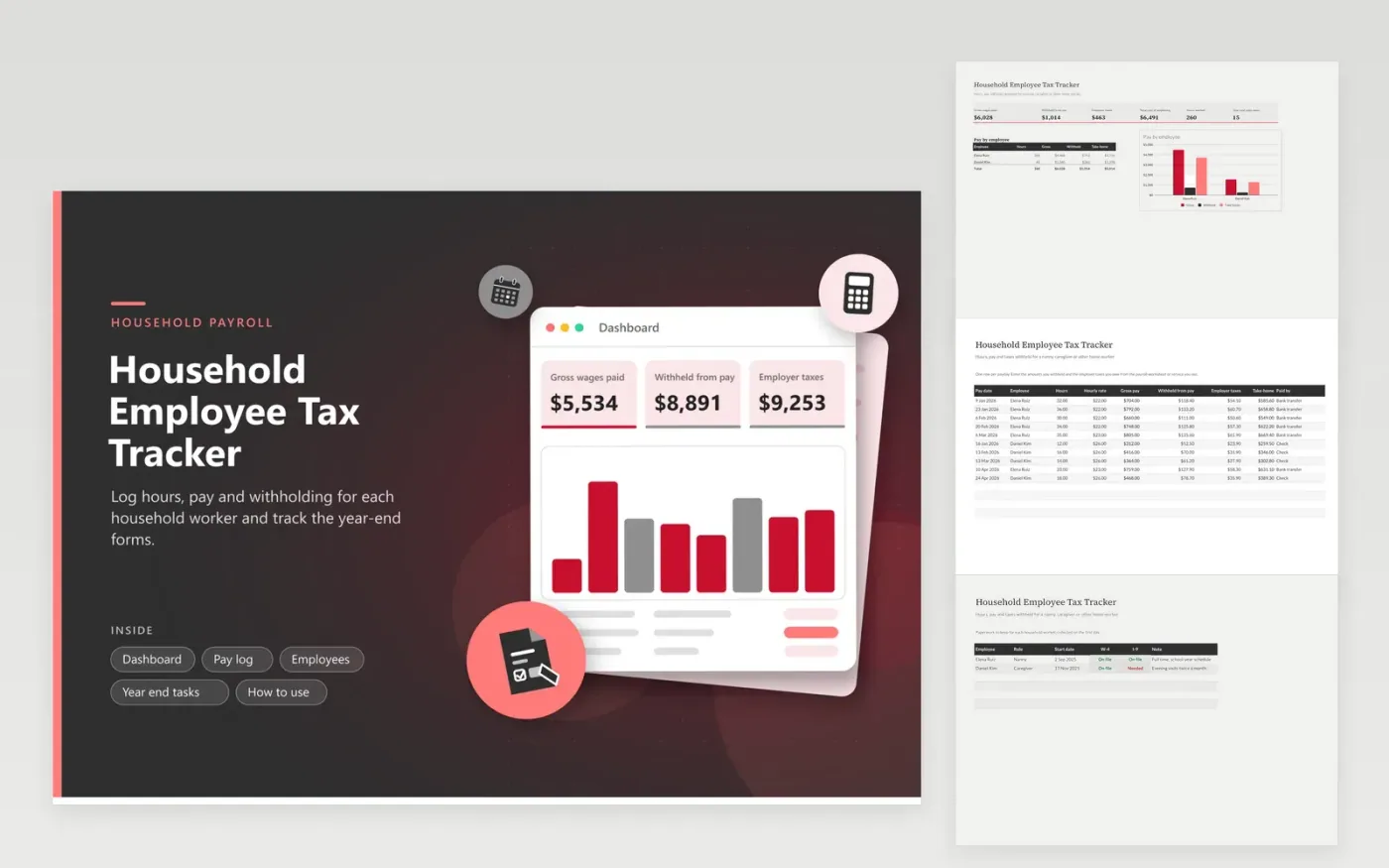
Families who employ a nanny, caregiver or housekeeper use this household employee tax tracker to keep payroll records tidy. The Pay log has one row per payday with hours, hourly rate, the amounts withheld and the employer taxes, and it works out gross pay and take-home pay. The Employees tab tracks the W-4 and I-9 paperwork. The Year end tasks tab lists what to finish after the last payday. The Dashboard totals wages, withholding and the full cost of employing each person.
This sheet records the figures you take from your payroll worksheet or payroll service; it does not calculate any tax. Enter hours the day you pay, and keep signed time records beside the file. At year end, hand the Pay log totals to your tax professional with the due dates, and check off every task when it is done.
Click Make a copy in Google Sheets, then confirm on the Google page. The copy is saved to your own Google Drive.
Start on the Pay log tab: replace the sample rows with your own.
Keep the formula columns as they are; they fill in as you type.
Read the How to use tab for tips. For Excel, download the .xlsx file instead.
Keep signed forms, hours worked, pay dates, gross pay, amounts withheld and employer taxes paid. This tracker gathers the figures together, and you keep time sheets and tax forms beside it.
No. It records the amounts you enter from a payroll worksheet or service and adds them up. Rates and rules change, so take the figures from current IRS guidance or a payroll provider.
Add up wages and withholding for each worker, give them their wage statement, and file the required forms by their due dates. The Year end tasks tab holds a starting list; confirm the dates with a tax professional.
Docs + Word6 pages
FeaturedFree
Excel
FeaturedFree
Sheets + Excel6 tabs
Free








