
Annual Report
Docs + Word6 pages
FeaturedFree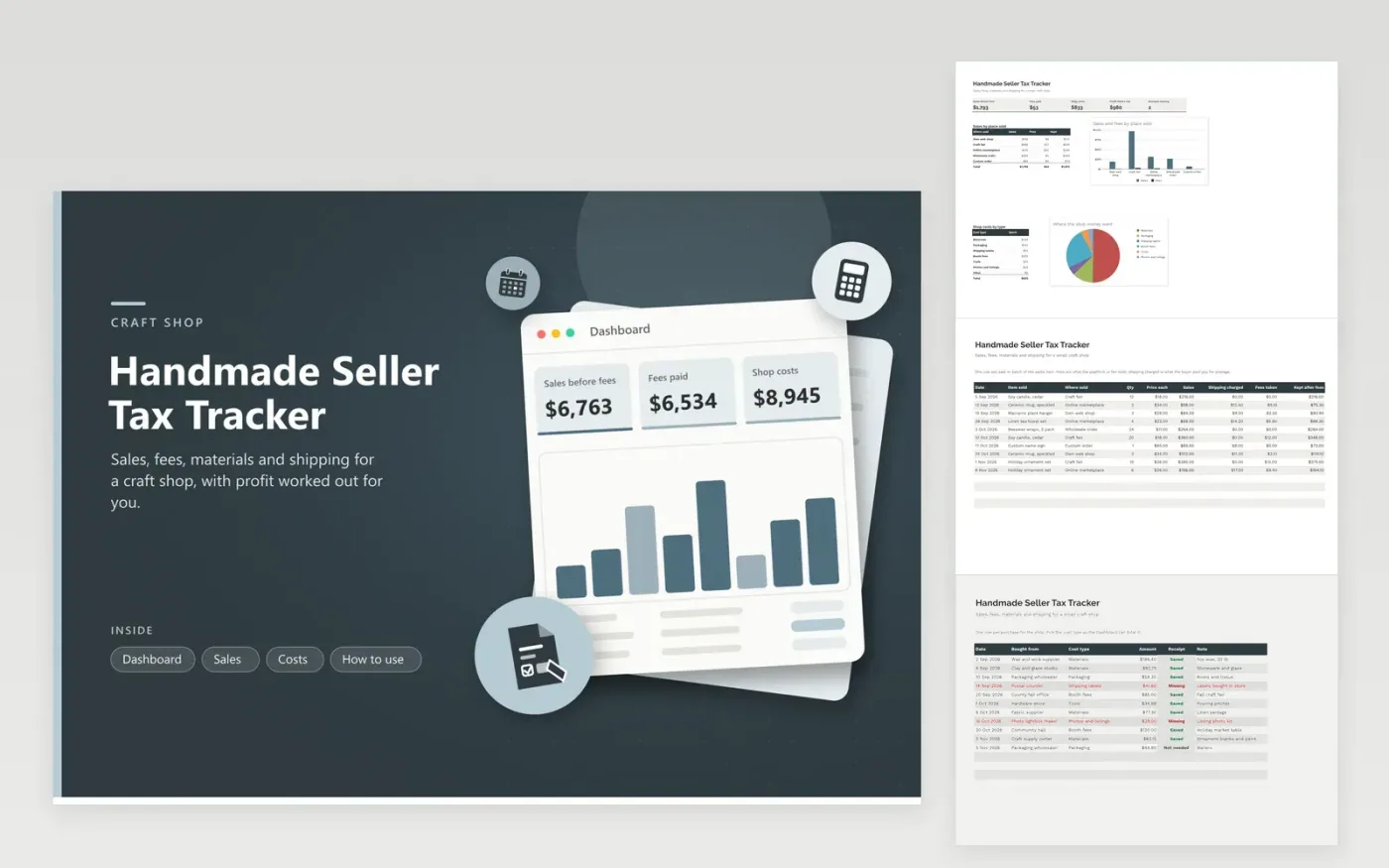
Makers who sell candles, pottery, textiles or jewelry at fairs and online use this handmade seller tax tracker to keep one honest record of the shop. The Sales tab lists each sale with its place, price, shipping charged and fees taken. The Costs tab holds materials, packaging, booth fees and tools with a receipt flag. The Dashboard adds sales, fees and costs into profit before tax and charts which places sold best.
Record fair sales the same evening, because cash is the easiest income to forget. Match each marketplace payout to the fees column so the two agree. Treat the profit figure as a planning number, not a tax return. Share the totals with a tax professional, who can tell you how to handle stock on hand, sales tax and the home space you use.
Click Make a copy in Google Sheets, then confirm on the Google page. The copy is saved to your own Google Drive.
Start on the Sales tab: replace the sample rows with your own.
Keep the formula columns as they are; they fill in as you type.
Read the How to use tab for tips. For Excel, download the .xlsx file instead.
Keep a record of every sale, the fees taken, and a receipt for each purchase. A sale list, a cost list and saved receipts cover most of what a preparer asks for. Add payout statements from each platform so totals can be matched.
Add a row for each fair day or each batch of sales, with the item, quantity and price. Count the cash box when the fair closes, then check it against the rows so nothing is missed.
Postage a buyer pays you is usually part of what you received, but treatment can depend on how you account for it. This sheet keeps it in its own column so you can ask a tax professional how to report it.
Docs + Word6 pages
FeaturedFree
Excel
FeaturedFree
Sheets + Excel6 tabs
Free








