Civic Hackathon Challenge Brief
Docs + Word7 pages
Free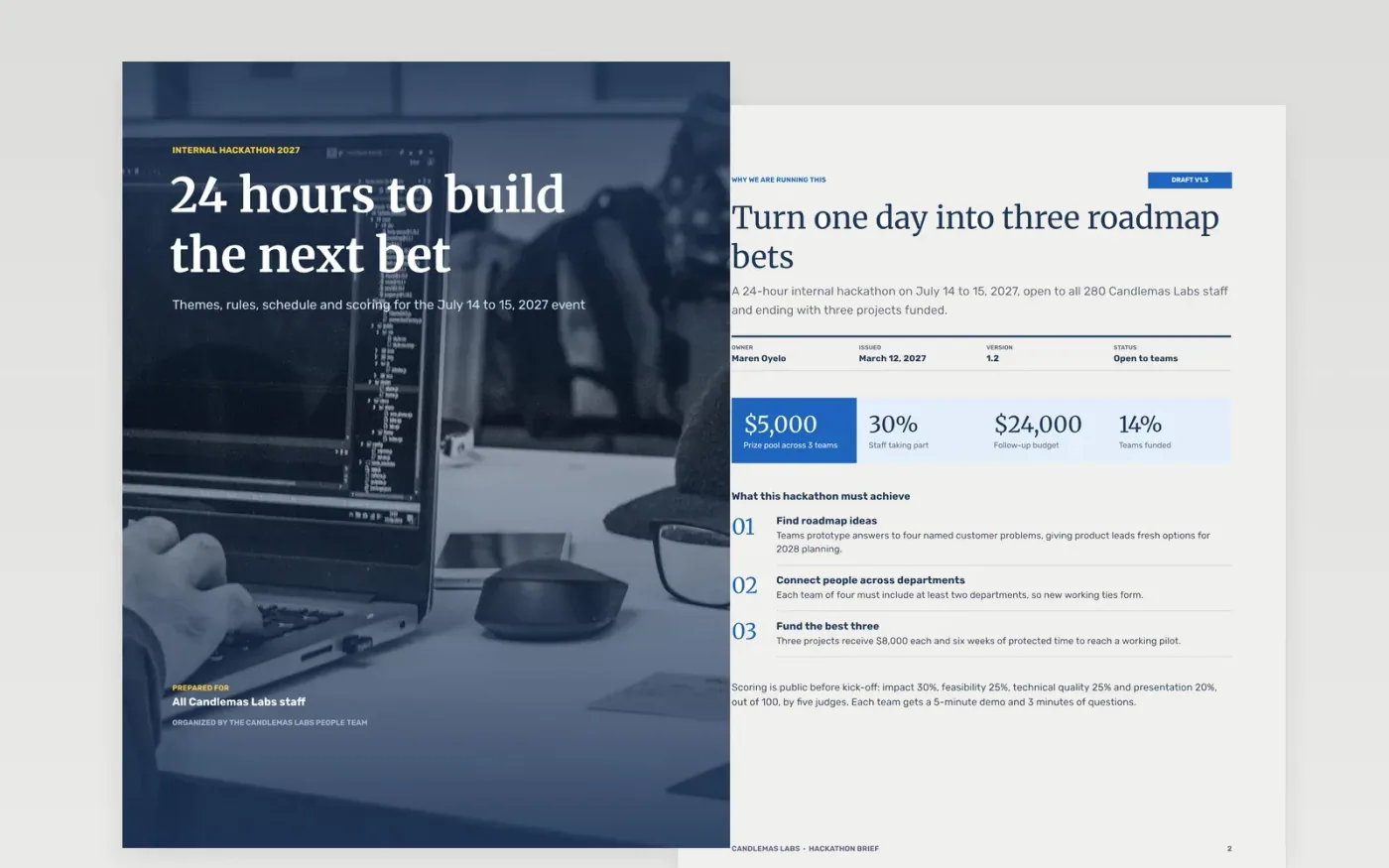
Hackathons lose energy when teams guess at the scope, the scoring or what happens to the winners. This eight-page brief puts the purpose, the themes, the rules, the schedule, the judging order and the prizes in one document that every participant, judge, mentor and sponsor reads before kick-off.
The sample follows Candlemas Labs, a fictional company running a 24-hour event for 84 staff in 21 teams, with four sponsored themes, scoring weights out of 100, three prizes totaling $5,000 and a six-week follow-up for the top projects. Replace the figures, names and dates with your own, then adjust the weights before you publish.
Click Make a copy in Google Docs, then confirm on the Google page. The copy is saved to your own Google Drive.
Replace the purpose, the headline figures and the three outcomes with what you want from your own event.
Rewrite the four themes with a named sponsor each, then set the dates, kick-off and submission times in your time zone.
Adjust the scoring weights and prize amounts, and update the rules on data and ownership to match your policies.
Delete the Make it yours guide page, then share the brief with participants, judges and mentors before registration opens.
Yes. The sample uses impact 30%, feasibility 25%, technical quality 25% and presentation 20%, but you can edit them. Keep them adding to 100 and publish them before the event.
Yes. Change the build window in the rules and schedule pages, add meal and rest times, and move the submission deadline. The page layout stays the same for 24 or 48 hours.
No. Candlemas Labs, the people named, the email addresses and every figure in the sample are fictional. They show what finished content looks like, so replace them with your own.
More Google Docs templatesMore developer workflows templates
Docs + Word7 pages
Free
Slides + PowerPoint11 slides
Free
Docs + Word7 pages
Free









