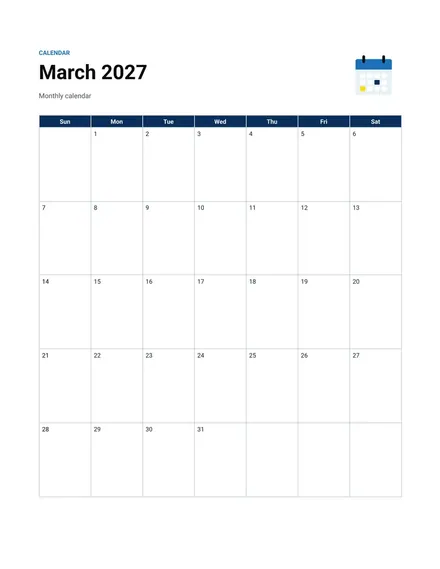
Monthly Calendar
Docs + Word2 pages
Free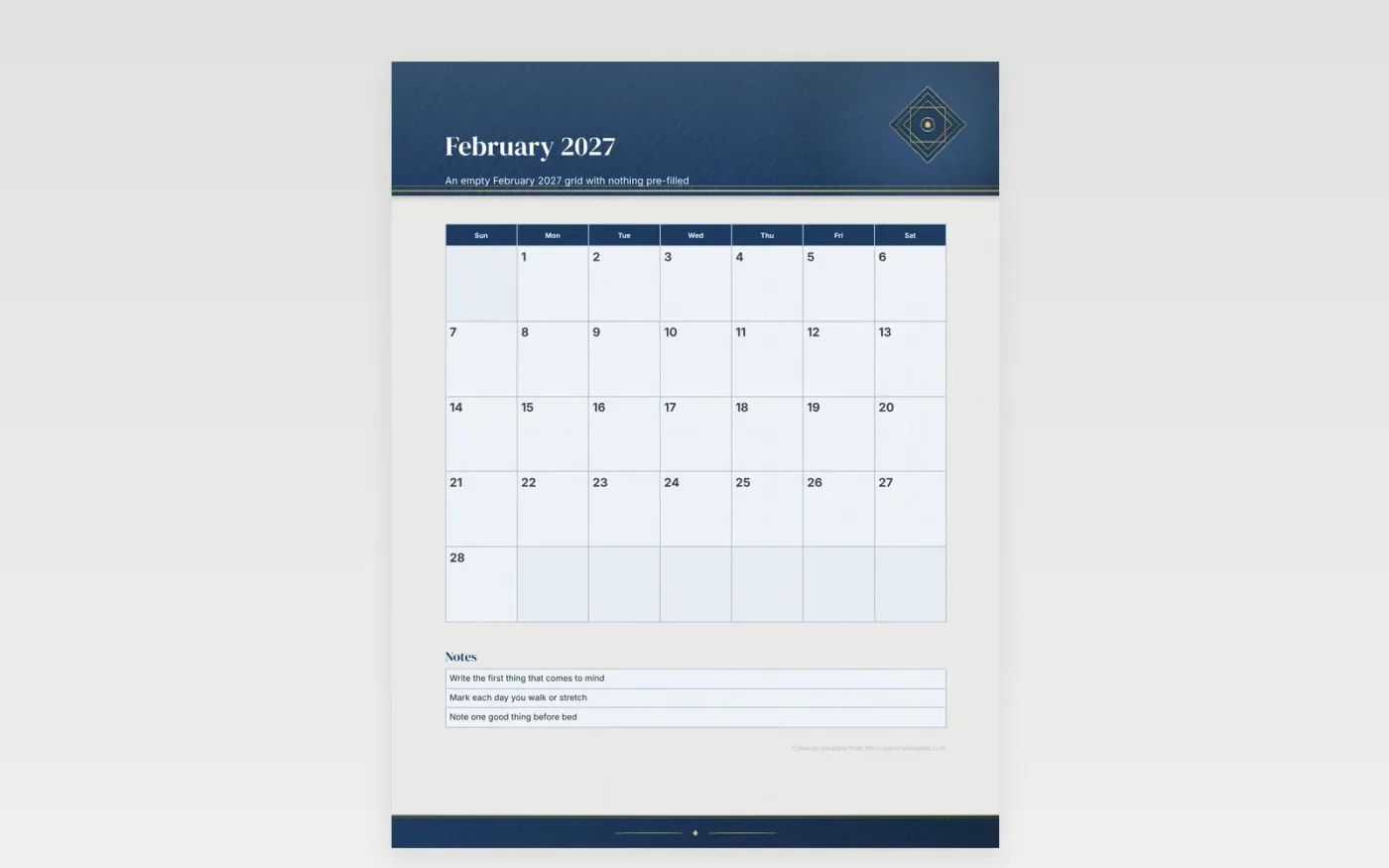
A blank calendar works as a clean surface. February 2027 opens on a Monday, and the final row closes on Sunday the 28th. Nothing is printed inside the squares apart from the date numbers, which keeps the month open for whatever you plan to write.
Use it for a habit tracker, a short journal or a sketch a day. The four weeks of February are a good trial month for a new routine, and the squares are sized for a pencil or a fine pen. Print a copy each month to keep the same layout across the year.
Make a copy in Google Docs, or download the Word file.
Type over the sample text with your own details.
Delete the guide page when you are done.
Print it, or save it as a PDF.
No. Presidents' Day is left out, leaving every square free for your writing.
Yes. February 1, 2027 is a Monday, which puts the first date in the leftmost column.
Yes. A heavier stock handles markers and gel pens without the ink bleeding through.
Docs + Word2 pages
Free
Docs + Word2 pages
Free
Docs + Word2 pages
Free
Docs + Word1 page
Free
Docs + Word11 pages
Free
Docs + Word11 pages
Free
Docs + Word11 pages
Free
Docs + Word11 pages
Free
Docs + Word11 pages
Free
Docs + Word1 page
Free
Docs + Word11 pages
Free
Docs + Word11 pages
Free
Docs + Word1 page
Free
Docs + Word1 page
Free
Docs + Word11 pages
Free










