Implementation Plan
Docs + Word8 pages
Free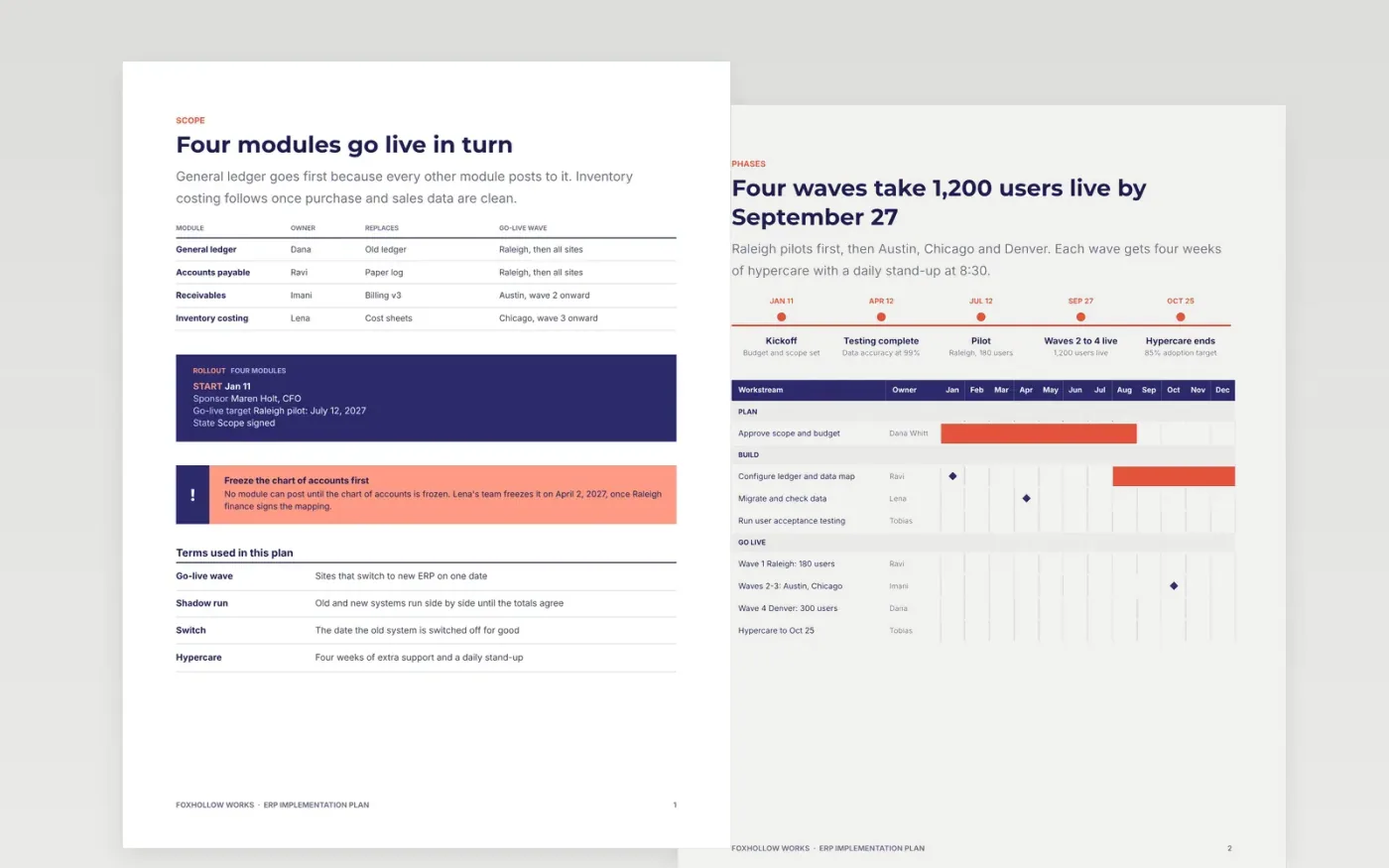
This Google Docs template plans an ERP rollout for finance and operations leads, one module at a time. It opens with the module order and the go-live date, then moves through five phases, with a task list that gives every task a named owner and a due date. Data migration gates, parallel running, training and go-live each have their own page, so the sponsor can read the gates while the team works the tasks.
The sample follows Foxhollow Works, a manufacturer moving four finance modules to an ERP for 1,200 users across four sites. Every figure is fictional sample data: 99% data accuracy, waves of 15 to 35 percent of users, two parallel closes and an 85% adoption target. Replace the sites, modules, owners and dates with your own, keep each gate a yes or no question, and check that totals still add up.
Click Make a copy in Google Docs, then confirm on the Google page. The copy is saved to your own Google Drive.
Replace Foxhollow Works, the module names and the owners with your own organisation and people.
Set your go-live date and gate criteria first, then move the phase dates and the Gantt bars to match.
Check the figures on each page so totals, shares and dollar amounts agree with your own data.
Delete the guide page, then share the file with your sponsor or present it from Google Docs.
Yes. Make a copy in Google Docs and it saves to your own Drive, where you can edit every page without a sign-up or a fee.
Yes. Replace the four modules and the four waves with your own sites or teams, then move the dates and bars on the Gantt pages to match.
No. Foxhollow Works, its people, its user counts and every dollar figure are fictional sample data, so replace them with your own before you share the plan.
Docs + Word8 pages
Free
Docs + Word7 pages
Free
Docs + Word5 pages
Free










