Data Protection Impact Assessment
Docs + Word9 pages
Free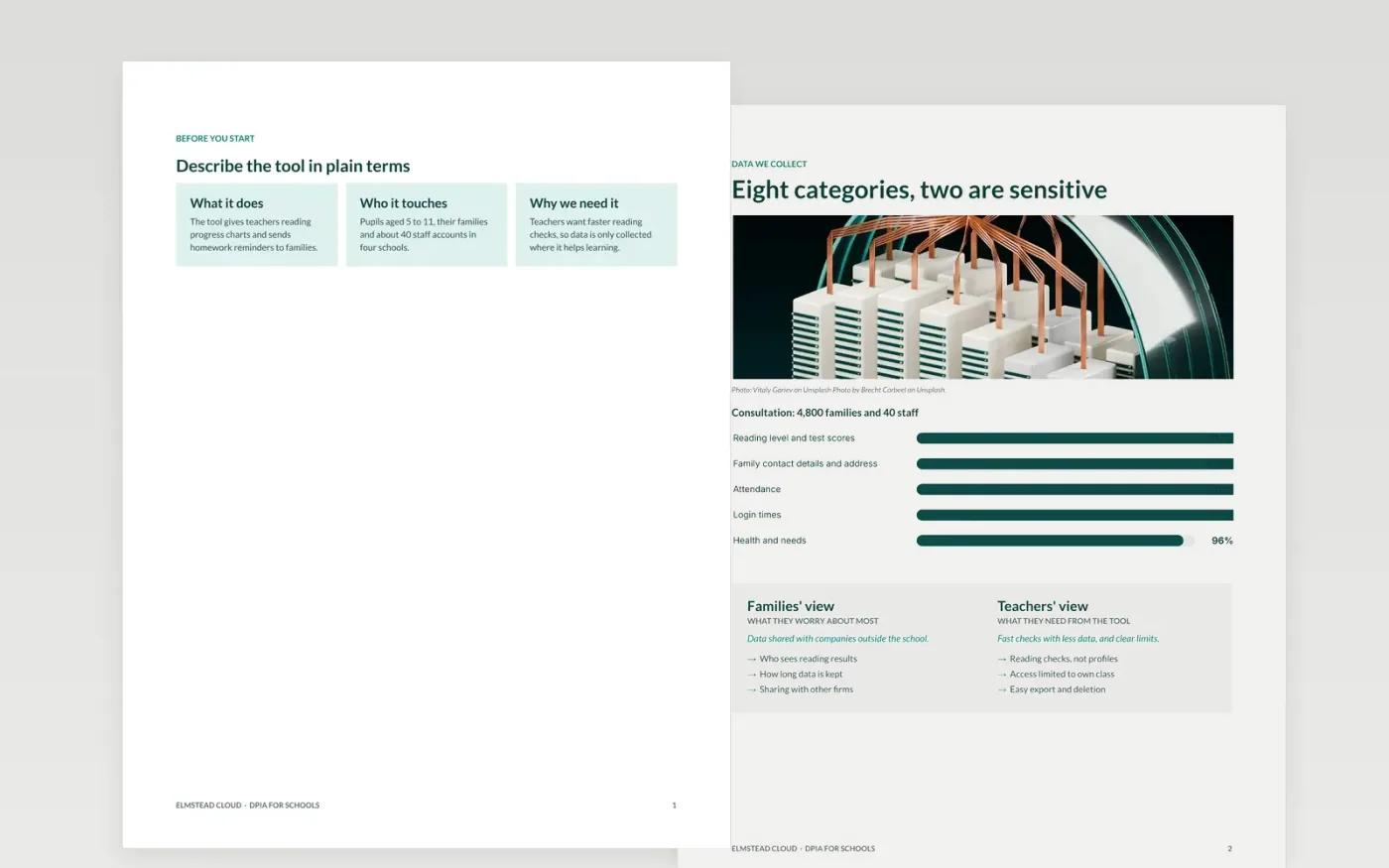
Before a school adopts a tool that handles pupil data, leaders need evidence that the data is necessary, proportionate and safe. This template walks through a data protection impact assessment: a plain description of the tool, the lawful basis and necessity test, the risks to pupils and families scored before and after measures, the monitoring measures and the decision. It is a structure to complete with your data protection officer, not legal advice.
The sample is for Elmstead Cloud, a fictional edtech supplier whose reading tool would reach about 4,800 families across four schools. Its risks, consultation counts and sign-offs are sample data. Replace them with your own processing details, and have your data protection officer and counsel check the lawful basis before the pilot starts.
Click Make a copy in Google Docs, then confirm on the Google page. The copy is saved to your own Google Drive.
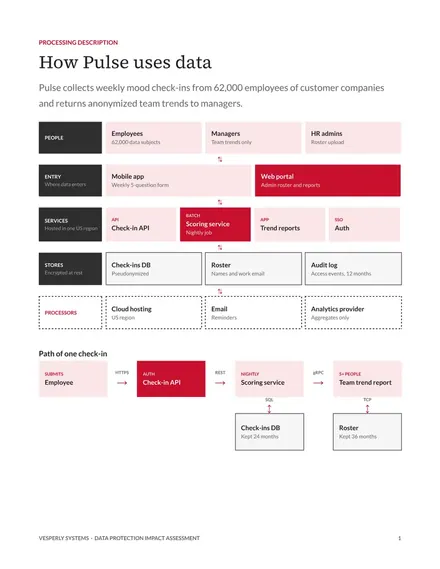
Replace the processing description with your system, the data flow and the people affected.
Choose and justify one lawful basis for each purpose, agreed with your data protection officer.
List the data categories, retention and recipients exactly as in your records of processing.
Score each risk, add the measures, then delete this guide page before the sign-off.
Yes, at no cost. Copy the assessment to your Drive, then fill each section with your own processing details.
No. Elmstead Cloud, its reading tool, families and scores are fictional sample data. Replace every figure with your own processing details before the assessment is used.
No. The template helps you record your reasoning, but whether a processing activity is lawful is a judgment for your data protection officer and counsel, not a conclusion you can reach by filling in boxes.
More Google Docs templatesMore developer workflows templates
Docs + Word9 pages
Free
Docs + Word8 pages
Free
Slides + PowerPoint11 slides
Free









