Database Operations Runbook
Docs + Word7 pages
Free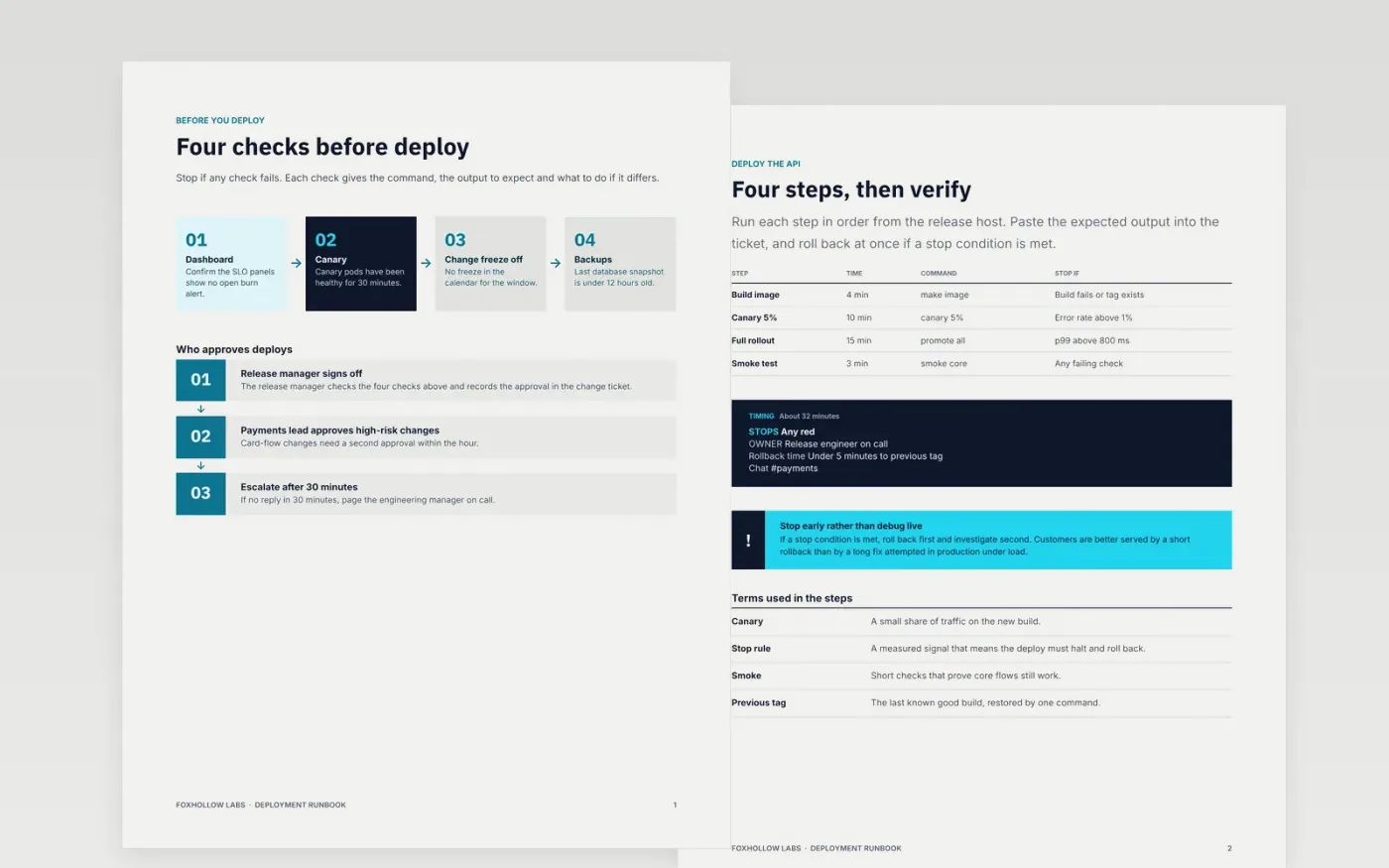
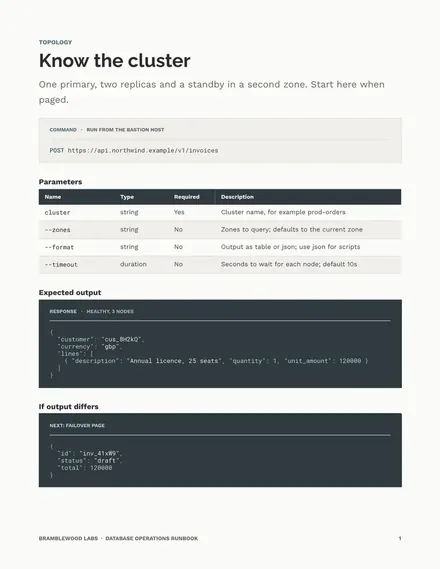
An on-call engineer paged at three in the morning should not need to ask the person who built the service how it works. This runbook sets out what that engineer needs in the order it is used: the pre-checks, the deploy steps, the verification, the rollback and the communication. Each command comes with the output to expect and the action to take if the output differs.
The sample is a deployment runbook for a payments API at Foxhollow Labs, with a canary, a full rollout, a single-command rollback and a support call script. All names, figures, commands and contacts are fictional. Replace the service, alerts and escalation contacts with your own, run each command in staging, and paste the real output beside it.
Click Make a copy in Google Docs, then confirm on the Google page. The copy is saved to your own Google Drive.
Replace the service name, owner team and on-call channel in the overview before anyone uses the runbook.
Run each command in staging, and paste the expected output beside it in the steps table.
Update the escalation contacts and the next review date, then link the runbook from every alert.
Delete the guide page, then share the runbook with the on-call rota and the engineering manager.
Yes. Foxhollow Labs, the payments service, its people, the commands, the channels and the contact details in this sample are fictional. Replace them with your own before the runbook goes near a pager.
Yes. Every production deploy follows the same four steps and stop conditions, so the on-call engineer always knows what a normal deploy looks like. Skipping a step needs the approval recorded in the ticket.
Review it every month, and after any incident where the runbook was wrong or missing. Record the review date at the top of the document so readers can see when it was last checked.
More Google Docs templatesMore developer workflows templates
Docs + Word7 pages
Free
Docs + Word8 pages
Free
Docs + Word8 pages
Free










