Budget Variance Report
Docs + Word6 pages
Free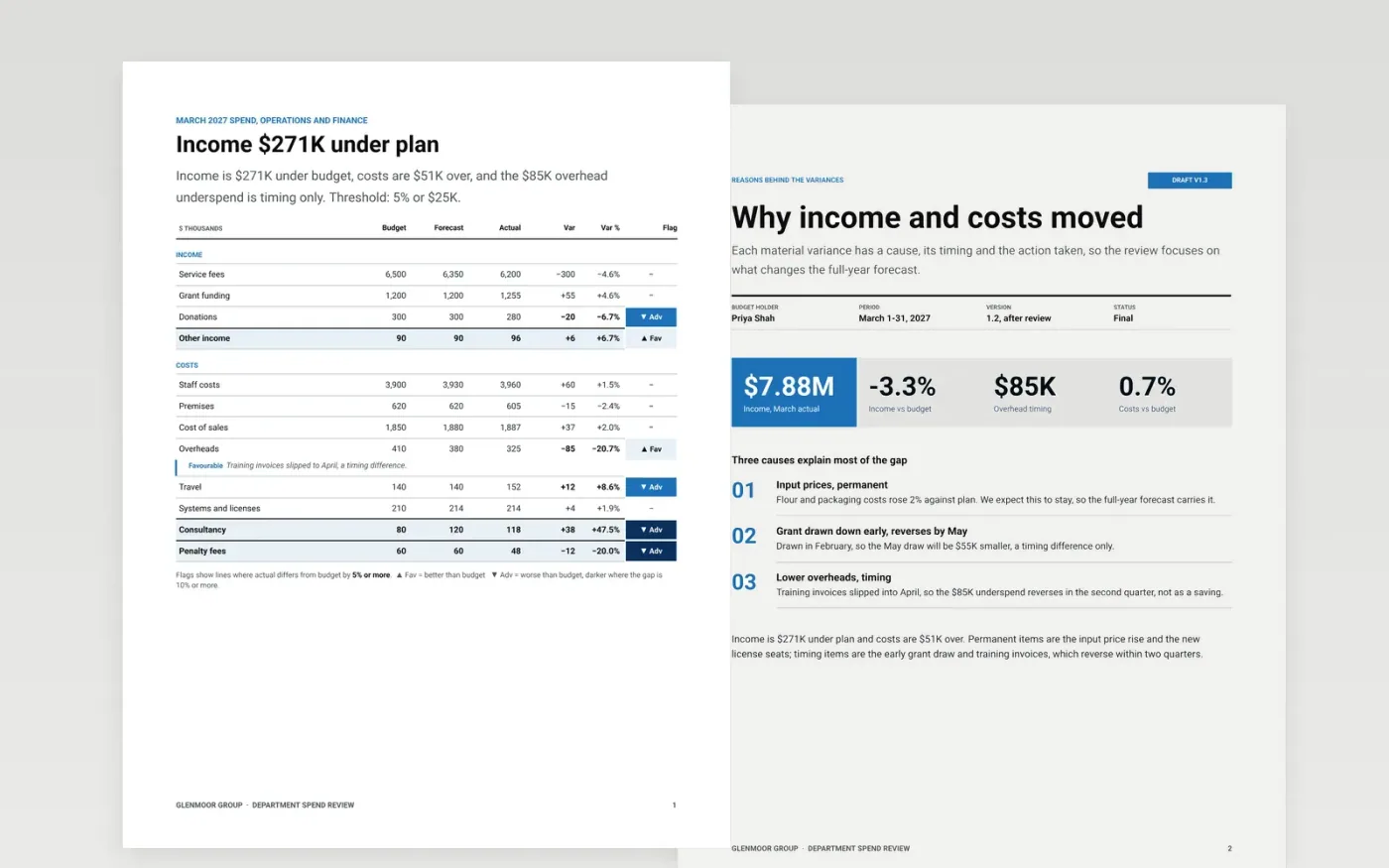
This budget variance report template is a ready-made Google Docs document for budget holders who explain their monthly results to finance. It sets out the variance table with threshold flags, the reasons behind material gaps, owned actions, the forecast effect and a financial statement, across six designed pages.
Each page carries sample figures for Glenmoor Group, a fictional holding company, with a March 2027 income and cost review. Make your own copy, paste your budget and actual figures, and write each explanation as cause, timing and action. Keep the sign convention and flags consistent so finance can read every section the same way.
Click Make a copy in Google Docs, then confirm on the Google page. The copy is saved to your own Google Drive.
Set the threshold in percent and dollars that decides which variances get an explanation.
Paste your budget, actual and forecast figures, then check that the totals tie.
Write each material variance as cause, timing and action, with a named owner.
Delete the guide page, then circulate the review or present it from Google Docs.
No. Glenmoor Group, its departments, budget holders and every figure are fictional sample data, written to show a finished variance review.
Yes. Swap the income and cost lines for project budget, earned value and forecast at completion, and keep the same cause, timing and action format.
Timing differences reverse within the year, so a reader who mistakes them for savings will overstate the full-year result and the forecast will drift.
Docs + Word6 pages
Free
Docs + Word6 pages
Free
Excel
Free








