Data Migration Plan
Docs + Word8 pages
Free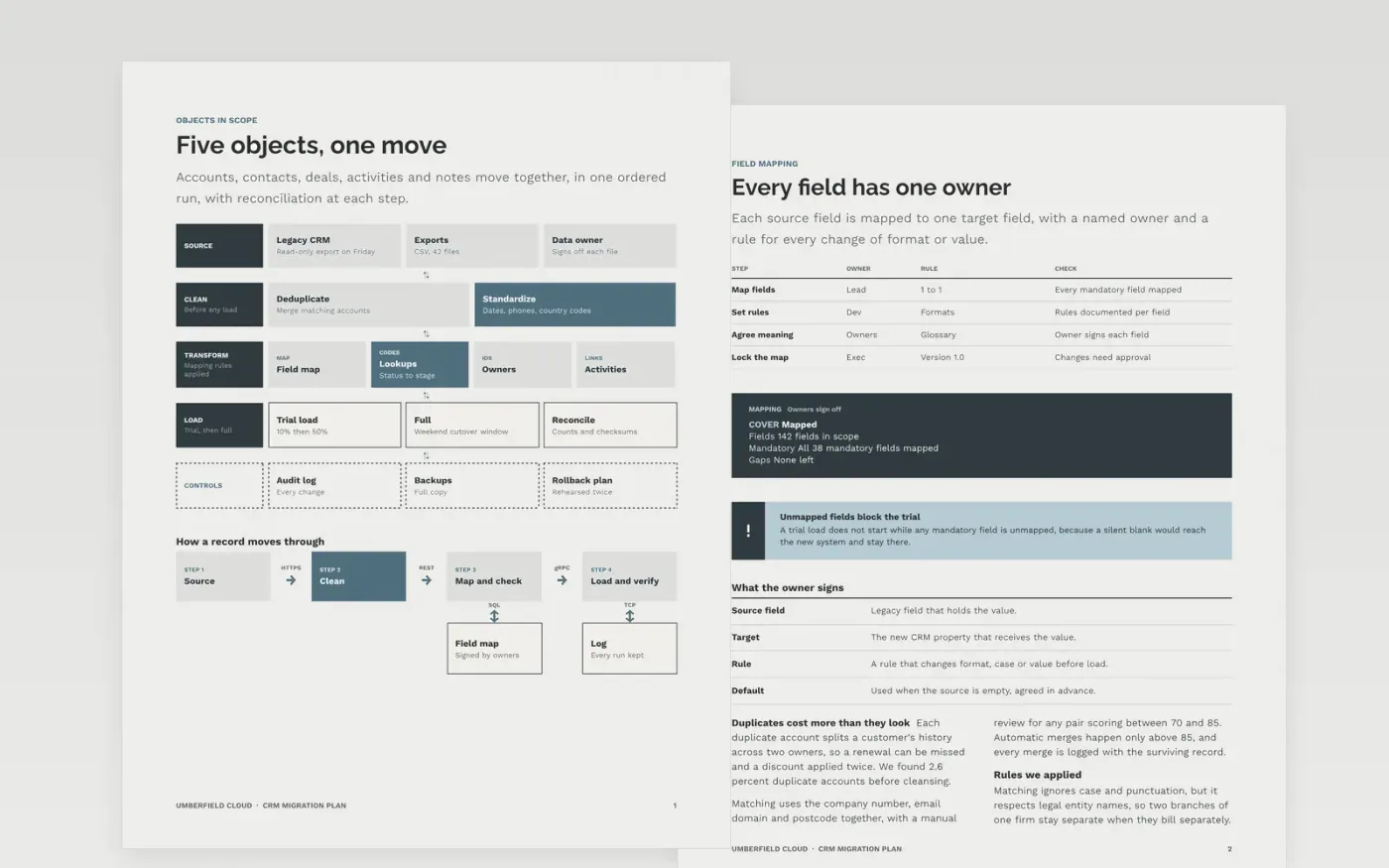
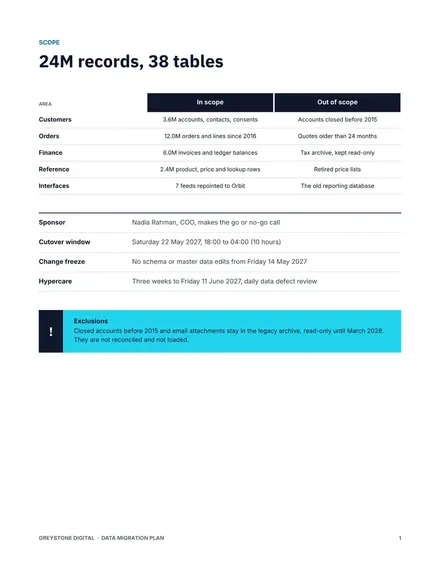
A CRM move fails quietly when records are lost, duplicated or mapped to the wrong field, and the problem surfaces months later in reports. This plan sets out what moves and how it is mapped, how duplicates are cleaned, how trial loads are reconciled, and how cutover, rollback and training run. Every step has an owner, and the go or no-go call has written criteria.
The sample is for Umberfield Cloud, a fictional software company moving 42 million records from a legacy CRM over a weekend freeze. Its figures, thresholds and dates are sample data, including 0.06 percent duplicates after cleansing. Replace the systems, objects and thresholds with your own, and agree the reconciliation limits with your data owners before the first trial.
Click Make a copy in Google Docs, then confirm on the Google page. The copy is saved to your own Google Drive.
Replace the source and target systems with yours, and list the objects in scope.
Fill the mapping table with your real fields, and mark the rule for each transformation.
Set the reconciliation thresholds with your data owners, then rewrite the cutover timeline.
Delete the guide page, name the go or no-go decision maker, then share the plan.
Yes. Make a copy and the plan sits in your Drive for nothing, ready for your own systems, objects and thresholds.
No. Umberfield Cloud, its systems, records and thresholds are fictional sample data. Replace them with your own inventory and reconciliation results before the plan is used.
Often, because the freeze is shorter and support is lighter, but it depends on your trade. Choose the window that gives enough time to roll back before the business opens.
More Google Docs templatesMore developer workflows templates
Docs + Word8 pages
Free
Slides + PowerPoint11 slides
Free
Docs + Word7 pages
Free









