
Sales Incentive Launch Slides
Slides + PowerPoint10 slides
Free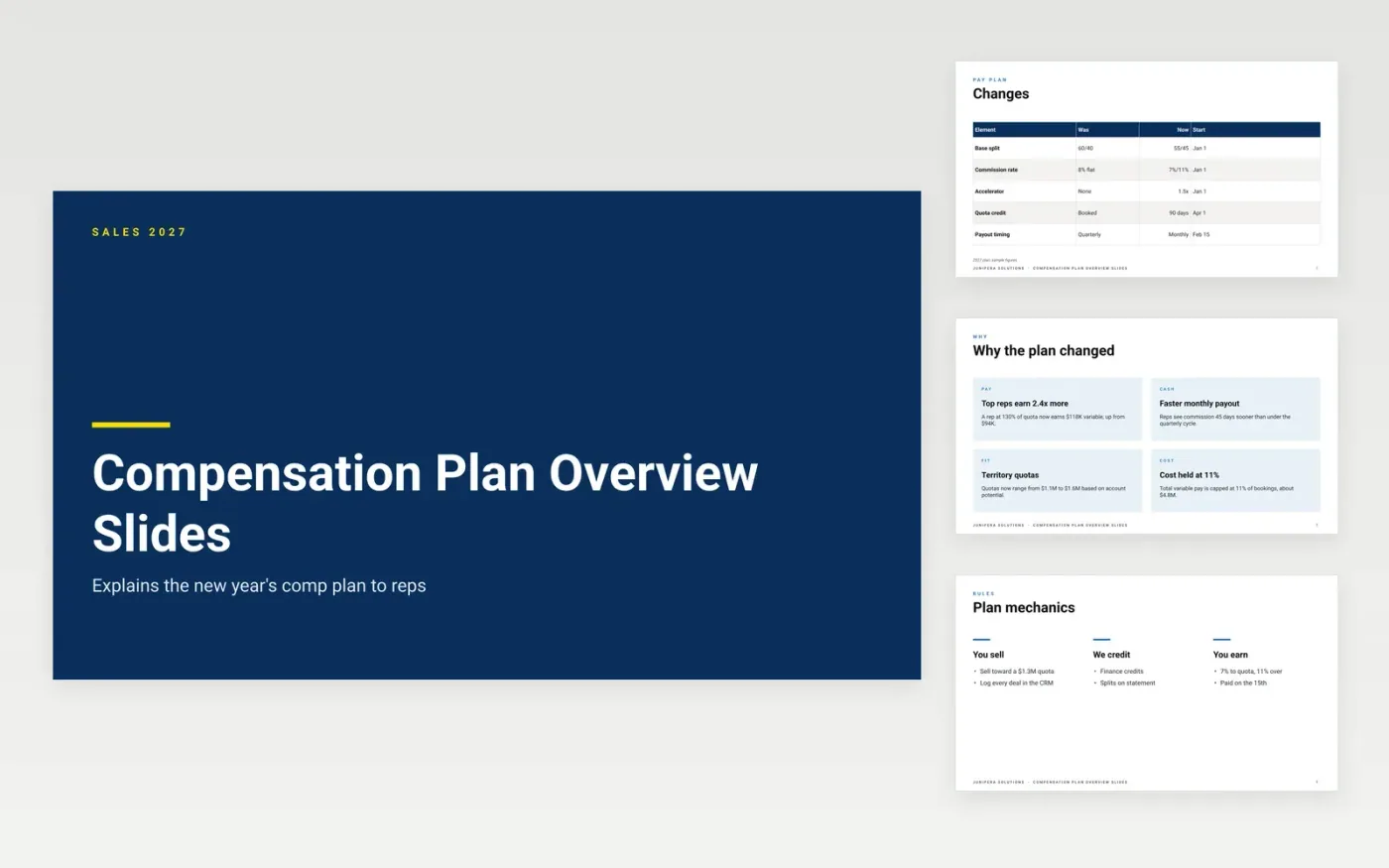
Sales leaders roll out a new compensation plan with a deck that answers the questions reps ask first: how the plan changed, how much they can earn and when they get paid. This template opens with the reasons behind the change, such as faster monthly payouts and quotas set by account potential, then moves into the mechanics. Slides cover the steps from selling toward quota, through logging the deal and the finance credit, to the payout, plus a worked example for a rep who beats quota.
Show a real example before you show the table. A rep who can see one deal turn into a payout understands the plan faster than one who reads a formula. Put the deal rules and the dispute window on their own slide, since those rules cause most arguments. Match every figure in the deck to the official plan document, and send the deck only after finance has checked the numbers.
Click Make a copy in Google Slides, then confirm on the Google page. The copy is saved to your own Google Drive.
Type your company name and the plan year on the cover slide.
Go slide by slide and overwrite the sample plan terms and payout figures.
Change the pictures and drop any slide your comp plan does not need.
Lead with what changed and why, since reps care most about the difference from last year. Then show the mechanics in order: how a deal earns quota credit, when commission is paid and what counts. Use one worked example for a rep at a specific quota level. Close with the dispute process and a contact for questions, and keep the talk short enough for one meeting.
State the clawback rule plainly. The sample deck applies a clawback if a customer cancels within 90 days of signing. Say which events trigger it and how long reps have to dispute a credit. Explain how shared deals and renewals are handled too. Plain wording prevents most disputes, and reps are more likely to trust a plan they can read in one pass.
Ten slides works well for a plan rollout: one point per slide and a worked example near the end. Leave time for questions, and keep the detailed tables for a written plan document. Reps tend to remember a short deck better than a long one. Record the session so people who missed it can catch up.
Slides + PowerPoint10 slides
Free
Docs + Word7 pages
Free
Docs + Word9 pages
Free
Docs + Word6 pages
Free
Docs + Word7 pages
Free










