
Software Architecture Document
Docs + Word8 pages
Free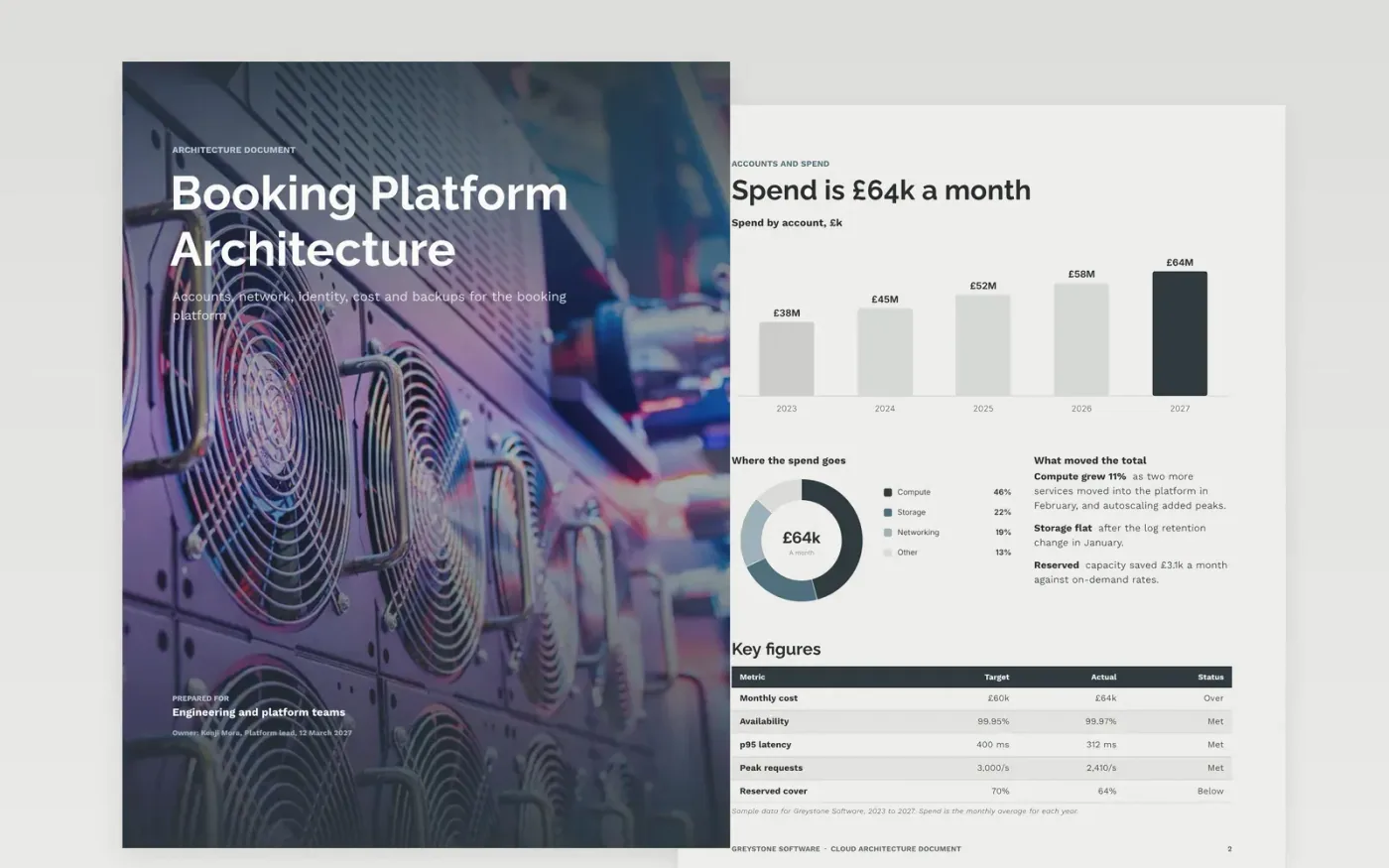
New engineers spend weeks reconstructing how a platform fits together, and reviewers approve changes without knowing why it is built as it is. This template records the structure in one place: the accounts, the network, the environments, identity, cost controls and backups. Every part has an owner, and the key decisions sit beside the reasons for them.
The sample describes the booking platform at Greystone Software, with three accounts, private networking, a preview environment API, workload identities and a quarterly restore test. Every name, figure and service is fictional. Replace the services, costs and decisions with your own, and set the date the document was last reviewed.
Click Make a copy in Google Docs, then confirm on the Google page. The copy is saved to your own Google Drive.
Replace the context diagram with your own users, upstream systems and downstream systems.
List your real services in the container table with owner team, language and data store.
Rewrite the quality attributes with the service levels you run and the evidence for each one.
Delete the guide page, then share the document with the engineers and set the next review date.
Yes. Greystone Software, Kenji Mora, the booking platform, its services, spend and every figure in this document are fictional. Replace them with your own systems and data before your team uses the document.
A context diagram shows users and external systems. A container diagram shows services and stores. Keep infrastructure, code modules and business domains on separate diagrams, so each one stays readable.
Record the ones a new engineer would reverse by mistake, such as a data residency choice or a network design. Note the options you rejected and why, so the reasoning survives staff changes.
More Google Docs templatesMore developer workflows templates
Docs + Word8 pages
Free
Slides + PowerPoint11 slides
Free
Docs + Word7 pages
Free









