
Annual Report
Docs + Word6 pages
FeaturedFree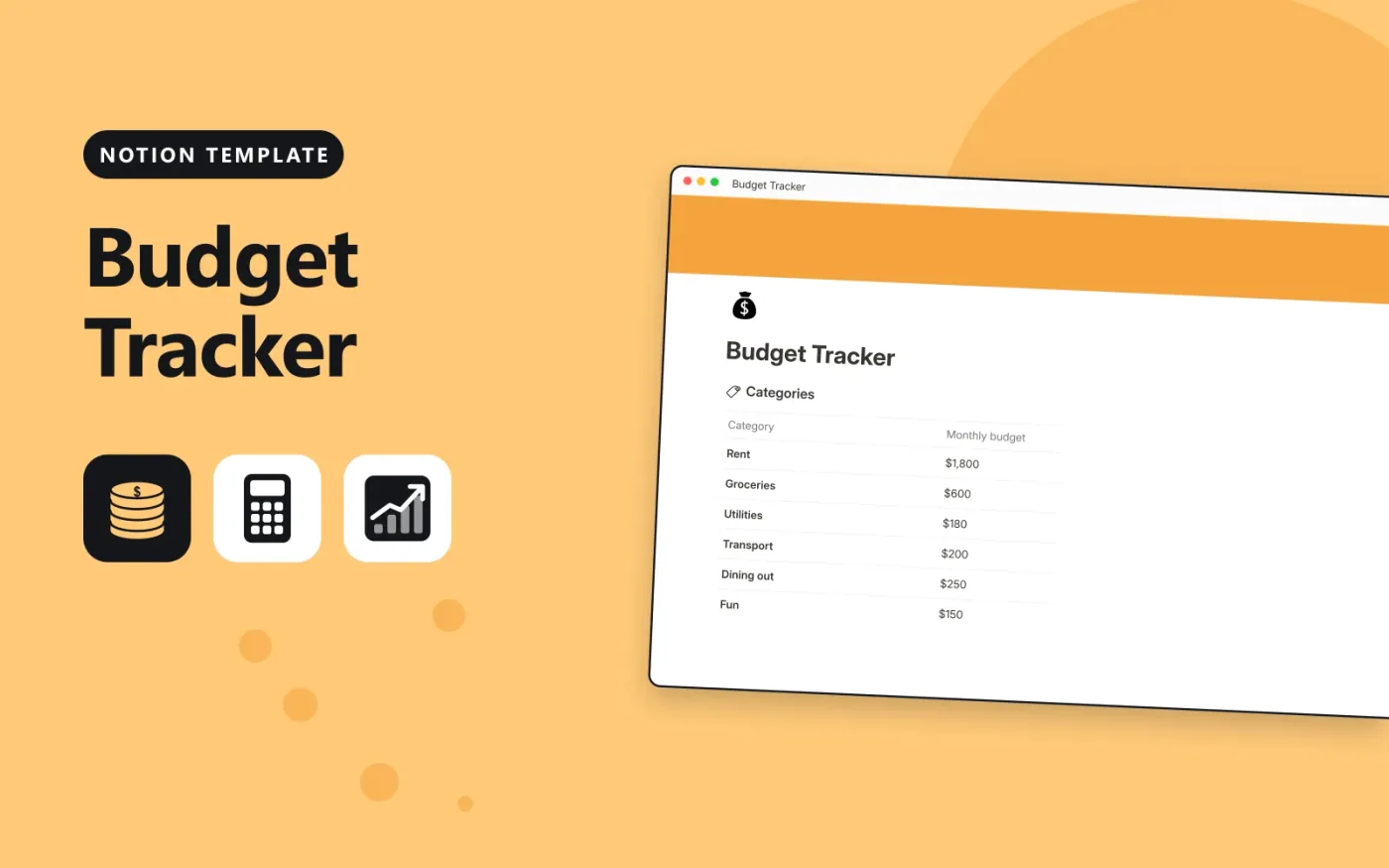
This Notion template has two linked databases. Categories holds each budget line with its monthly amount, and Transactions holds every payment and paycheque with its amount, date and whether it is income or an expense. Each expense picks its category, and the category lists its expenses under Transactions, so Spent adds them up and Left shows what remains.
It comes with sample transactions and categories so you can see how the totals work. Duplicate it, replace the samples with your own figures, and set the budgets at the start of each month. Income rows stay unlinked, so they do not count against any category.
Click Duplicate in Notion. The template page opens in Notion.
Click Duplicate at the top right and choose your workspace.
Read the Start here section, then replace the sample entries with your own.
Add a board or calendar view from the + next to the table name if you want one.
Yes. Duplicate it into your own Notion workspace at no cost. The free Notion plan is enough.
Spent is a rollup that adds up the Amount of the transactions linked to each category. Left is a formula that takes Spent away from the Monthly budget and rounds the answer.
In Transactions, pick the category in the Category column. The Transactions column on Categories fills in on its own, and Spent and Left update.
Docs + Word6 pages
FeaturedFree
Excel
FeaturedFree
Sheets + Excel9 tabs
Free
Notion
Free
Notion
Free
Notion
Free
Notion
Free
Notion
Free
Notion
Free
Notion
Free
Notion
Free
Notion
Free
Notion
Free
Notion
Free








