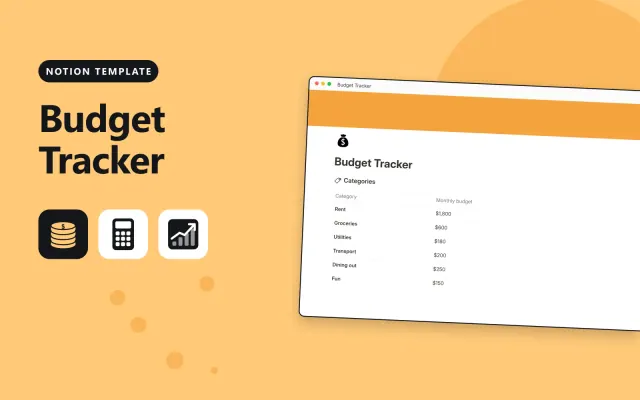
Budget Tracker
Notion
Free12 templates
Notion
Free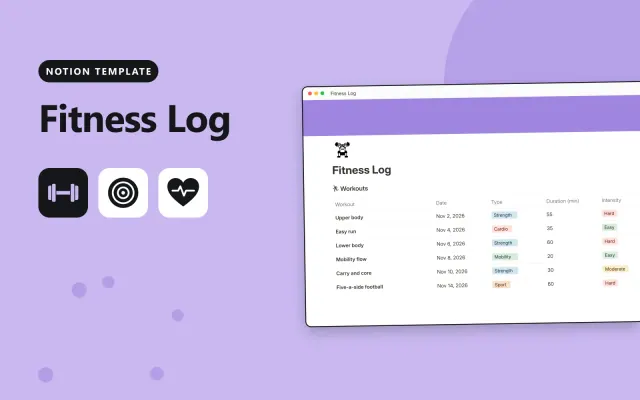
Notion
Free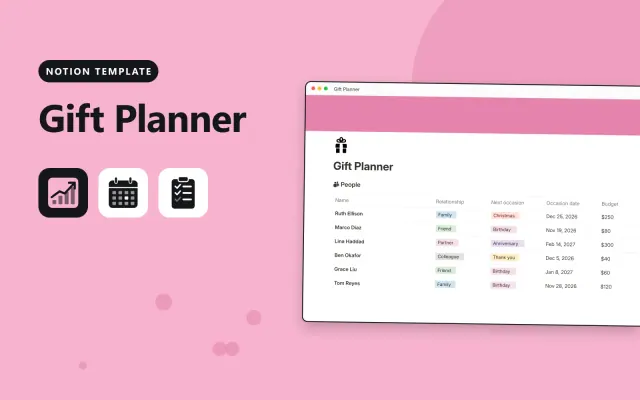
Notion
Free
Notion
Free
Notion
Free
Notion
Free
Notion
Free
Notion
Free
Notion
Free
Notion
Free
Notion
Free
Notion
Free| Budget Tracker | Fitness Log | Gift Planner | Home Inventory | |
|---|---|---|---|---|
| Format | Workspace | Workspace | Workspace | Workspace |
| Works in | Notion | Notion | Notion | Notion |
| Length | Not listed | Not listed | Not listed | Not listed |
| Style | Not listed | Not listed | Not listed | Not listed |
A Notion personal template tracks everyday life, such as money, meals, travel or a move. It suits people who keep lists and logs on paper or in a spreadsheet and want them in one place.
Cover a summary page with totals or next steps, a budget or expense table with categories, a checklist or itinerary, monthly or trip views, a notes section, and sample entries.
Start with the one area you use most and add the rest later, so the template stays quick to fill in.
Compare Budget Tracker, Fitness Log, and Gift Planner, then pick the closest match and replace the sample text with your own.
A Notion personal template tracks everyday life, such as money, meals, travel or a move. It suits people who keep lists and logs on paper or in a spreadsheet and want them in one place.
Include a summary page with totals or next steps, a budget or expense table with categories, a checklist or itinerary, monthly or trip views, a notes section, and sample entries. Start with the one area you use most and add the rest later, so the template stays quick to fill in.
Open the template page and select Duplicate. The copy appears in your workspace with its tables and sample entries, ready for you to replace with your own.
Most personal templates work on the free plan, since they are built for individual use. Check the description for any feature that needs a paid plan before you duplicate it.
Open the database, select the add view button, and choose Calendar. Set the date property as the calendar's date, so each entry appears on its day.
Start with Budget Tracker: Log income and spending in Notion and see how much of each monthly budget is left. If that is not the right fit, compare it with Fitness Log.
Yes. These notion personal templates work in Notion. All 12 templates are free, with no account or email needed.