Grant Budget Justification
Docs + Word9 pages
Free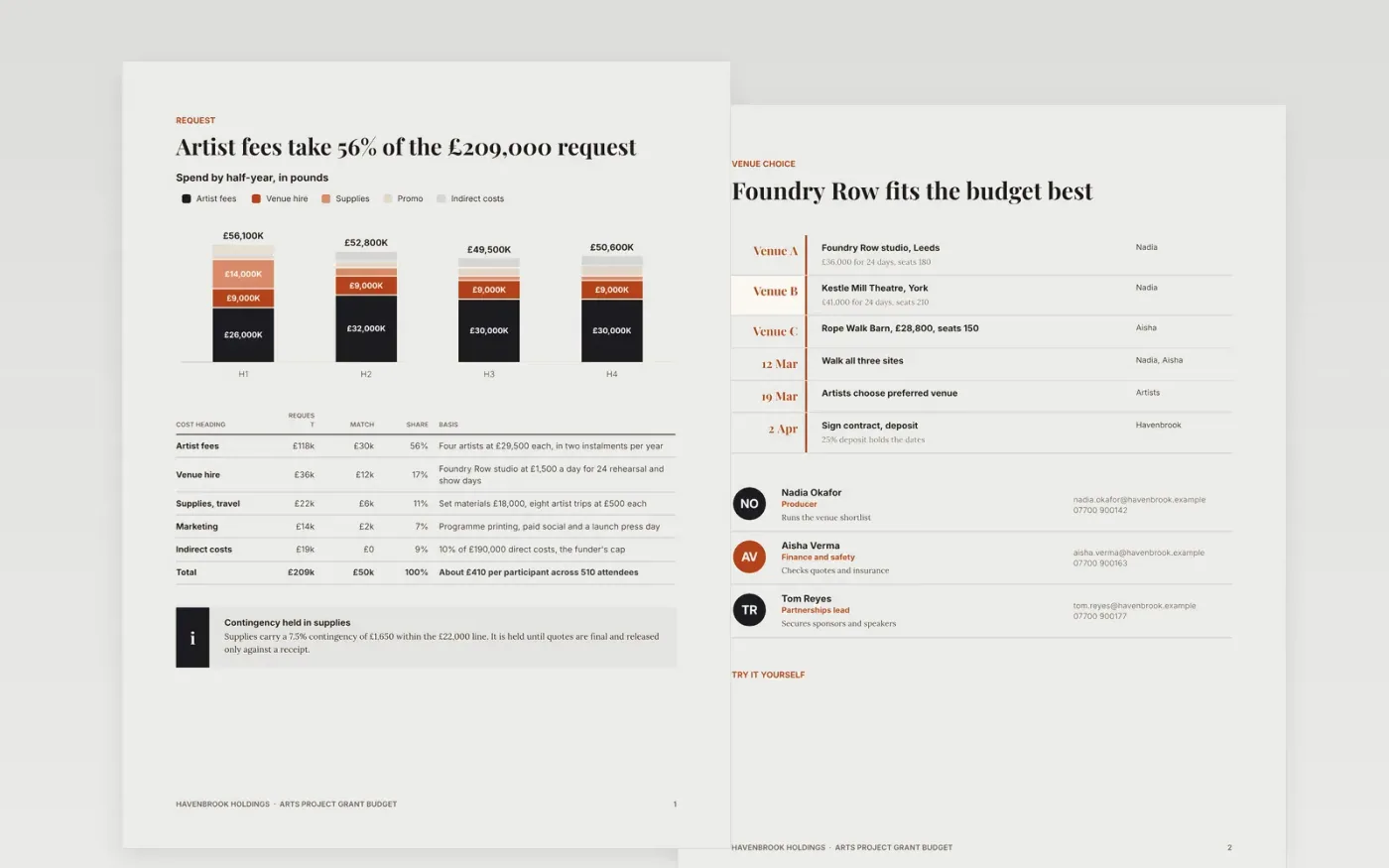
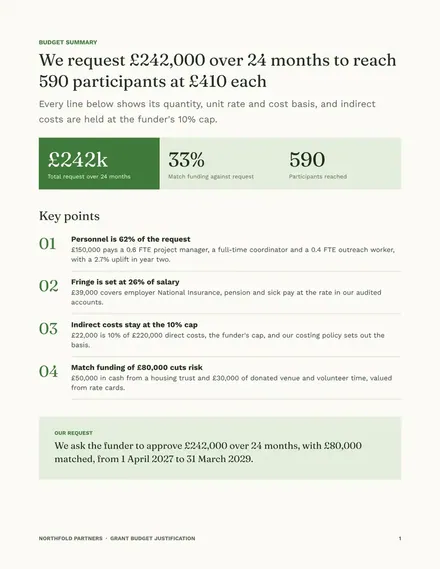
A grant budget justification template for arts projects that must show a funder each pound requested buys a named activity at a fair price. This Google Docs file sets out artist fees, venue hire, supplies and travel, indirect costs and match funding, each with its unit rate and a short reason a reviewer can check. It runs across eight pages, from the budget summary to the grant claim and the guide.
The sample is a fictional project, Riverside Voices, run by the fictional Havenbrook Holdings. It shows a £209,000 request over 24 months, a six-month variance check and a worked claim, which doubles as a capital grant budget with contingency on supplies. Replace the figures with your own quotes and rates, and check that every total still equals the sum of its lines before you send it.
Click Make a copy in Google Docs, then confirm on the Google page. The copy is saved to your own Google Drive.
Replace the project name, organisation and team details on the cover and in the venue table.
Enter your own cost lines, quantities and unit rates, then check that each total adds up.
Update the in-kind policy and the variance table with your real figures and causes.
Delete the make-it-yours guide page, then share the document with your funder or review panel.
Yes. Click Make a copy in Google Docs and the file is saved to your own Google Drive, ready to edit. There is no sign-up on this page and no fee.
Yes. Replace the headings with your funder's own cost categories and delete any row that does not apply. Keep each total equal to the sum of its lines so the file still adds up.
No. Havenbrook Holdings, Riverside Voices, the people named in the document and every figure are fictional. Replace them with your own details and quotes before you submit anything.
Docs + Word9 pages
Free
Docs + Word6 pages
Free
Excel
Free








