
Access Card Request Letter
Docs + Word2 pages
Free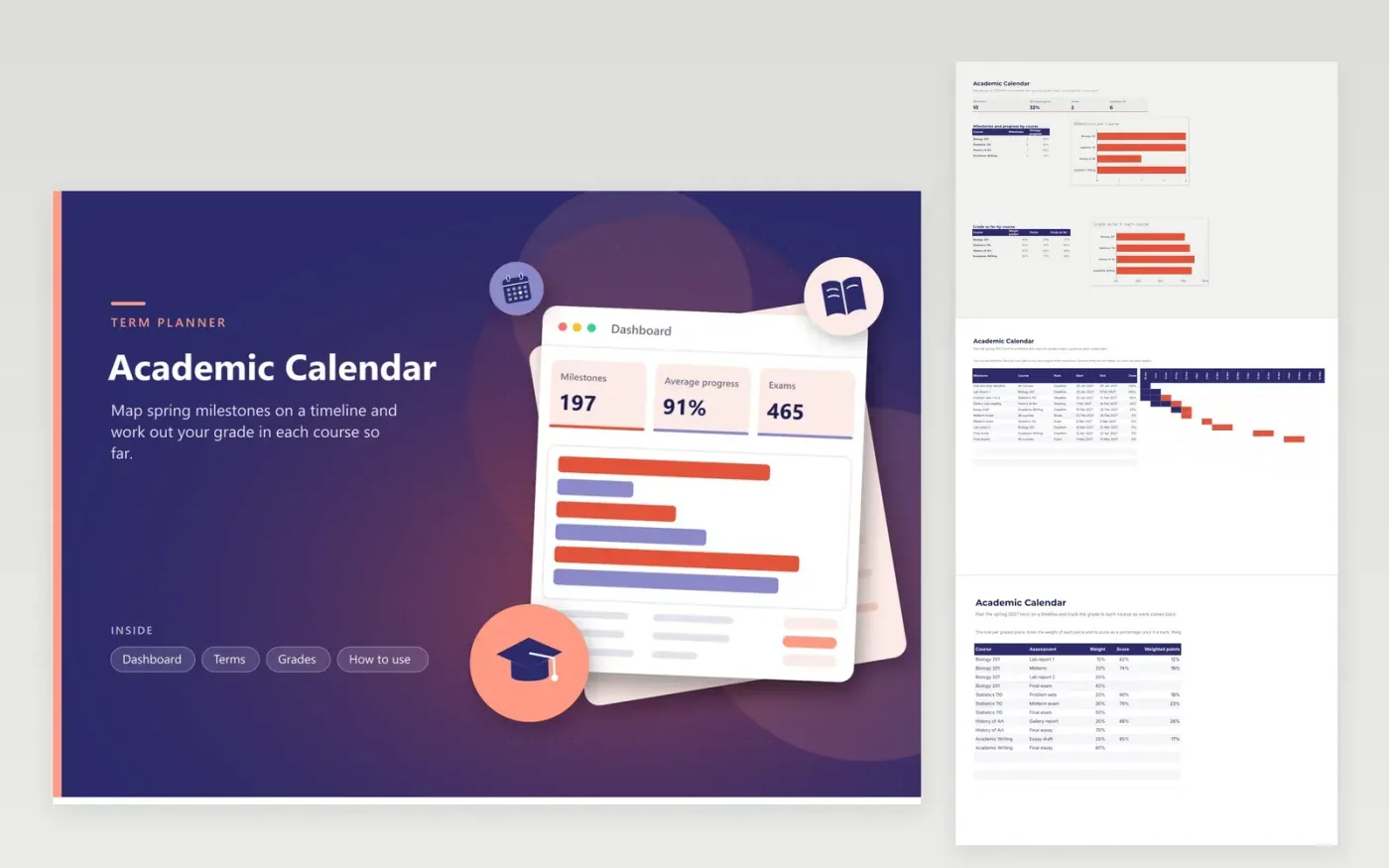
The academic calendar suits students and course leaders who plan a term with several modules at once. The Terms tab is a gantt timeline of 18 weeks from mid January, with milestones for deadlines, exams, readings and breaks, each marked with its course and percentage done. The Grades tab lists each graded piece with its weight and score, and the dashboard shows milestones and average progress by course, along with the grade so far.
Enter the real term dates on the first milestone, then add each deadline as the syllabus is published. Update the Done percentage every week so the bars show what is finished. When a grade comes back, type its score as a percentage on the Grades tab, and check that each course's weights add up to 100 percent before you rely on the grade so far.
Click Make a copy in Google Sheets, then confirm on the Google page. The copy is saved to your own Google Drive.
Start on the Terms tab: replace the sample rows with your own.
Keep the formula columns as they are; they fill in as you type.
Read the How to use tab for tips. For Excel, download the .xlsx file instead.
Each graded piece's weight is multiplied by its score, and the total is divided by the weight graded so far. Only pieces with a score count, so the figure is your average for work already marked, not your final grade.
Suppose graded work adds 48 percentage points from 60 percent of the course. To finish at 70, you need 22 more points from the last 40 percent, which means a score of 55 percent on the final.
Yes. Replace the course names with projects, placements or training blocks. The timeline reads only the start, end and progress columns, so any milestone with dates shows as a bar.
More Google Sheets templatesMore business operations templates
Docs + Word2 pages
Free
Docs + Word2 pages
Free
Docs + Word2 pages
Free
Docs + Word1 page
Free
Docs + Word11 pages
Free
Docs + Word11 pages
Free
Docs + Word11 pages
Free
Docs + Word11 pages
Free
Docs + Word11 pages
Free
Docs + Word1 page
Free
Docs + Word11 pages
Free
Docs + Word11 pages
Free
Docs + Word1 page
Free
Docs + Word1 page
Free
Docs + Word11 pages
Free










