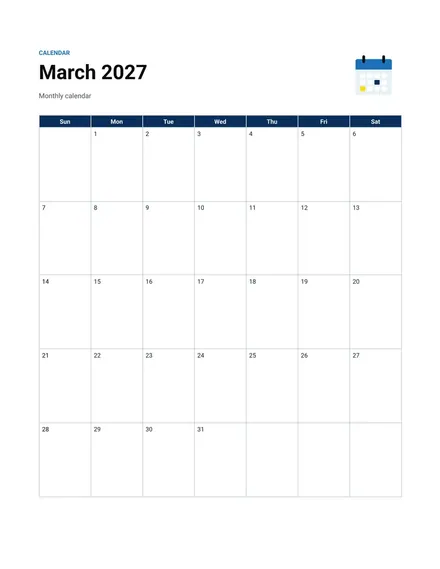
Monthly Calendar
Docs + Word2 pages
Free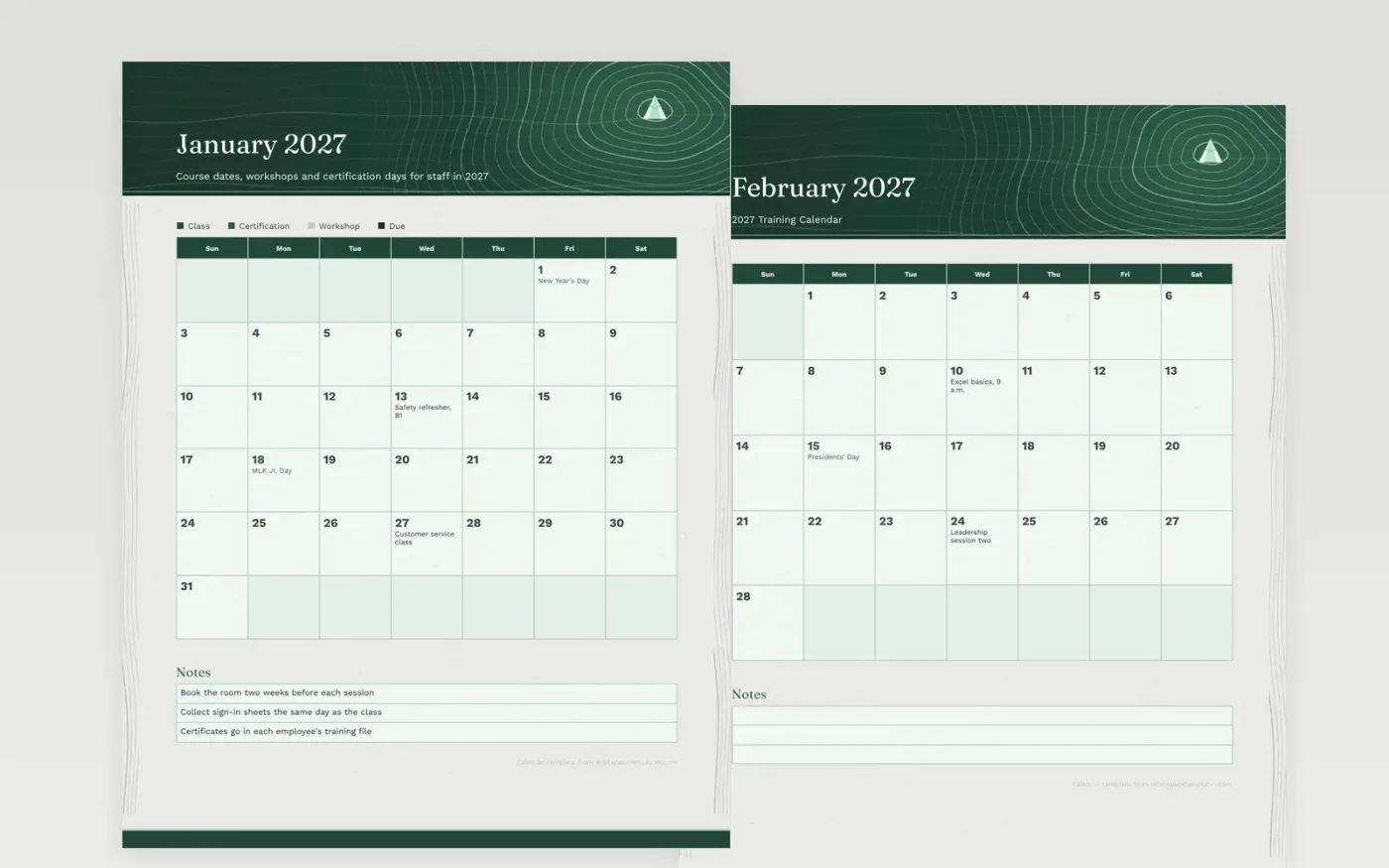
A training program works best when staff can see the course list at a glance. This calendar spreads sessions across every month, with safety refreshers in the winter, leadership and presentation work in the spring, and a certification exam in October. Each class has its own day, so no two sessions compete for the same room or manager.
The sample dates fall on Wednesdays, which leaves Monday and Tuesday for prep and Thursday for follow-up. Swap in your real course names, write the instructor's name on the sheet, and flag the days when certificates are issued. Print the year for the training room, or send each month to the team lead who approves time off for attendance.
Make a copy in Google Docs, or download the Word file.
Type over the sample text with your own details.
Delete the guide page when you are done.
Print it, or save it as a PDF.
Yes. Write the course name in a day box and add the platform or link in the notes box.
Federal holiday dates are already marked. Schedule around them or add a training break in a day box.
Two or three is comfortable. Use the boxes for session names and keep details in the notes.
Docs + Word2 pages
Free
Docs + Word2 pages
Free
Docs + Word2 pages
Free
Docs + Word1 page
Free
Docs + Word11 pages
Free
Docs + Word11 pages
Free
Docs + Word11 pages
Free
Docs + Word11 pages
Free
Docs + Word11 pages
Free
Docs + Word1 page
Free
Docs + Word11 pages
Free
Docs + Word11 pages
Free
Docs + Word1 page
Free
Docs + Word1 page
Free
Docs + Word11 pages
Free










