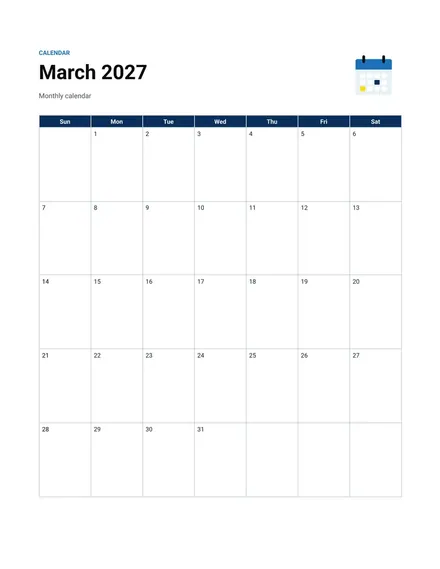
Monthly Calendar
Docs + Word2 pages
Free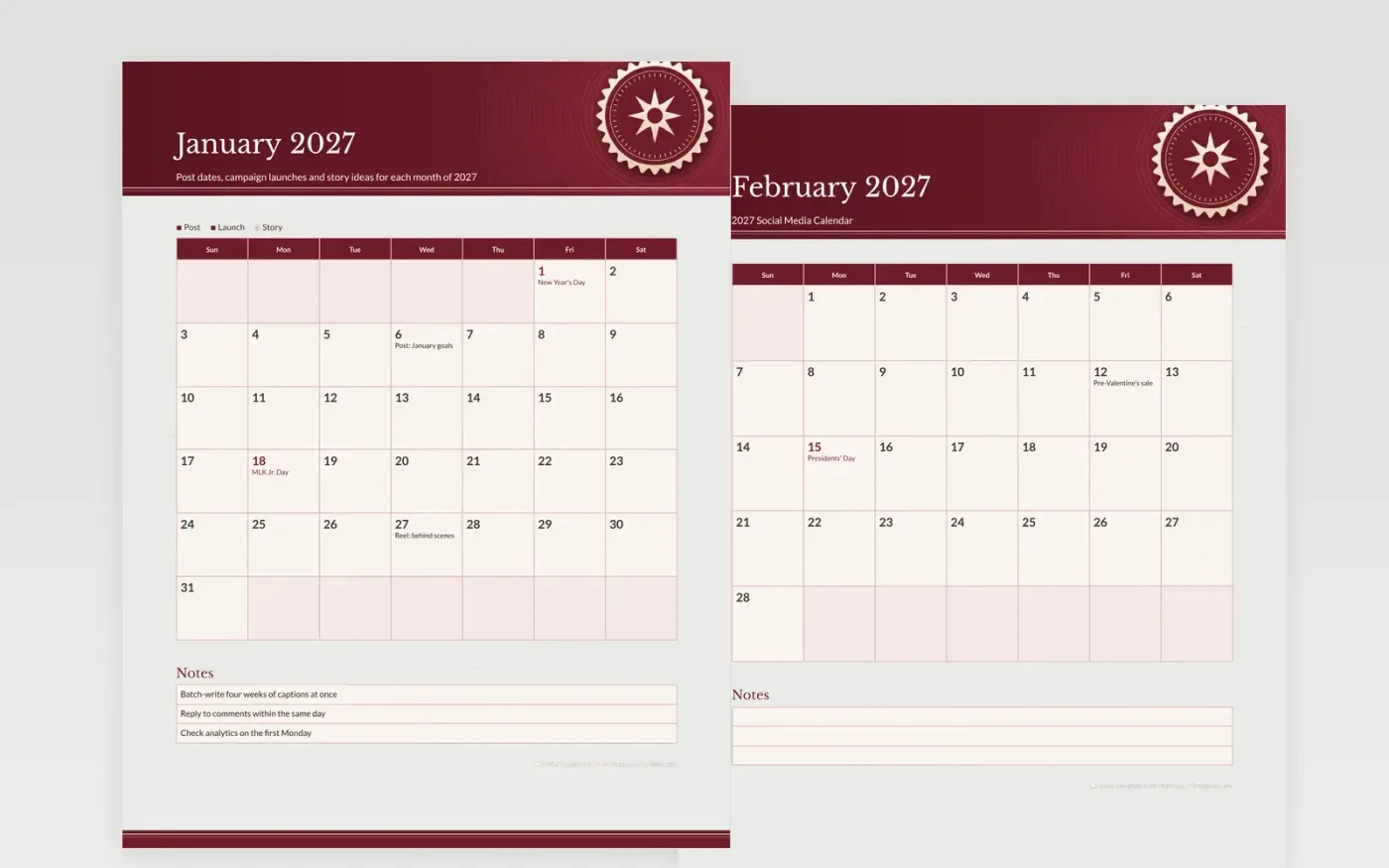
A posting plan that exists only in someone's head will drift by the second week. Each month here holds a handful of anchor posts, from a New Year goals reel in January to a year-in-review in December, and leaves the remaining squares for the everyday content that keeps followers engaged. Plan the anchors first, then fill around them.
The key marks regular posts, launches and stories, so a quick look shows whether the feed has enough variety. Pin a single month to the wall, or send the file around so every writer sees the next date. The notes box tracks the rhythm: which day the team batches captions, when analytics get reviewed and who answers comments.
Make a copy in Google Docs, or download the Word file.
Type over the sample text with your own details.
Delete the guide page when you are done.
Print it, or save it as a PDF.
There is no fixed number. Write the anchor posts on this calendar first, then decide how many everyday posts your team can make well.
Yes. Use one copy per account, or write the platform name beside each post in the color that matches its key.
The federal holidays are already on the grid. Plan extra posts for shopping days outside those dates.
Docs + Word2 pages
Free
Docs + Word2 pages
Free
Docs + Word2 pages
Free
Docs + Word1 page
Free
Docs + Word11 pages
Free
Docs + Word11 pages
Free
Docs + Word11 pages
Free
Docs + Word11 pages
Free
Docs + Word11 pages
Free
Docs + Word1 page
Free
Docs + Word11 pages
Free
Docs + Word11 pages
Free
Docs + Word1 page
Free
Docs + Word1 page
Free
Docs + Word11 pages
Free










