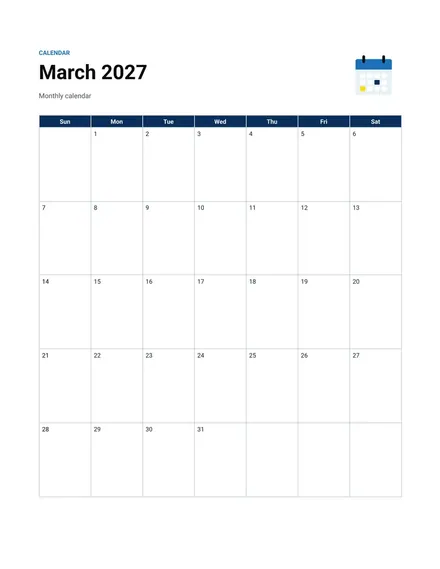
Monthly Calendar
Docs + Word2 pages
Free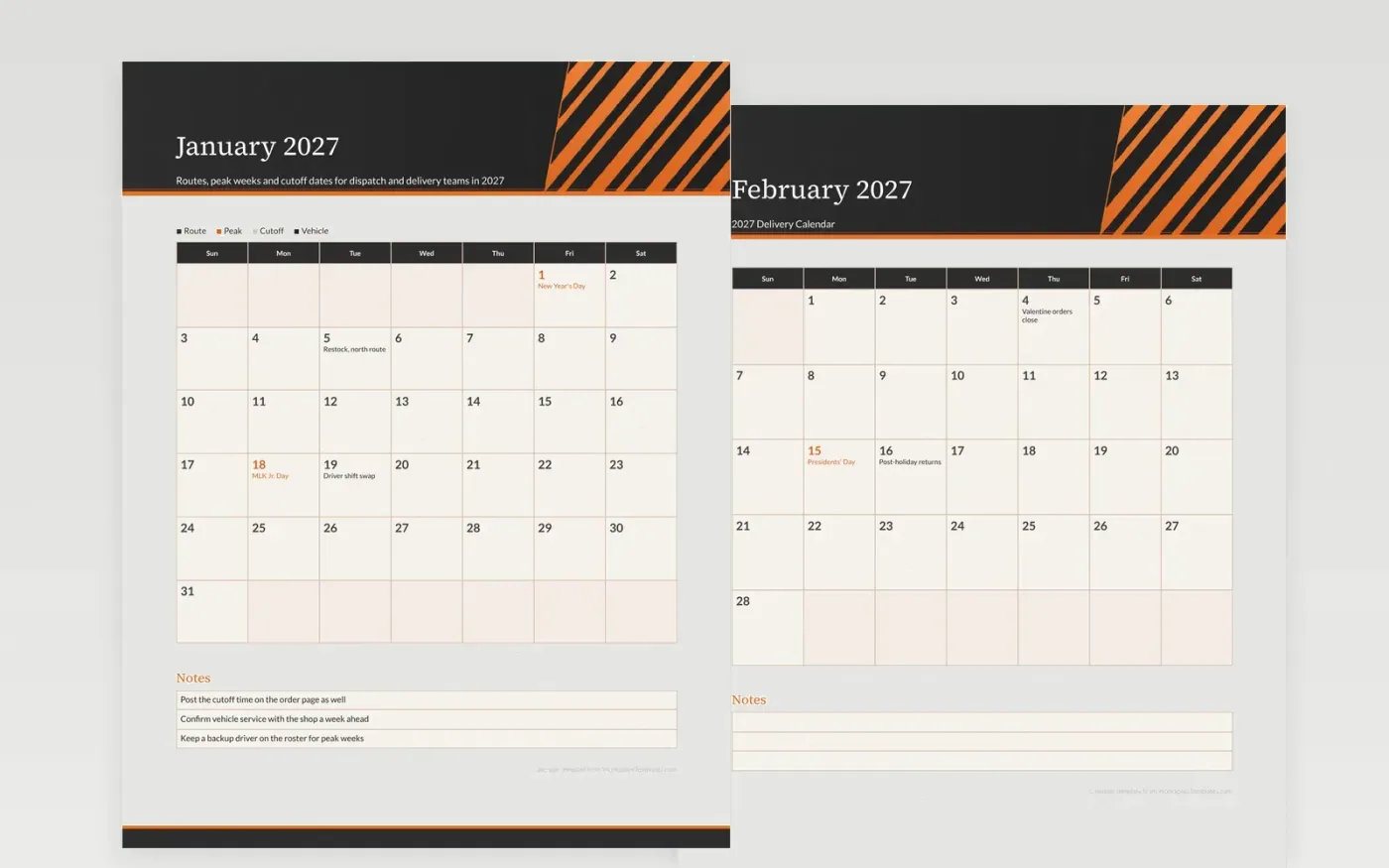
Delivery plans fall apart when the cutoff is unclear or a van is in the shop during a peak week. This calendar puts cutoffs and vehicle checks beside the busy stretches, so dispatch can see where capacity runs short before the orders arrive. Spring and fall stock arrivals show up as their own entries, since the trucks change routes around them.
The route names are placeholders, so write in your own zones and driver rotation. Use the notes box to hold the cutoff time, the backup plan and the phone number for the shop. One month at a time works for the dispatch wall, while the full year suits the planning meeting.
Make a copy in Google Docs, or download the Word file.
Type over the sample text with your own details.
Delete the guide page when you are done.
Print it, or save it as a PDF.
Yes. Write the route name into a day box or use the color key to group routes by area.
Only federal holidays appear. Add carrier closures or early cutoffs yourself.
No. It holds dates only. Plan stops and times in your routing software and copy the key dates here.
Docs + Word2 pages
Free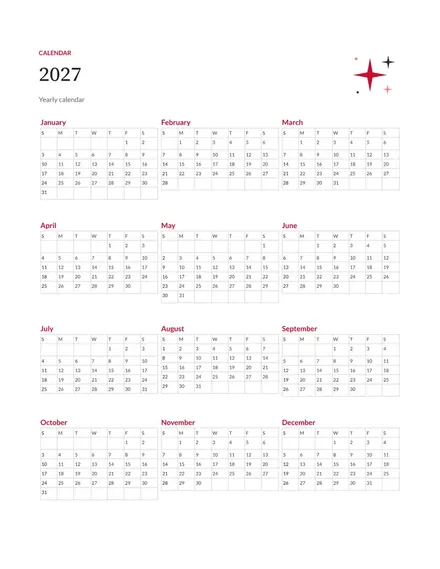
Docs + Word2 pages
Free
Docs + Word2 pages
Free
Docs + Word1 page
Free
Docs + Word11 pages
Free
Docs + Word11 pages
Free
Docs + Word11 pages
Free
Docs + Word11 pages
Free
Docs + Word11 pages
Free
Docs + Word1 page
Free
Docs + Word11 pages
Free
Docs + Word11 pages
Free
Docs + Word1 page
Free
Docs + Word1 page
Free
Docs + Word11 pages
Free










