
Annual Report
Docs + Word6 pages
FeaturedFree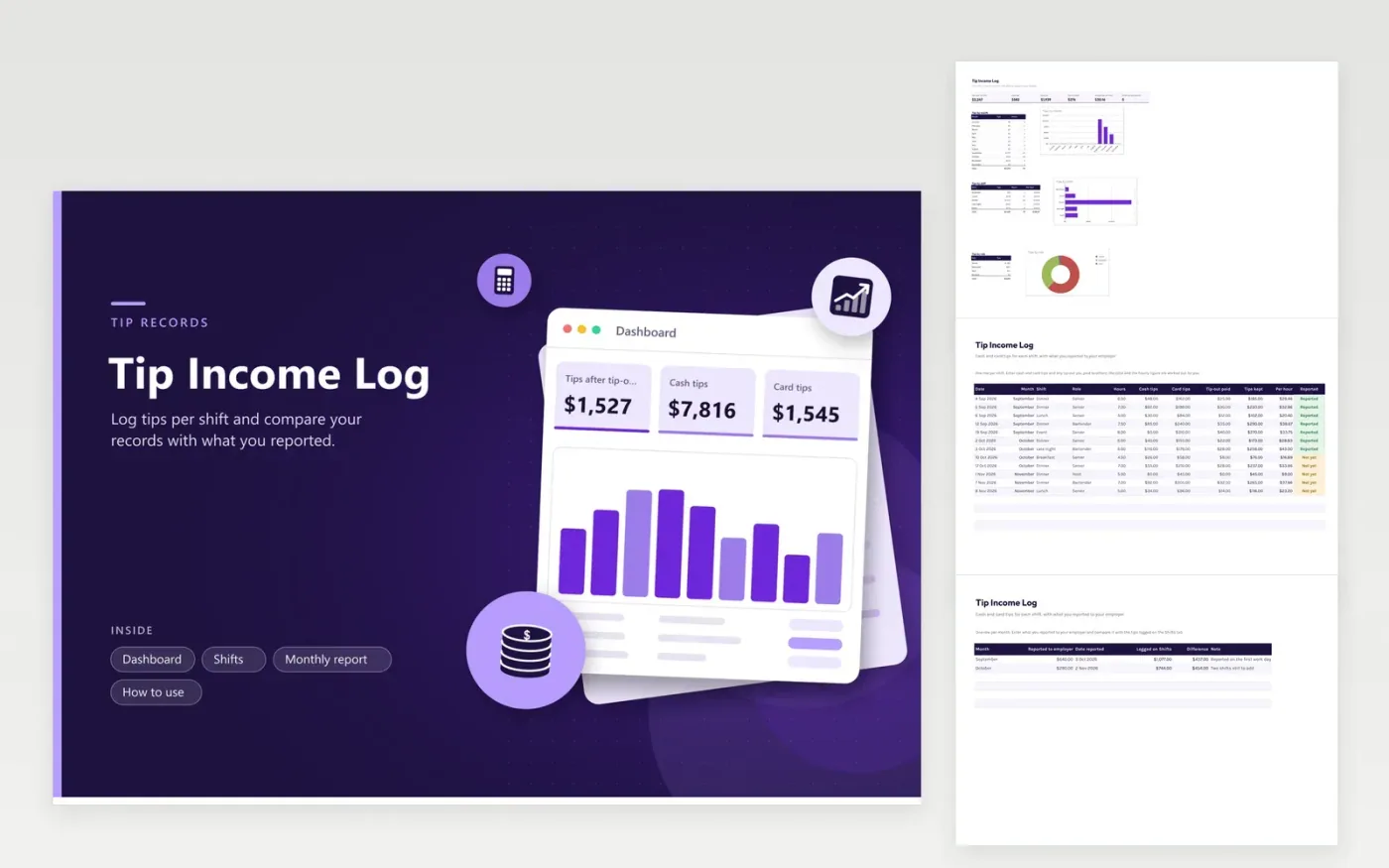
Servers, bartenders, hosts and other tipped workers use this tip income log to keep their own record of what they earned. The Shifts tab records every shift in one row, with hours, cash tips, card tips and tip-outs, and it works out the tips kept and the tips per hour. The Monthly report tab compares what you reported to your employer with the tips you logged. The Dashboard shows tips by month, by shift type and by role.
Write the cash number down at the end of the shift. A tip log kept in the moment is far more accurate than one rebuilt from memory in April. Compare your card tips with your pay stub, and use the Not yet status to catch shifts you have not reported. This sheet is a personal record, so follow your employer's process and check with a tax professional on reporting tips.
Click Make a copy in Google Sheets, then confirm on the Google page. The copy is saved to your own Google Drive.
Start on the Shifts tab: replace the sample rows with your own.
Keep the formula columns as they are; they fill in as you type.
Read the How to use tab for tips. For Excel, download the .xlsx file instead.
Add a row after each shift with the date, hours, cash tips, card tips and any tip-out. The sheet adds them up by month, shift and role, and shows tips per hour.
Many tipped workers are asked to keep a daily record and to report tips to their employer by a set date each month. Read the latest IRS guidance, or ask your employer how to report them. This log can serve as your own copy.
A tip-out is the share of tips you pay to coworkers such as bussers, hosts or bar staff. Enter it in its own column, and the sheet subtracts it from your cash and card tips to show what you kept.
Docs + Word6 pages
FeaturedFree
Excel
FeaturedFree
Sheets + Excel6 tabs
Free








