
Annual Report
Docs + Word6 pages
FeaturedFree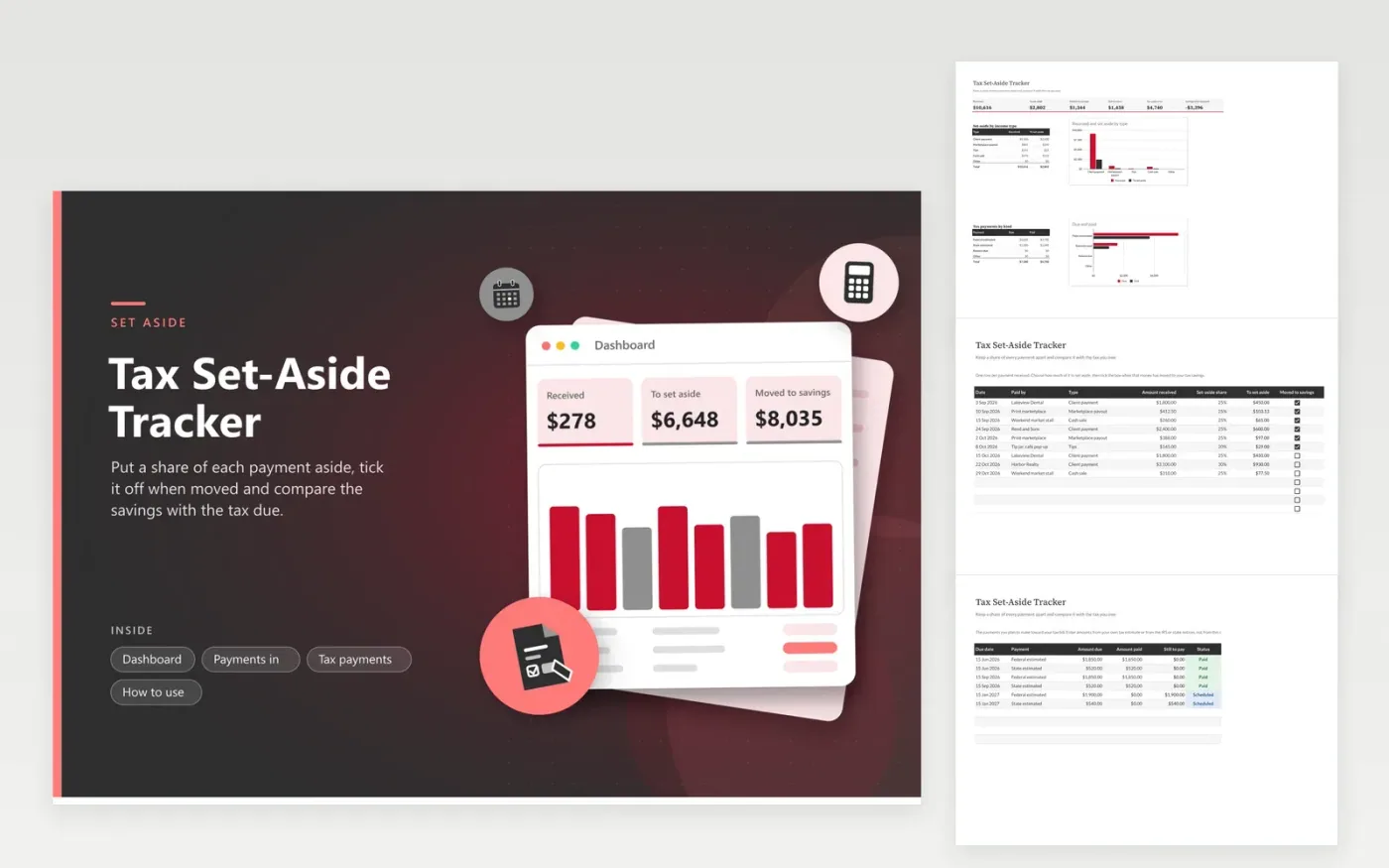
Freelancers, gig workers and small shop owners use this tracker to avoid a surprise tax bill. The Payments in tab records each payment with a set-aside share, works out the amount and has a checkbox for money moved to savings. The Tax payments tab lists the payments you plan to make and those already paid. The Dashboard shows the amount received, set aside, still to move and left in savings once tax is paid.
Choose a set-aside share with your tax professional, then apply it the same day you are paid. Tick the box only when the transfer has cleared. Enter tax payment amounts from your own estimate or from official notices; the sheet holds no rates or limits. If savings fall behind the amount due, raise the share on new payments instead of waiting for the deadline.
Click Make a copy in Google Sheets, then confirm on the Google page. The copy is saved to your own Google Drive.
Start on the Payments in tab: replace the sample rows with your own.
Keep the formula columns as they are; they fill in as you type.
Read the How to use tab for tips. For Excel, download the .xlsx file instead.
The right share varies with income, deductions and location. Pick a figure with a tax professional, enter it as a percentage and adjust it as the year goes on. The sheet applies it to every payment.
Tick Moved to savings for each payment once the transfer is done. The Dashboard compares what is saved with what should be saved, and what remains after tax payments are made.
No. It records what you choose to hold back and compares it with figures you enter. For estimated payments, use the IRS or CRA instructions or ask a tax professional, then record the result on the Tax payments tab.
Docs + Word6 pages
FeaturedFree
Excel
FeaturedFree
Sheets + Excel6 tabs
Free








