
Annual Report
Docs + Word6 pages
FeaturedFree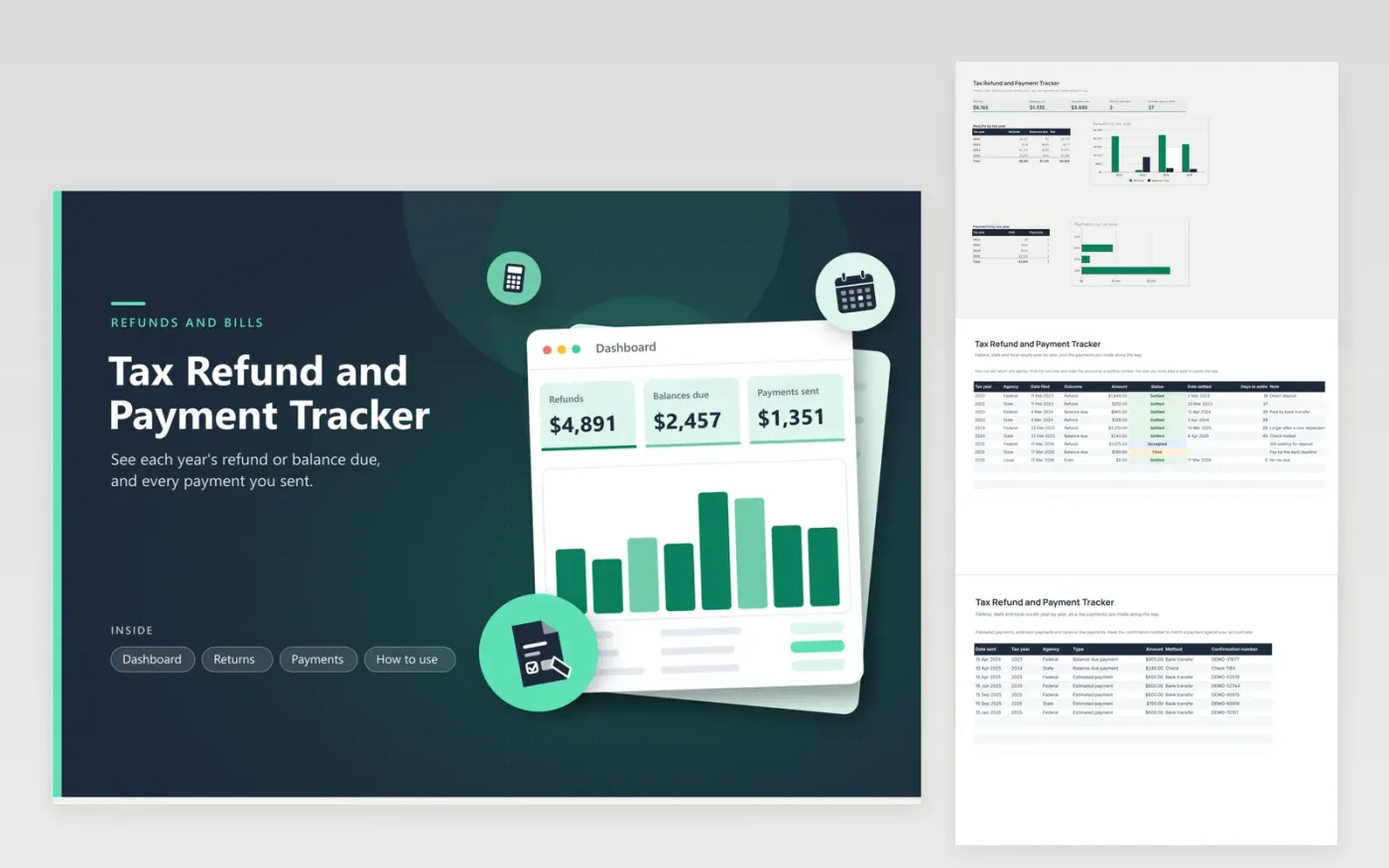
Anyone who files returns every year can use this tax refund and payment tracker to keep the history in one place. The Returns tab gives each agency and year its own row, with the outcome, amount, filing date, status and the date the money arrived or left. The Payments tab lists estimated, extension and balance due payments with confirmation numbers. The Dashboard totals refunds, balances due and payments, and compares years in a chart.
The days-to-settle column makes slow years easy to spot, so you know when a refund is later than usual. Write the confirmation number for every payment, since it is the quickest way to prove a payment when an agency's records differ from yours. Update the status the day you hear something from the agency.
Click Make a copy in Google Sheets, then confirm on the Google page. The copy is saved to your own Google Drive.
Start on the Returns tab: replace the sample rows with your own.
Keep the formula columns as they are; they fill in as you type.
Read the How to use tab for tips. For Excel, download the .xlsx file instead.
Add a row on the Returns tab with the filing date, the amount you expect and the status Filed. Update the status when the agency accepts the return, and type the settle date when the money arrives. The days column then shows the wait.
Add each payment to the Payments tab with its date, tax year, agency, amount and confirmation number. The Dashboard adds payments by year, and your bank statement can be matched to the same list.
Many things change it, such as income, withholding, family changes and credits. Use the Returns tab to see the pattern and consult a tax professional on any large swing.
Docs + Word6 pages
FeaturedFree
Excel
FeaturedFree
Sheets + Excel6 tabs
Free








