
Annual Report
Docs + Word6 pages
FeaturedFree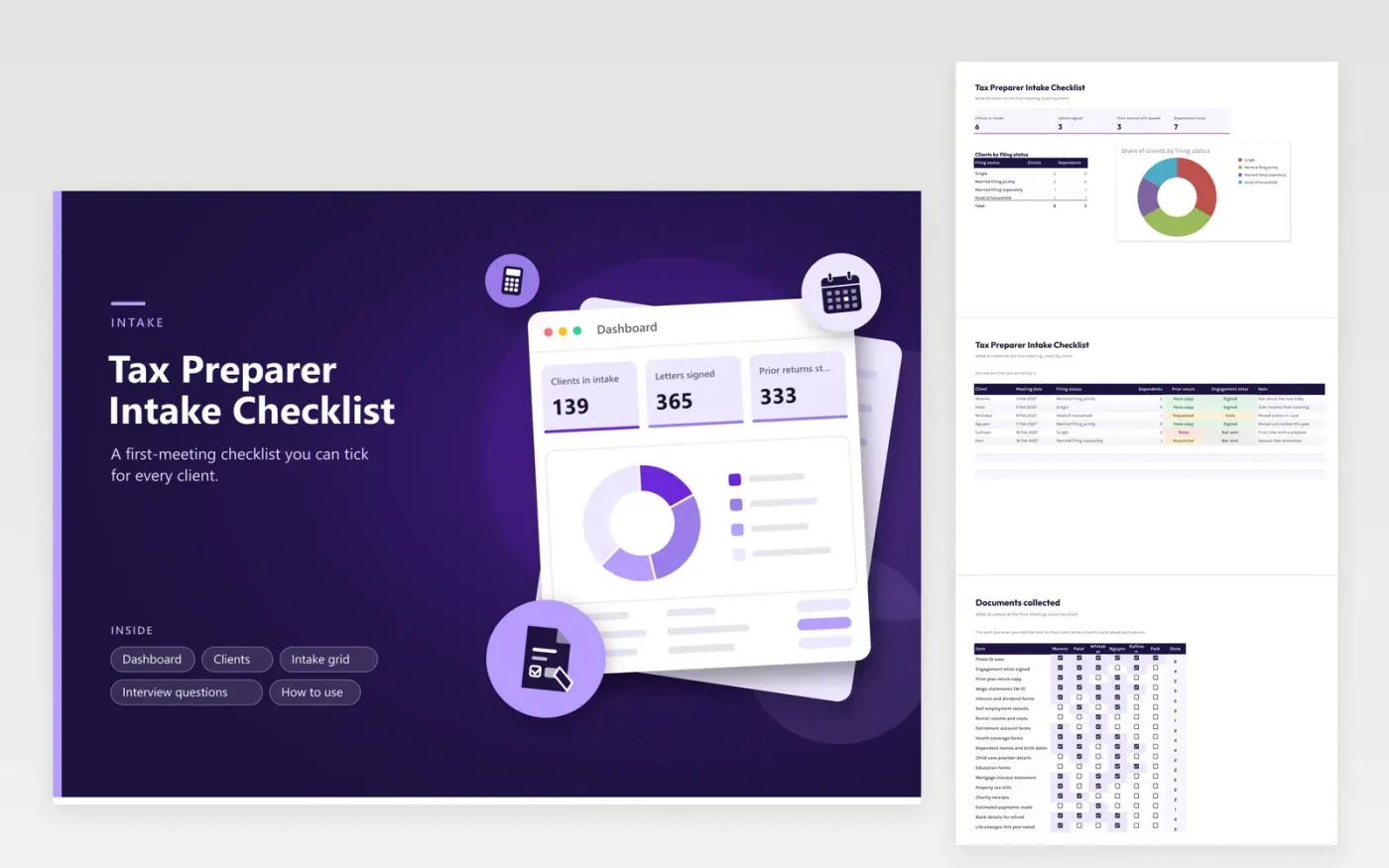
Tax preparers and volunteer tax helpers use this intake checklist to start each client file the same way. The Clients tab records the meeting, filing status, dependents, prior return and engagement letter. The Intake grid lists eighteen items down the side and a column for each client, with checkboxes and a count per item. The Interview questions tab holds the questions to ask and the answers given, and the Dashboard summarizes who is ready.
Send the list of items before the meeting so clients know what to bring. During the meeting, tick the grid as papers come across the desk and write the answers to the interview questions. Anything left unticked becomes your follow-up list. Change the item names to fit your clients; a practice with many landlords might add rows for rental records and repairs.
Click Make a copy in Google Sheets, then confirm on the Google page. The copy is saved to your own Google Drive.
Start on the Clients tab: replace the sample rows with your own.
Keep the formula columns as they are; they fill in as you type.
Read the How to use tab for tips. For Excel, download the .xlsx file instead.
Typical items include identification, last year's return, wage and interest statements, records of side income, family details and any forms for deductions or credits. The grid lists common ones; add or delete rows to match your clients.
It is a useful check on names, carried-over amounts and accounts, so many preparers ask for it. Mark it Requested on the Clients tab until you hold a copy, and the Dashboard counts the gaps.
Record only the status of each document, never the numbers on it. Keep tax IDs, account numbers and passwords out of the file, and share the sheet only with people who work on the client files.
Docs + Word6 pages
FeaturedFree
Excel
FeaturedFree
Sheets + Excel6 tabs
Free








