
Annual Report
Docs + Word6 pages
FeaturedFree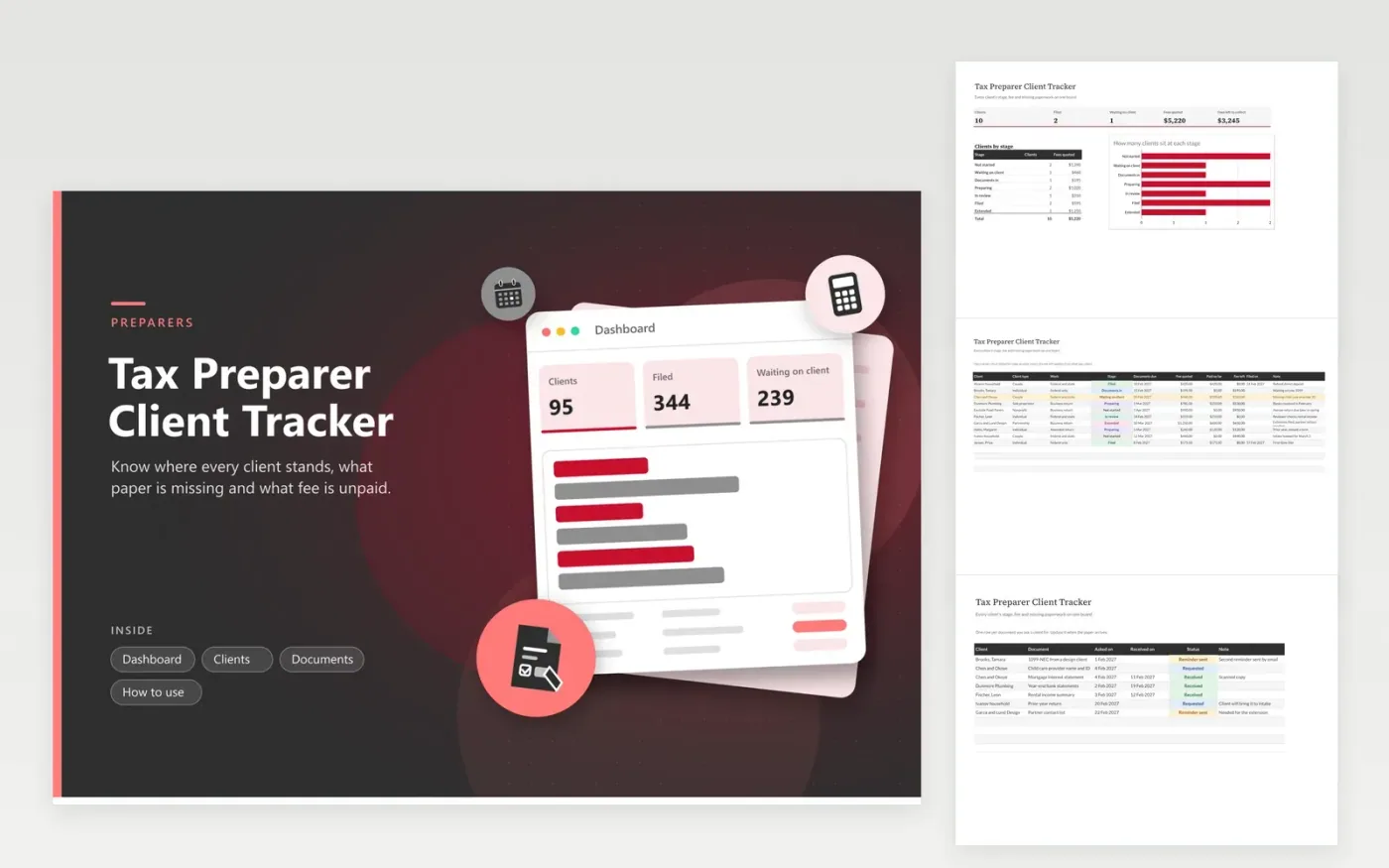
Independent tax preparers, bookkeepers who file returns and small practices use this tracker to run a busy season without losing a client in the pile. The Clients tab gives each person or business one row with the work type, stage, documents due date, fee quoted, amount paid and filing date. The Documents tab lists every paper you asked for and when it came. The Dashboard counts clients by stage and sums quoted fees.
Start the season by entering every returning client and setting the stage to Not started. As intake meetings happen, move clients along and record fees. Amber rows show who is waiting on you or who owes you papers, which turns the sheet into a daily call list. Once the season closes, the filed dates and fee totals show how the practice did and what to charge next year.
Click Make a copy in Google Sheets, then confirm on the Google page. The copy is saved to your own Google Drive.
Start on the Clients tab: replace the sample rows with your own.
Keep the formula columns as they are; they fill in as you type.
Read the How to use tab for tips. For Excel, download the .xlsx file instead.
Give each client one row with a stage and update it every time something happens. A separate list of requested documents shows what is still missing, and the Dashboard counts clients waiting at each stage.
Keep names, work type, dates, fees and notes. Leave out tax ID numbers, account numbers and passwords, and store sensitive records in your secure practice system instead.
Yes. Enter the fee quoted and what has been paid. The Fee left column subtracts one from the other, and the Dashboard adds up what is still to collect.
Docs + Word6 pages
FeaturedFree
Excel
FeaturedFree
Sheets + Excel6 tabs
Free








