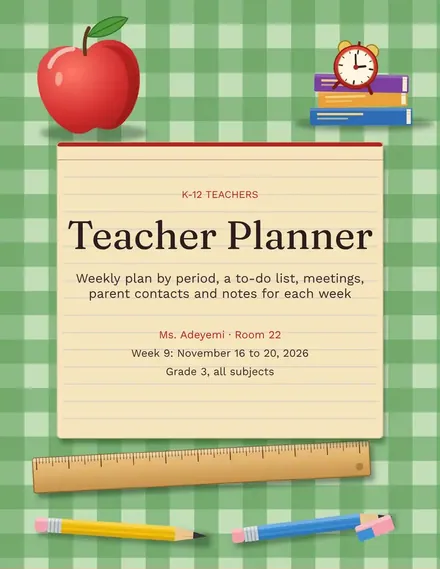
Teacher Planner
Docs + Word3 pages
Free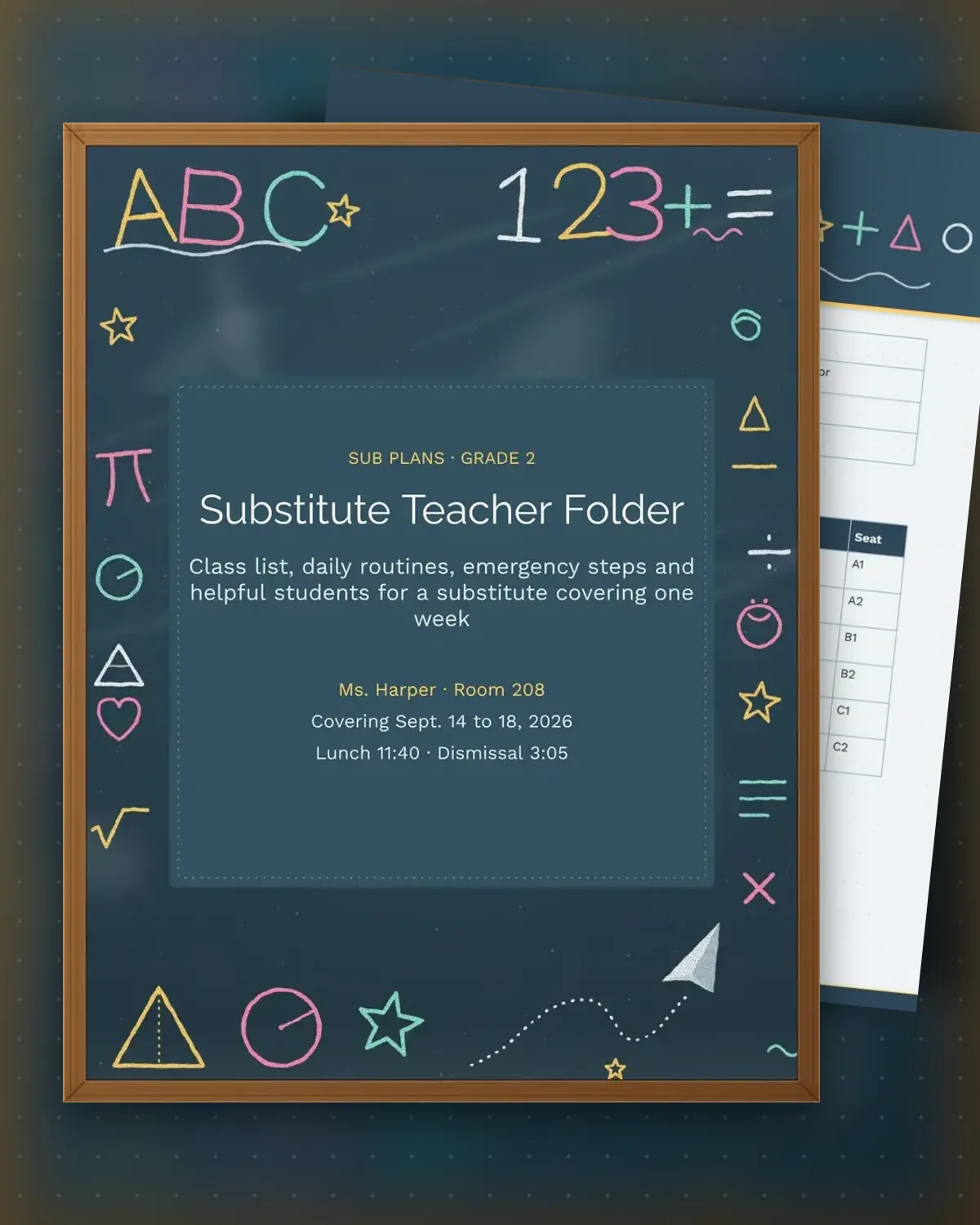
A sub plan works best when the substitute can find the room, the routines and the names in the first five minutes. This folder puts the class list with student needs and helpers on one page, and the daily schedule with emergency steps on the next, so a teacher can print it, leave it on the desk and go.
A second-grade class is the case here, with a teacher out for a week. Replace the names, times and room details with your own, keep the helper column for students who can show a sub around, and add a line for any routine that is unusual in your school. Stored in Google Docs, the folder is easy to update before each absence.
Make a copy in Google Docs, or download the Word file.
Type over the sample text with your own details.
Delete the guide page when you are done.
Print it, or save it as a PDF.
The regular teacher does. The list shows each student's needs, a helper for the day and the seat, so a substitute can start teaching without asking the office.
Yes. The sample is second grade, but the class list, schedule and emergency sections fit any grade. Change the times and routines to match your day.
Refresh it each semester, and again whenever routines shift, such as a new bus time or a new reading block.
Docs + Word3 pages
Free
Docs + Word3 pages
Free
Docs + Word3 pages
Free
Docs + Word3 pages
Free
Docs + Word3 pages
Free
Docs + Word3 pages
Free
Docs + Word3 pages
Free
Docs + Word3 pages
Free
Docs + Word3 pages
Free
Docs + Word3 pages
Free
Docs + Word3 pages
Free
Docs + Word3 pages
Free
Docs + Word3 pages
Free
Docs + Word3 pages
Free
Docs + Word3 pages
Free