Teacher Planner
Docs + Word3 pages
Free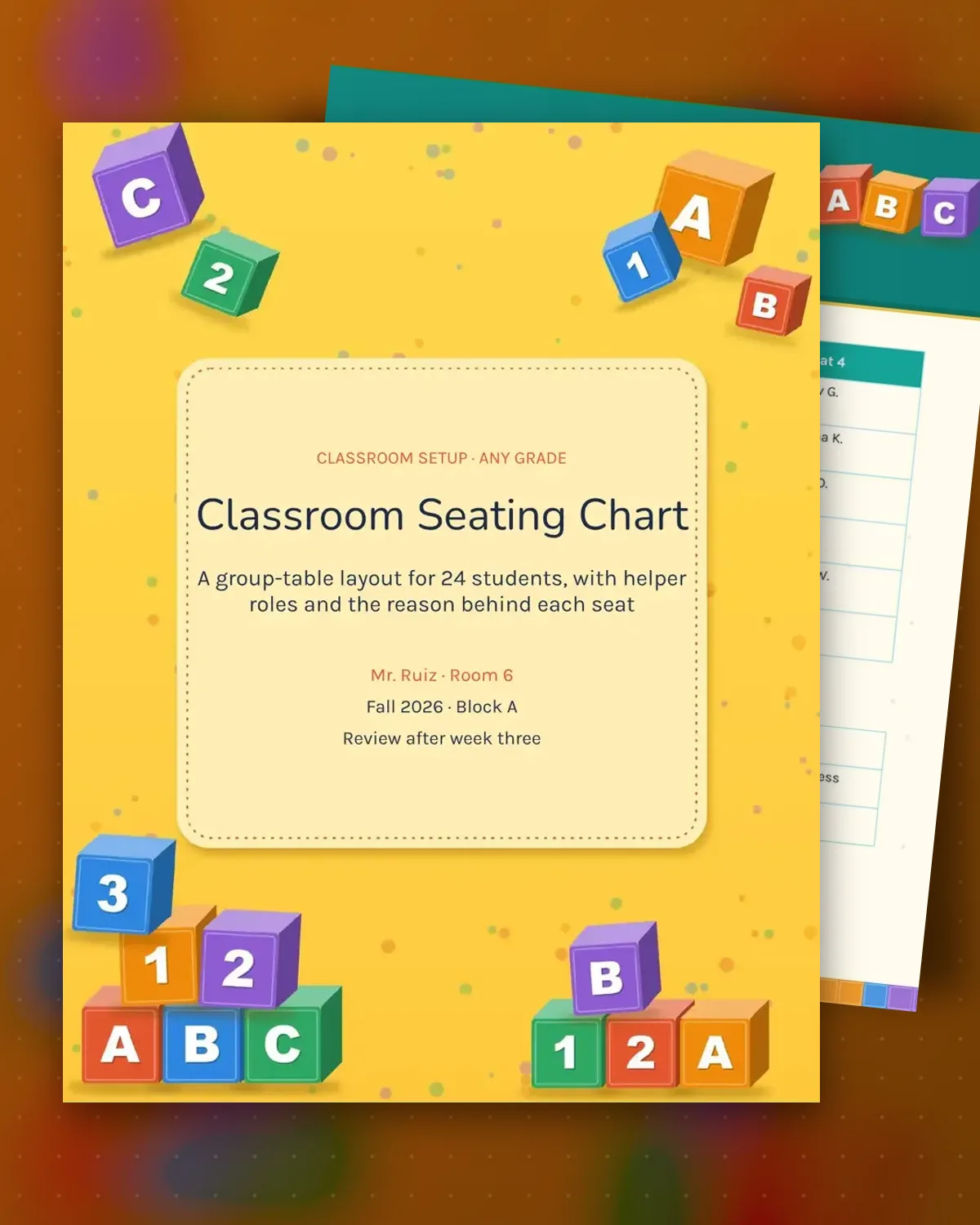
A seating chart does more than place students. It shows who works best near the board, who needs a quiet corner and who can help a neighbor. This template lays out six tables of four with a name in every seat, plus a short note on room layout so walkways stay clear and the teacher can see the whole room from the door.
The second page records why each student sits where they do and who holds each classroom job. Reasons are kept short and dated, so the chart can be reviewed without guesswork. Shuffle groups on a set schedule, and use the notes table when a family or support team asks why a student was moved.
Make a copy in Google Docs, or download the Word file.
Type over the sample text with your own details.
Delete the guide page when you are done.
Print it, or save it as a PDF.
Yes. Replace the table column with a row number and list the seats in order from front to back. The reason and review columns still work the same way.
Put only the seating reason in this file. Keep the full accommodation plan in the student's own support file, and check that the seat meets it.
The sample holds 24 students at six tables of four. Add a table row for each group, or use the spare rows to add extra seats.
Docs + Word3 pages
Free
Docs + Word3 pages
Free
Docs + Word3 pages
Free
Docs + Word3 pages
Free
Docs + Word3 pages
Free
Docs + Word3 pages
Free
Docs + Word3 pages
Free
Docs + Word3 pages
Free
Docs + Word3 pages
Free
Docs + Word3 pages
Free
Docs + Word3 pages
Free
Docs + Word3 pages
Free
Docs + Word3 pages
Free
Docs + Word3 pages
Free
Docs + Word3 pages
Free