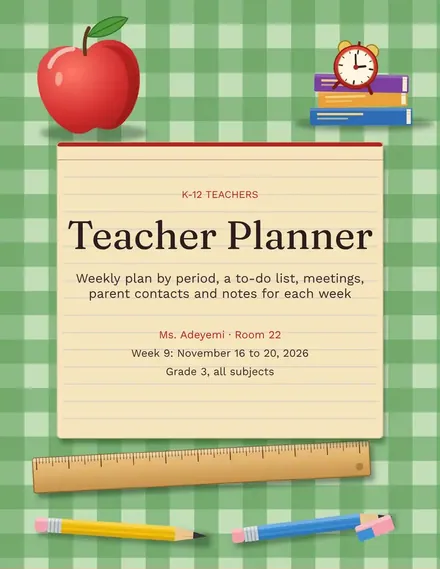
Teacher Planner
Docs + Word3 pages
Free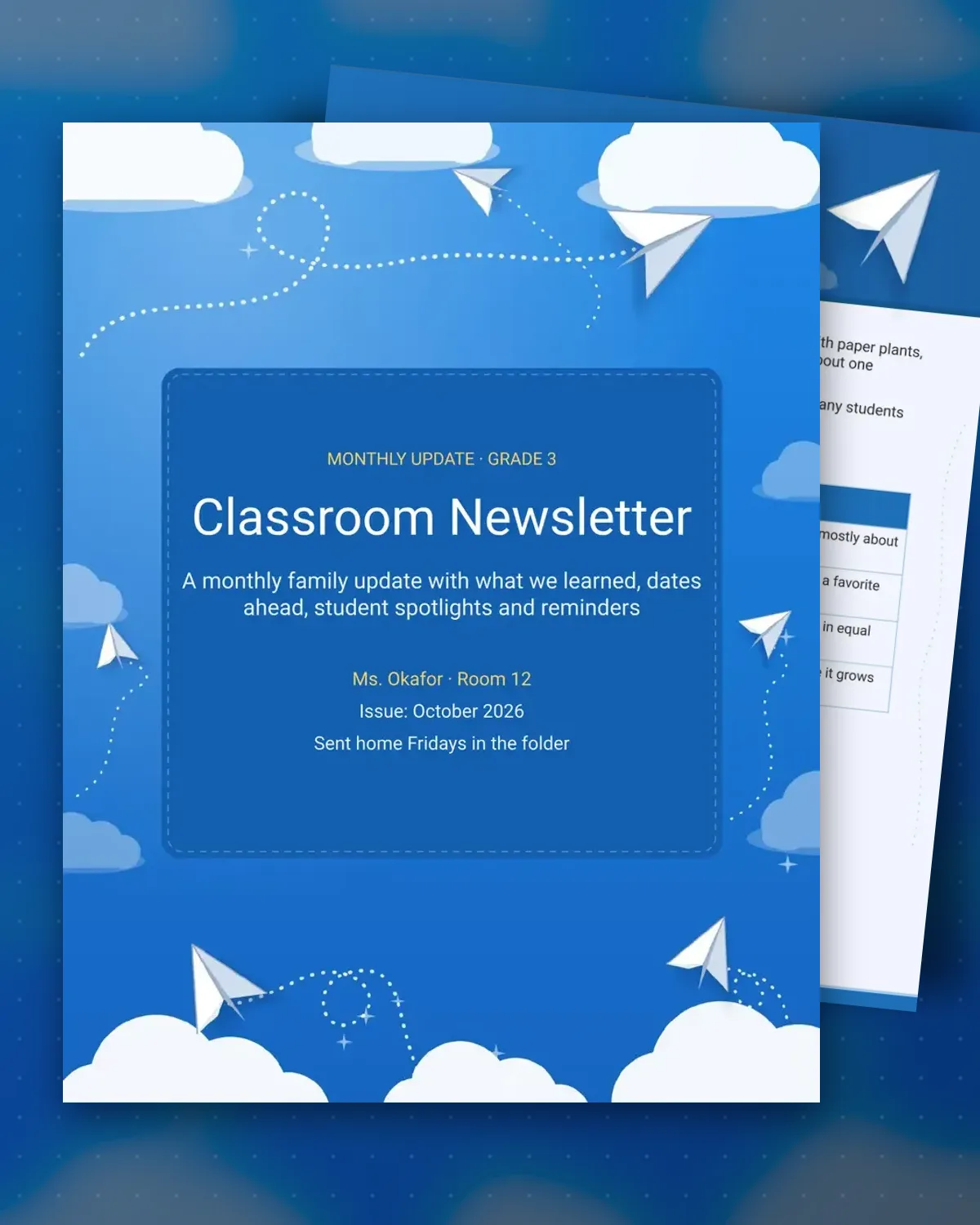
A monthly newsletter keeps families part of the classroom even when they cannot visit. This template starts with a short paragraph on what the class studied, then a table of subjects with a try-at-home idea for each. Families see the learning and know how to talk about it at dinner.
The second page holds the calendar, student spotlights and reminders, so the newsletter becomes the one place families check each month. Keep the spotlight rotation fair and use plain language. Update the dates each month and send the file home on the same day every time.
Make a copy in Google Docs, or download the Word file.
Type over the sample text with your own details.
Delete the guide page when you are done.
Print it, or save it as a PDF.
A monthly rhythm suits most classes. Send a short weekly reminder in the class app if you need to cover something urgent between issues.
Rotate the spotlight so every student is named over the year. Use first names and a short reason, and check any photo policy before adding pictures.
Yes. The layout uses light shading and clear table lines, so it prints well on a school printer. Keep color for the cover or the dates table.
Docs + Word3 pages
Free
Docs + Word3 pages
Free
Docs + Word3 pages
Free
Docs + Word3 pages
Free
Docs + Word3 pages
Free
Docs + Word3 pages
Free
Docs + Word3 pages
Free
Docs + Word3 pages
Free
Docs + Word3 pages
Free
Docs + Word3 pages
Free
Docs + Word3 pages
Free
Docs + Word3 pages
Free
Docs + Word3 pages
Free
Docs + Word3 pages
Free
Docs + Word3 pages
Free