
Annual Report
Docs + Word6 pages
FeaturedFree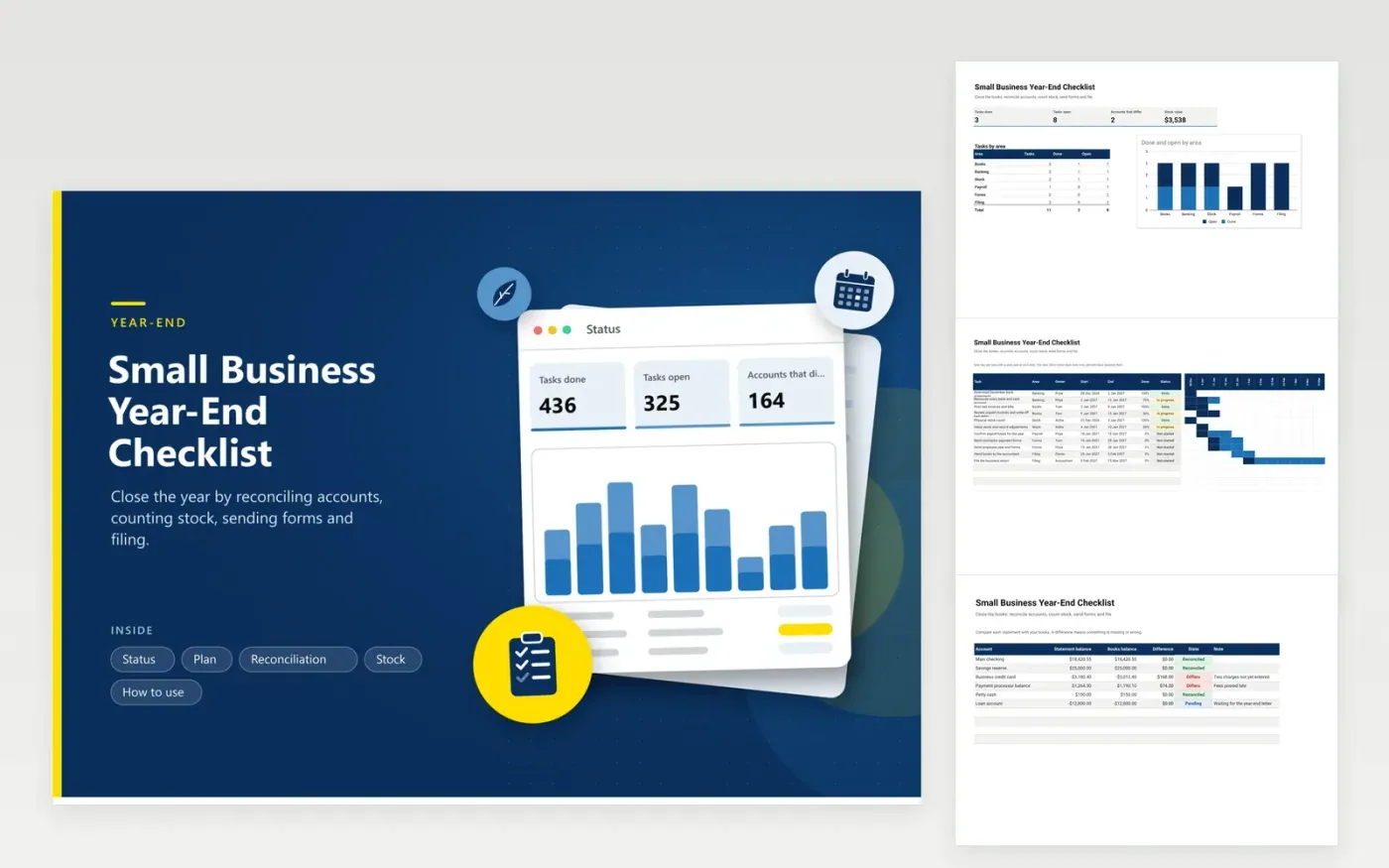
Owners and bookkeepers use this small business year-end checklist to close the year in an orderly way. The Plan tab is a timeline of tasks with owner, start and end dates and percent done. The Reconciliation tab compares each statement balance with the books and flags differences. The Stock tab values the counted items. The Status tab counts tasks in each area and the accounts that still differ.
Add tasks early and set a realistic date with one person in charge of each task. Work through reconciliation first, because later steps depend on right balances. Count stock on a quiet day and write unit costs the same way every year. Send the finished workbook to your accountant along with the bank statements.
Click Make a copy in Google Sheets, then confirm on the Google page. The copy is saved to your own Google Drive.
Start on the Plan tab: replace the sample rows with your own.
Keep the formula columns as they are; they fill in as you type.
Read the How to use tab for tips. For Excel, download the .xlsx file instead.
Reconcile every account, enter late invoices and bills, count stock, confirm payroll totals, send forms to employees and contractors, and give the books to your accountant. The Plan tab turns these into dated tasks.
Compare the ending balance on the statement with the balance in your books. Look for items in one but not the other, such as late charges or fees. Enter what is missing until the difference is zero.
Many businesses count at year-end, on a quiet day, after stopping sales or noting what sold. Count each item twice if you can. Record the count and unit cost in the Stock tab for your accountant.
Docs + Word6 pages
FeaturedFree
Excel
FeaturedFree
Sheets + Excel6 tabs
Free








