
Annual Report
Docs + Word6 pages
FeaturedFree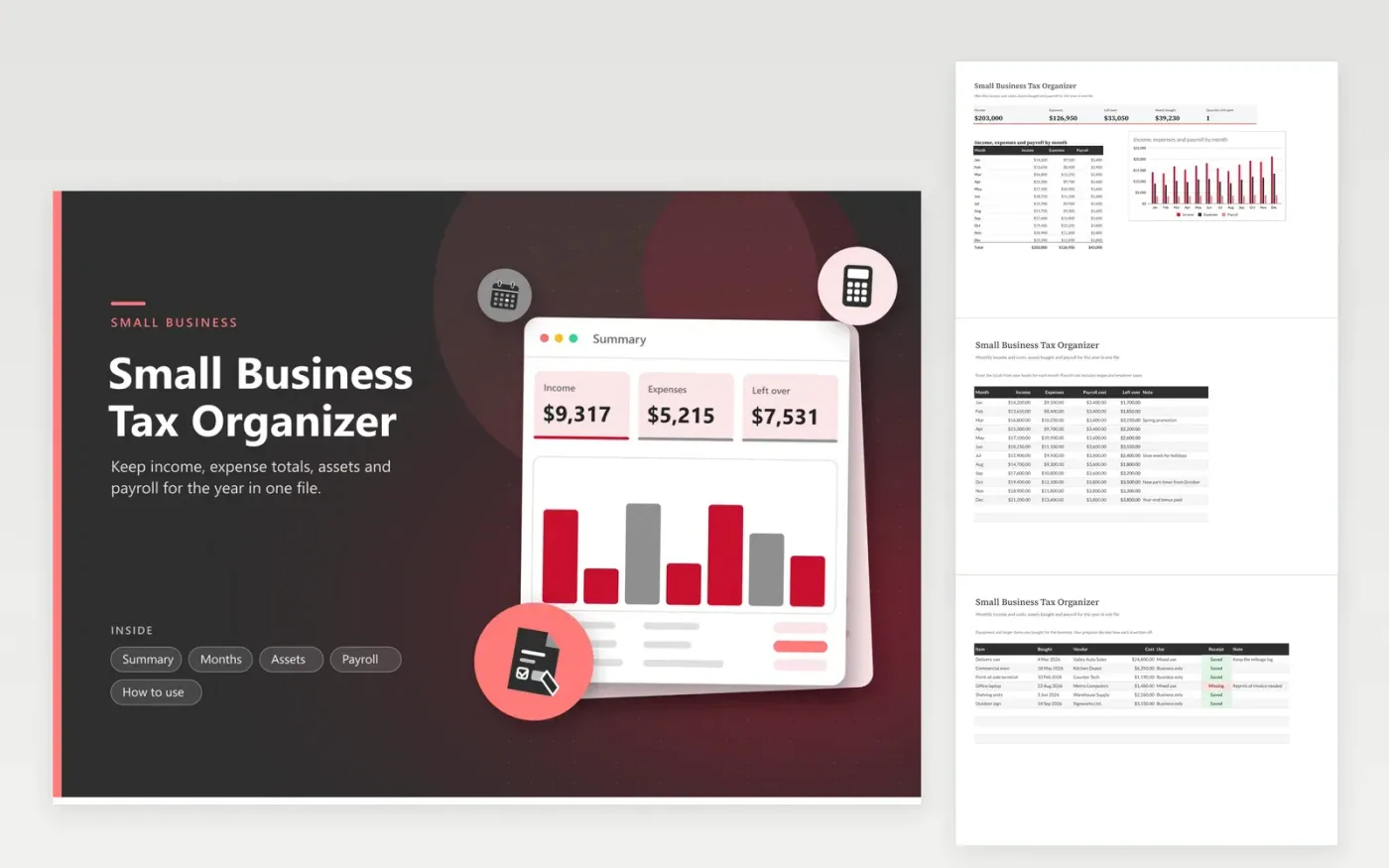
Owners of small shops, studios and service firms use this small business tax organizer to hand an accountant one tidy file. The Months tab holds income, expenses and payroll cost for each month. The Assets tab lists equipment and larger purchases with vendor, use and receipt status. The Payroll tab records wages, withholding, employer taxes and deposits for each quarter. The Summary charts the months and shows what is left over.
Fill in the Months tab as soon as you close each month, not at year-end. Add equipment to the Assets tab when you buy it, and mark whether it is business-only or mixed use. If your payroll deposits do not match the figures on your quarterly filings, correct them now while the records are fresh.
Click Make a copy in Google Sheets, then confirm on the Google page. The copy is saved to your own Google Drive.
Start on the Months tab: replace the sample rows with your own.
Keep the formula columns as they are; they fill in as you type.
Read the How to use tab for tips. For Excel, download the .xlsx file instead.
Keep income records, proof of every expense, receipts for equipment, payroll records and bank statements. The IRS lists how long to keep each kind, so check its current guidance. This workbook gathers the totals and the asset list in one place.
Close each month, enter the totals, list new equipment as you buy it and fill the payroll figures every quarter. Then send the file with your bank statements. A clear monthly picture saves the accountant time.
Wages and employer taxes are costs of running the business. The Months tab keeps them in their own column so you can see them apart from other expenses. Ask your accountant how to report them on your return.
Docs + Word6 pages
FeaturedFree
Excel
FeaturedFree
Sheets + Excel6 tabs
Free








