
Annual Report
Docs + Word6 pages
FeaturedFree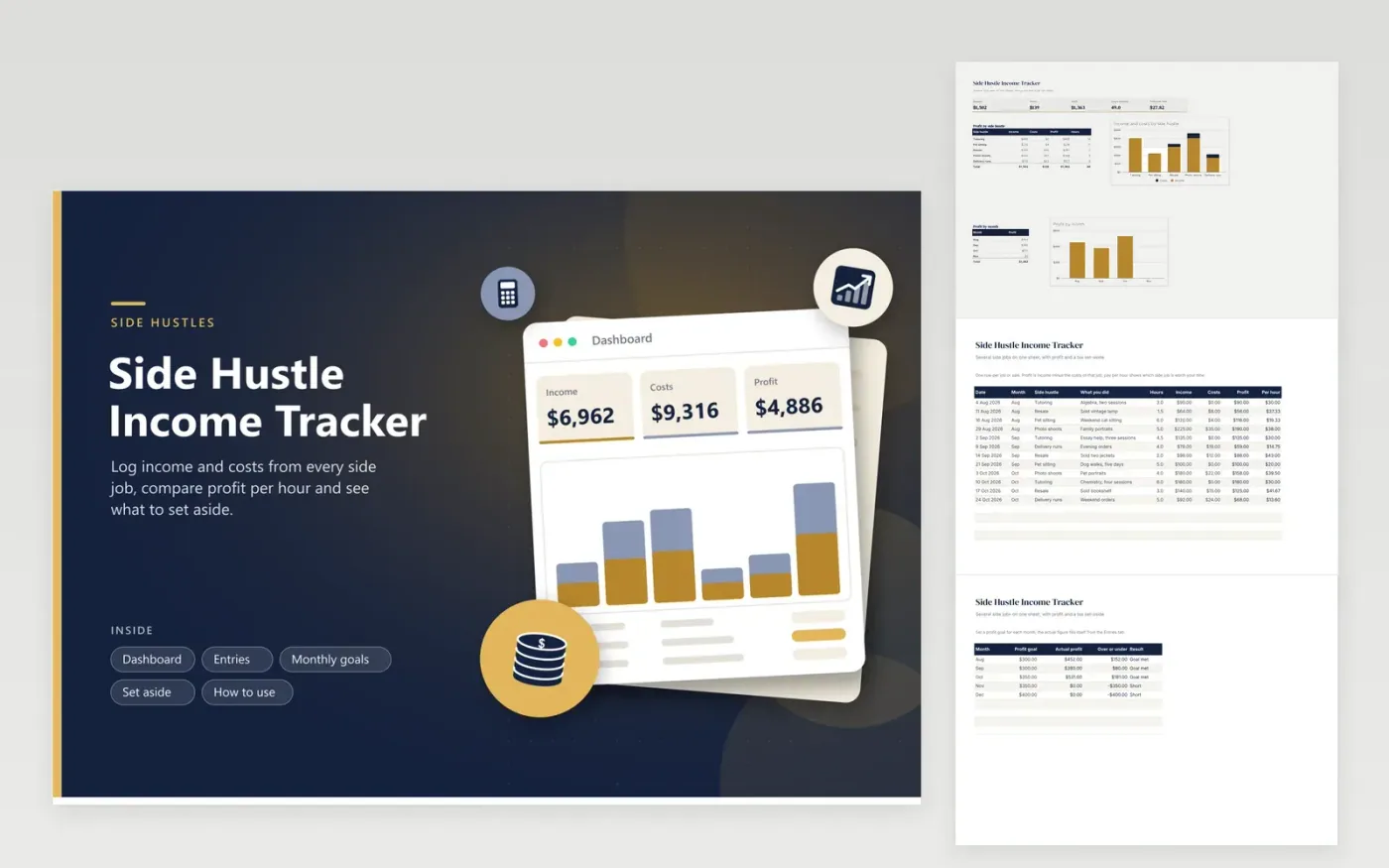
People who tutor, resell, pet-sit, photograph or deliver on the side use this sheet to keep every gig in one place. The Entries tab takes one row per job with income, costs and hours, then shows profit and pay per hour. The Monthly goals tab compares each month's profit with a goal you set. The Set aside tab turns profit into an amount to keep apart. The Dashboard compares the hustles side by side.
Log each job soon after it ends so the hours are accurate. A side job with high income but long hours may pay less per hour than a small one, and the Dashboard makes that easy to see. Keep the set-aside share in a different bank account if you can. Give the totals to a preparer, since side income is reported differently from wages.
Click Make a copy in Google Sheets, then confirm on the Google page. The copy is saved to your own Google Drive.
Start on the Entries tab: replace the sample rows with your own.
Keep the formula columns as they are; they fill in as you type.
Read the How to use tab for tips. For Excel, download the .xlsx file instead.
Use one row per job with a column that names the hustle. Profit by hustle on the Dashboard then adds each one separately. Keep the same names in the list so the totals match.
In general, income from side work is reportable even when no form is sent to you, but rules depend on where you live and what you earn. Check IRS or CRA guidance and get a tax professional's view on your own case.
There is no single percentage that fits everyone. The Set aside tab lets you choose a share and see the amount it produces. A tax professional can help you pick a share based on your other income.
Docs + Word6 pages
FeaturedFree
Excel
FeaturedFree
Sheets + Excel6 tabs
Free








