
Annual Report
Docs + Word6 pages
FeaturedFree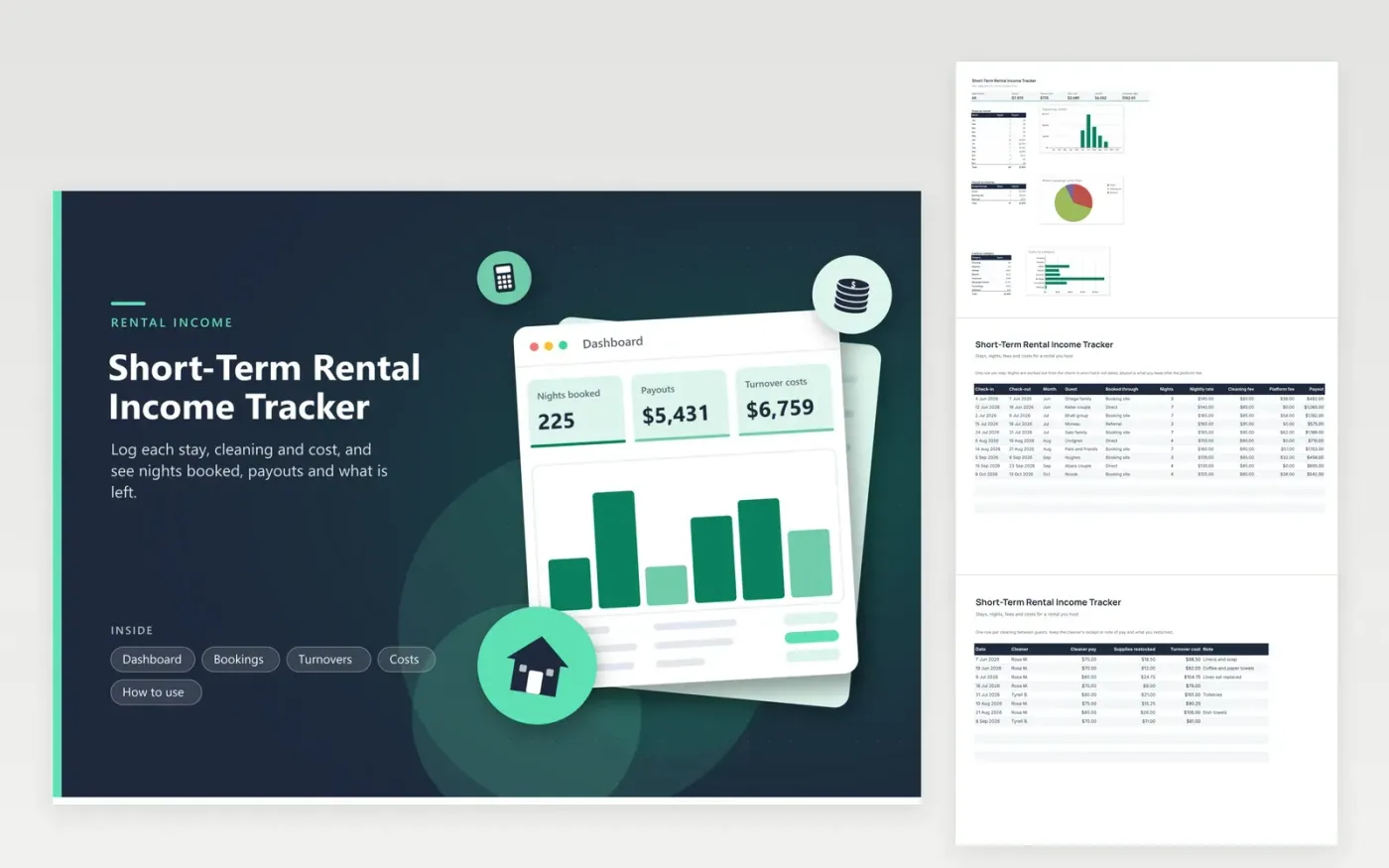
Hosts of vacation rentals, guest suites and cabins use this tracker to see what a rental really brings in. The Bookings tab records each stay and works out the nights and the payout after the platform fee. The Turnovers tab holds each cleaning and what you restocked. The Costs tab lists utilities, repairs and insurance, and the Dashboard shows payouts and nights by month, bookings per channel and costs per category.
Enter a stay when it is confirmed and fix the fee when the payout statement arrives. Keep the cleaner's note or receipt for each turnover. Record only the share of a cost that belongs to the rental if you also live in the property. Before filing, show a tax professional the totals, since how rental income is reported depends on how often and how long you rent.
Click Make a copy in Google Sheets, then confirm on the Google page. The copy is saved to your own Google Drive.
Start on the Bookings tab: replace the sample rows with your own.
Keep the formula columns as they are; they fill in as you type.
Read the How to use tab for tips. For Excel, download the .xlsx file instead.
Keep each booking with its dates, amount and fees, receipts for cleaning and repairs, utility and insurance bills, and the number of days the home was rented and used personally. This workbook holds the figures; keep the receipts in a folder for the year.
Add one row per stay on the Bookings tab with the nightly rate, cleaning fee and the fee taken by the booking site. The payout column shows what you receive, and the Dashboard totals it by month. The IRS explains how rental income is reported, so read its current pages.
Yes. The fee sits in a separate column, which shows gross booking value and net payout. Fees match the statements from each booking site, which makes them easy to confirm at year end.
Docs + Word6 pages
FeaturedFree
Excel
FeaturedFree
Sheets + Excel6 tabs
Free








